80 Medit T-series User Guide
▷ Equipment Usage
Make sure that the device does not get any shocks.
Do not turn off the scanner during use.
Do not block open spaces on the device while using it.
If you see smoke or feel smell coming out of the device, turn it off immediately, disconnect the
cables and contact the manufacturer.
Unplug the power cable if the device is unattended or not in use for a long time.
If there is a problem, do not disassemble or assemble the product on your own. After the
confirmation of problem, please contact your local manufacturer for repair.
Please do not modify the product.
If the equipment fails to operate normally, such as having issues with accuracy, stop using the
product and contact the manufacturer or authorized resellers.
Access should only be made while the moving part is not working.
(When turning the scanner on, when placing a model, when turning off the scanner, etc.).
Do not touch the moving parts during scanning and maintain a distance (1.5 M) from the product.
Do not position the equipment so that it is difficult to disconnect it.
If the equipment is used in a manner not specified by the manufacturer, the protection provided by
the equipment may be impaired.
Do not place objects over 1.5 kg on the moving part.
In case there is an error during the scanning process, it will be automatically stopped and the LED
indicator light on the scanner will turn red.
➢ If the LED indicator light on the scanner turns red, press the ‘Initialize Axes’ button in Medit
Scan for Labs to fix the problem.
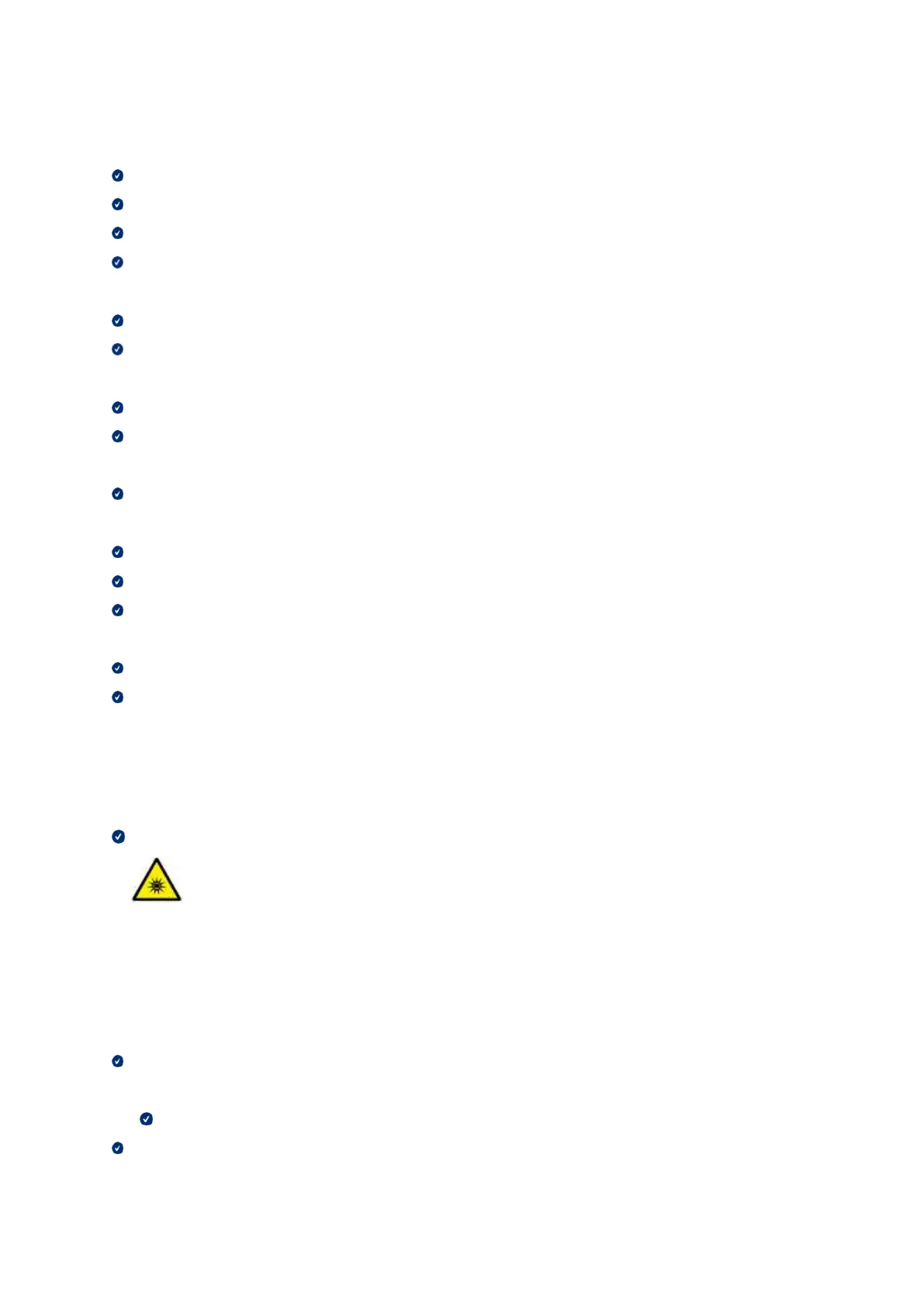
LED Caution
Risk Group 2
Possibly hazardous optical radiation. Do not stare at the lamp for longer periods of the during
operation. Can be harmful to the eyes.
▷ Maintenance
If the device was not in use for a long time, please make sure it is properly installed and calibrated
before reusing it. (The recommended calibration period is one month.)
Please check if the device is taking scan data properly.
Clean the equipment regularly with a dry cloth to avoid getting water inside the equipment.



 To Next Page