29
FRAX Software
© 2011 Megger Sweden AB
4.1.1.2
Nameplate
If you select "Quick Test" or "Multiple Sweeps" in the "Measurement type" dialog, an almost
empty nameplate will appear. The "Test date:" is by default filled in with your PC system
date. Please fill in the Nameplate (no field is required). Press "OK". Note that you can always
add or change information to the "Nameplate" by clicking the Edit Nameplate button. This
feature makes it possible to add notes during measurement.
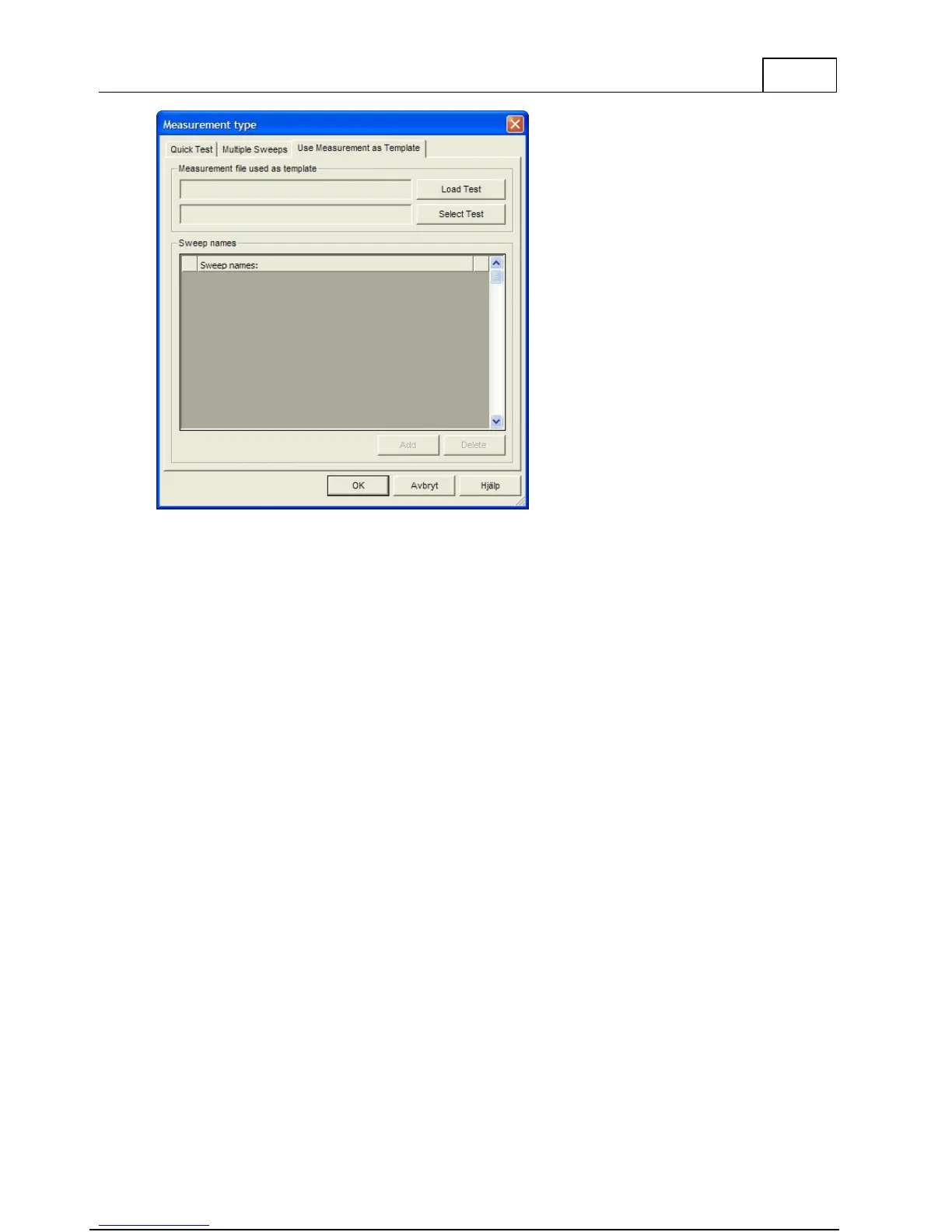
If "Measurement type" "Use Measurement as Template" is selected, the data from the selected
file is entered automatically, except the test date that is filled in with your PC system date.



 To Next Page