30
FRAX User's Manual
© 2011 Megger Sweden AB
4.1.1.3
Save As
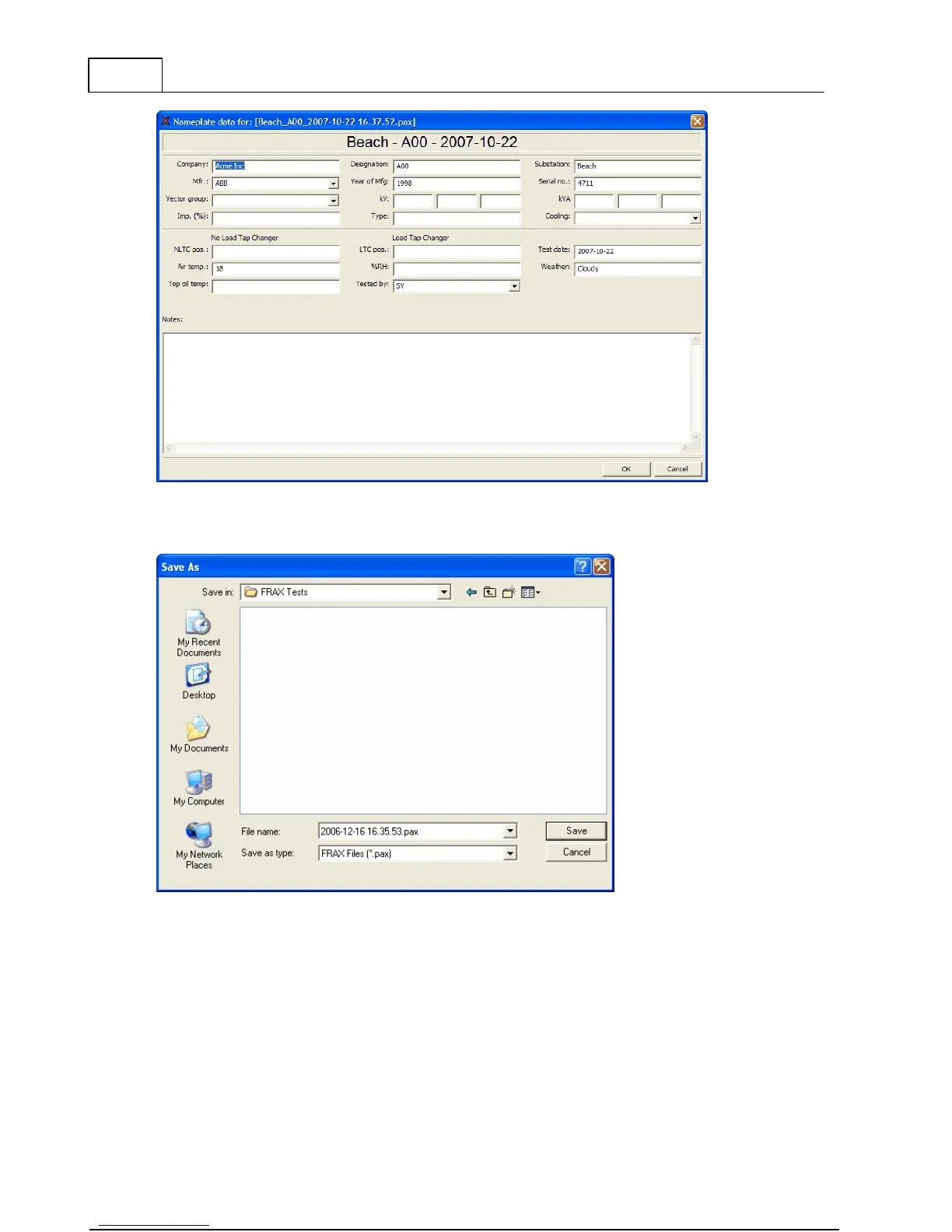
The "Save As" dialog suggests a file name based on your selected format that you have
chosen in configuration menu, submenu Default Filename Settings. The default directory will
be
My Docum ents
on first start and then the directory you used last time. You can change the
file name to a name of your choice and save the file in a directory of your choice. The file
extension will always be ".frax". Click the "Save" button or hit the "Enter" key.



 To Next Page