31
FRAX Software
© 2011 Megger Sweden AB
Note: When you save the file to the
My Docum ents
folder it will only be accessible for you. If
several persons share the same computer and need to be able to view each other's
measurements it is a good idea to instead save files to a common folder such as the
C:
\Docum ents and Settings\All Users\Docum ents
directory.
4.1.2 Load Test... (Ctrl+L)
Loads a previously performed measurement into the graph view. The default directory will
be
My Docum ents
on first start and then the directory you used last time.
The FRAX software comes with a few examples of actual SFRA measurements as well as a
reference measurment using the FTB-101. They are located in the installation folder, usually
C:
\Program Files\Megger\F RAX\M easurem ent exam ples
4.1.3 Select Test... (Ctrl+F)
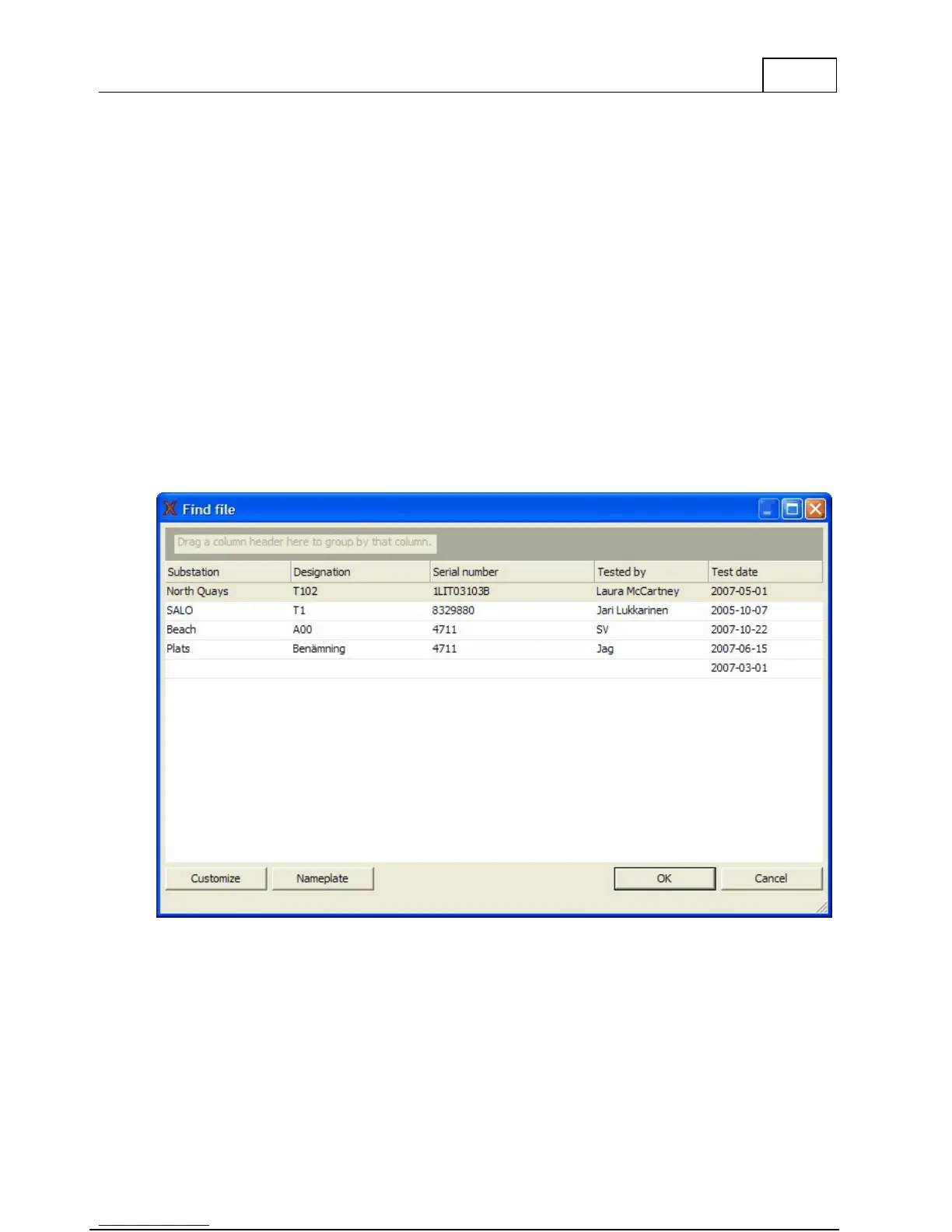
Find a previously performed test in the test database and load it into the graph view.
A dialog showing the files in the database will be shown.
By clicking on the column headings (Substation, Designation and so on) you can sort the list
alphabetically according to that entry.
You can change the order of the columns by dragging the column header to your desired
position or drag them away to remove them. To add more headings click on the Customize



 To Next Page