32
FRAX User's Manual
© 2011 Megger Sweden AB
button for a list.
To see the full nameplate of a test click the Nameplate button.
To group the tests according to any heading by dragging it into the gray area at the top.
The FRAX indexer works in the background and checks all monitored directories for new or
changed files. When you open a file from a directory that is not indexed you will get a
question if you want this directory to be indexed. If it is a directory with valid measurements
you should answer yes if you want those files to show up in the Select Test database.
4.1.4 Close Test (Ctrl+I)
The measurement that is selected in the test browser is closed if "Close File" in the "File
menu", or Ctrl+I is selected,
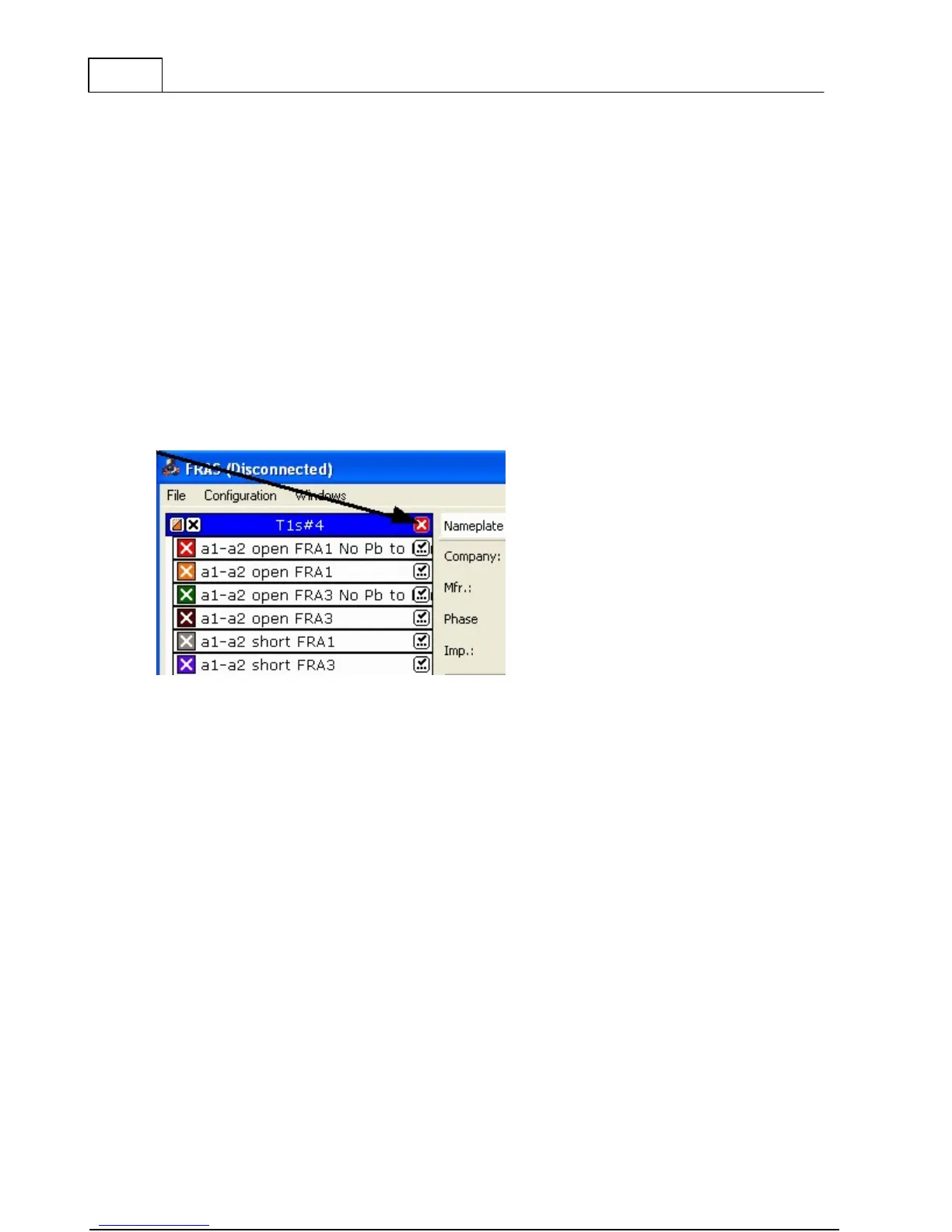
A Measurement can also be closed by clicking the right hand side right corner of the legend.
See arrow in picture below.
4.1.5 Report
The Report uses Microsoft Word as report generator. It will only work if you have Microsoft
Word installed on your computer.
The FRAX150 does not come with MS Word installed and due to the limited hardware it
should not be attempted. For making reports on the FRAX150 we recommend either using
the print function or copy the file to a USB memory and transfer it to your desktop PC for
analysis and report.



 To Next Page