34
FRAX User's Manual
© 2011 Megger Sweden AB
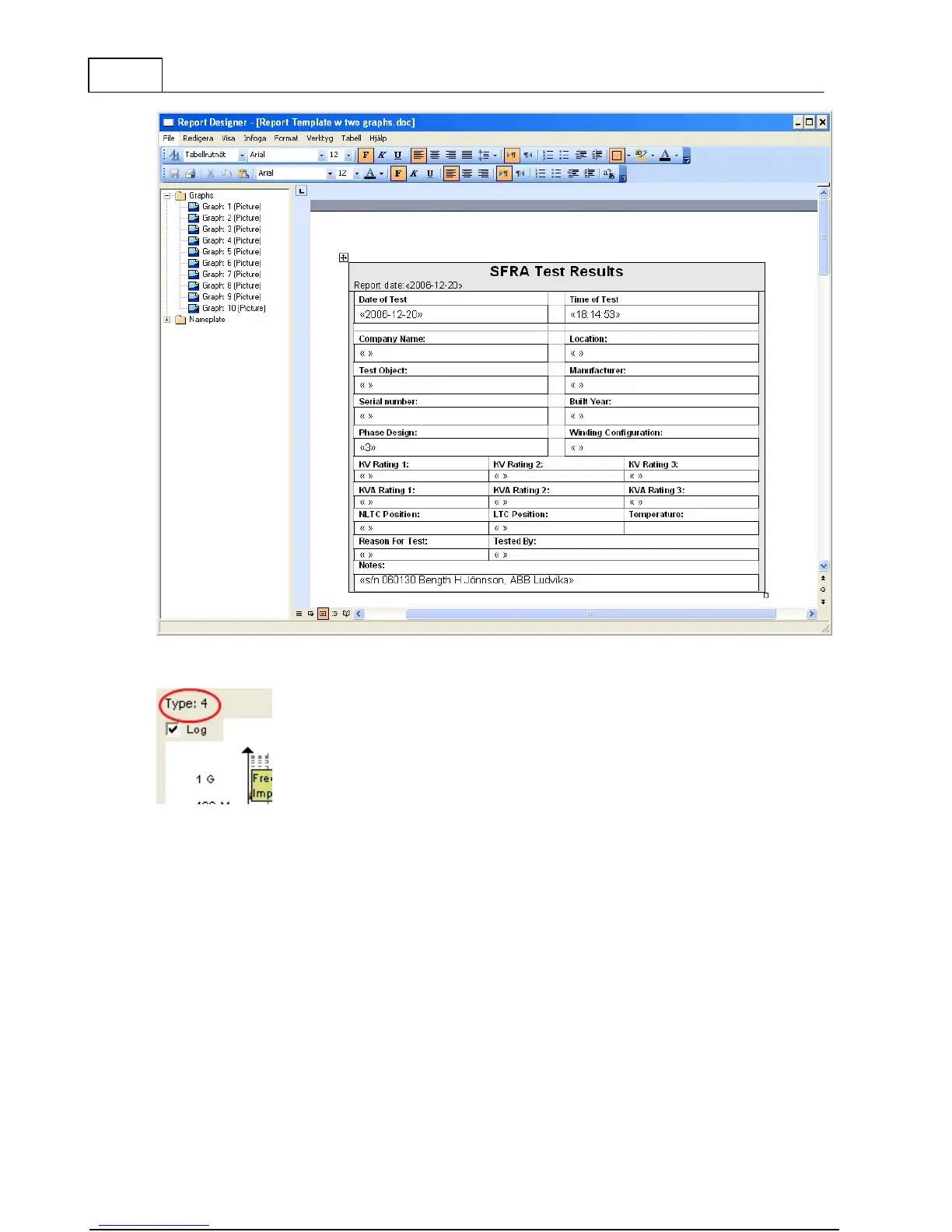
The graph number in the report designer corresponds with the type number of the graph. The
easiest way to get the type number is to look at the top left corner of the graph view.
To get the curves on the report you will also need to have them in the FRAX software. Make
sure both models and views are loaded.
4.1.6 Export... (Alt+E)
Activate the function by clicking the Export button or selecting Export in the menu. A "Save
As" dialog will be displayed so you can specify where to store the file. The drop down box
allows you to choose what type of export you want to make. If you don't add a file extension
it will be added, i.e. .txt for a column type export and .xfra for a CIGRE Brochure 342 file.



 To Next Page