27
3.10 Repair code
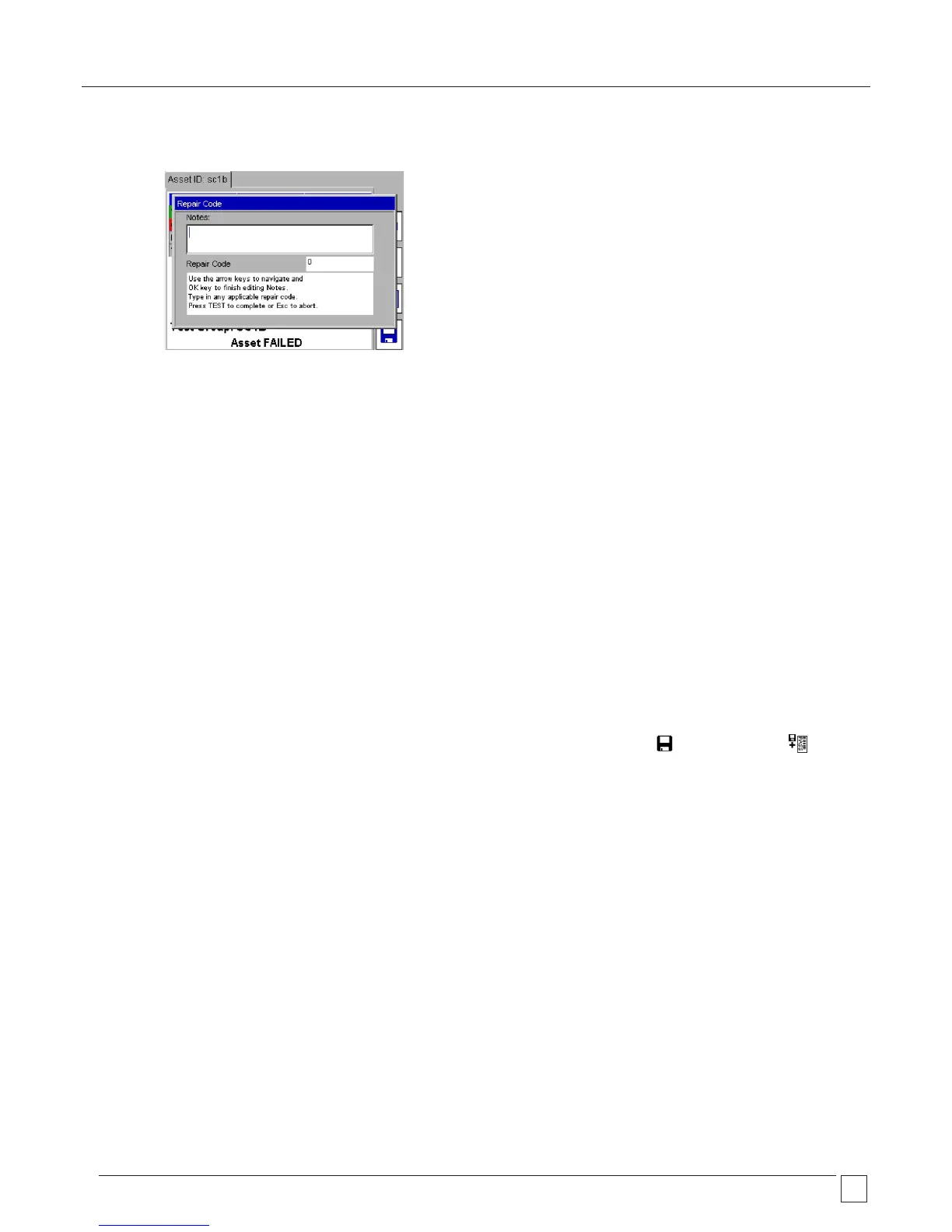
A repair code can be entered at the completion of testing. To enter a repair code:
.1 Press the Hotkey and the following popup appears:
.2 Enter any notes as appropriate then press OK, followed by the DOWN arrow.
.3 Enter an appropriate repair code. Examples of the repair codes used in PowerSuite are given below:
Code Description
1 Replace internal fuse.
2 Refit plug
3 Refit socket
4 Replace cable
5 Renew 415 V 5 pin 16 A
6 Renew 415 V 4 pin 32 A
7 Renew 415 V 5 pin 32 A
8 Renew IEC connector 6 A
9 Renew IEC connector 10 A
10 Renew IEC connector 16 A
11 Replace Main Switch
12 Replace Fuse Holder
13 Replace Missing Screws
Code Description
14 Replace Warning Labels
15 Renew 2core 1.00mm
2
flex
16 Renew 2core 1.50mm
2
flex
17 Renew 2core 2.50mm
2
flex
18 Renew 3core 0.75mm
2
flex
19 Renew 3core 1.00mm
2
flex
20 Renew 3core 1.50mm
2
flex
21 Renew 3core 2.50mm
2
flex
22 Tighten Cord Restraints
23 Replace Control Knobs
24 Tighten Case Fixings
25 Replace Indicator Lamps
26 Replace Case Parts
On completion of the repair code screen press the TEST key to log the changes, then press the SAVE or SAVE and PRINT Hotkeys
to store the results.










 To Next Page