58
11. PAT400 enhancements: Firmware release V2.40
The PAT400 now includes the following additional features:
• Multiple operator accounts
• Login (PIN) facilities
• Security levels (Supervisor/User accounts)
• Experience levels (Expert mode)
• Reverse polarity earth leakage testing
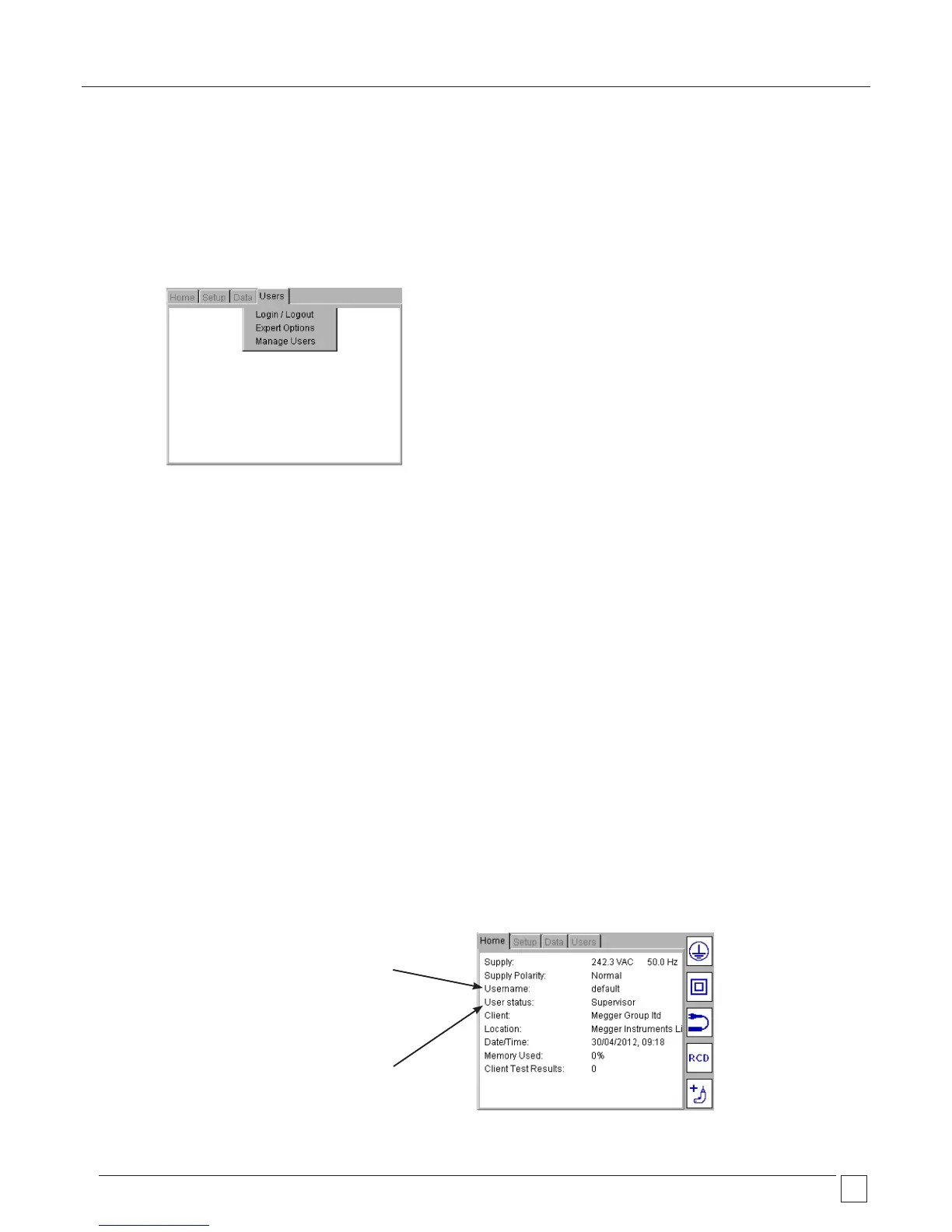
The additional functionality is located under the new “Users tab” in the menu options as below:
11.1 User names, account status and Login
The PAT400 supports single or multiple operators. Each operator can be allocated a User Name (mandatory) and a PIN (optional) and is
referred to as an “ACCOUNT”.
There is a maximum limit of 100 accounts.
Each account name is limited to 25 characters.
When used with the Bar code printer (optional accessory 1001-046) the user account name will appear on the printed barcode label.
PIN numbers are fixed at 4 numbers, using only numbers 0 to 9.
An account can have “Supervisor” or “User” status. See Managing Accounts section 11.3.
An account can have “Expert Options” privilege. When this mode is enabled in the “Expert Options menu, all “advisory messages” are
removed during the testing sequence and consequently reduces test times. See Managing accounts section 11.3.
There must always be a minimum of one account. This account will always have “Supervisor” status.
The PAT400 is shipped with one account with the User name “default” as shown in the Home page below.
PIN password is not enabled on the PAT400 as shipped from the factory. This allows the PAT400 to power up and the operator to start
testing without the need for any configuration or Log in.
The default account can be changed or additional accounts added as required, see sections 11.3 Managing accounts, 11.3.4 Adding
Accounts and 11.3.5 Deleting accounts.
Username:
This can be changed as required
Additional users can be added
Maximum field length - 30
User status:
Indicates the level of control and
configuration available to the operator










 To Next Page