57
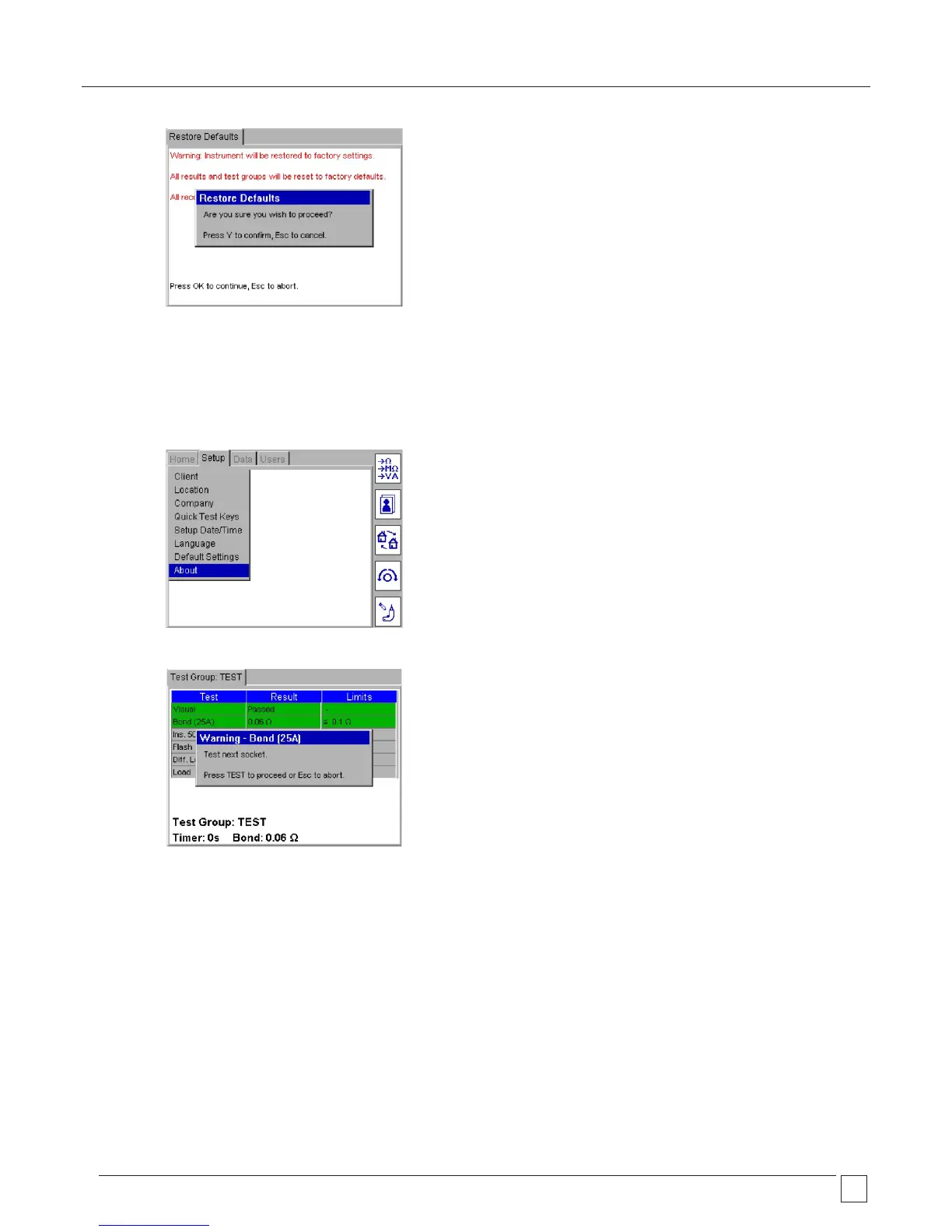
5) The PAT400 will then reboot with the default settings.
10.8 ABOUT - PAT400 software version and Megger contact details
To select the product information and Megger contact details:
1) Using the RIGHT ARROW key, select SETUP in the top menu option, then the DOWN arrow to select ABOUT option.
2) Press OK to access the ABOUT screen.
3) To exit the ABOUT screen press Esc.










 To Next Page