12
2. Getting started
2.1 Switching ON the PAT400
1) Connect the instrument to a suitable electrical supply, either 230 Vac (or 110 Vac for UK instruments).
For testing 230 V electrical equipment, connect the PAT tester to a 230 V electrical outlet.
For testing 110 V electrical equipment, connect the PAT tester to a 110 V electrical outlet, using the optional 110 V to 230 V supply
lead adaptor. Refer to section 3 for further details.
The appliance tester will automatically start when connected to the mains supply.
IMPORTANT: DO NOT connect any equipment to the PAT tester until it has been switched on and passed its self test.
Connected equipment will create a relay error and necessitate restarting the PAT tester.
Power should be disconnected and reconnected.
2.1.1 Start up- initialisation
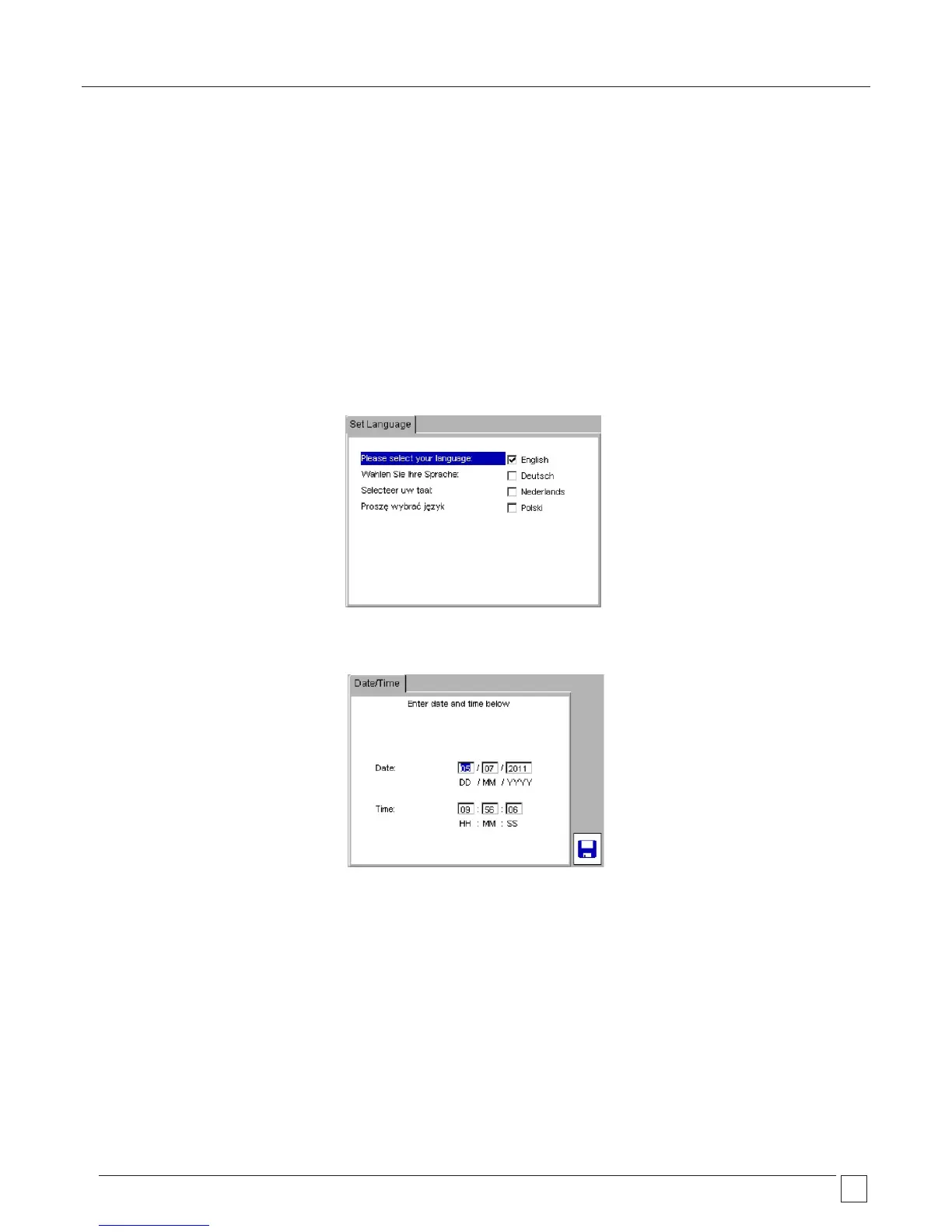
The first time the PAT tester is started the instrument will ask for the operating language, time and date to be set.
1) Use the UP/DOWN arrows to select the operating language from the options listed.
2) Press OK when complete
3) Using the RIGHT/LEFT and OK keys to enter the date and time
Date format is DD / MM / YYYY
Time format is 24 Hr Hr / Min / Sec










 To Next Page