34
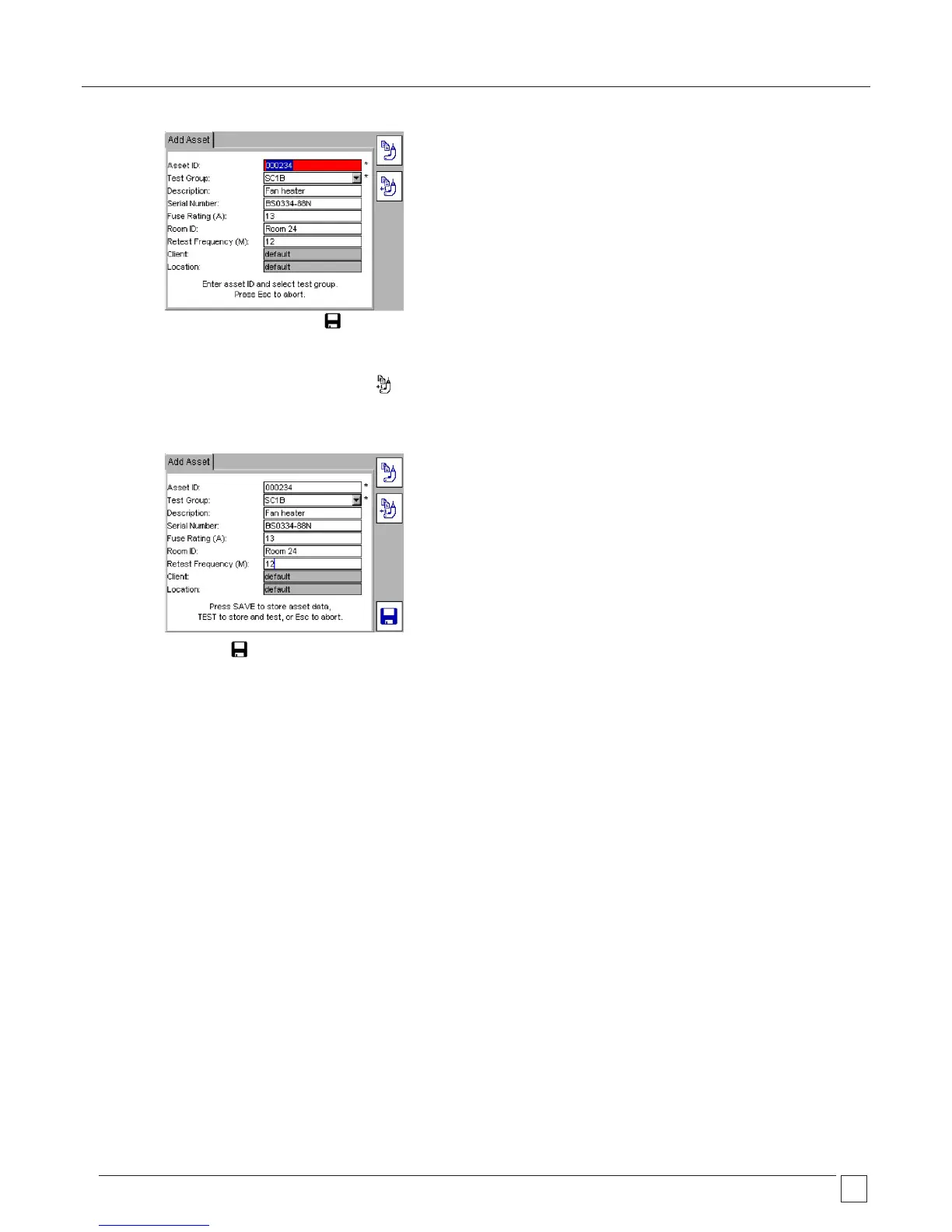
3) Change the Asset ID. The SAVE Hotkey becomes available after the ASSET ID has been changed.
OR
To recall the last asset to the screen and INCREASE the Asset ID by one, press the
COPY ASSET AND INCREMENT ASSET ID Hotkey.
4) Change any other asset information as necessary.
5) Press the SAVE Hotkey to save the ASSET to memory.










 To Next Page