39
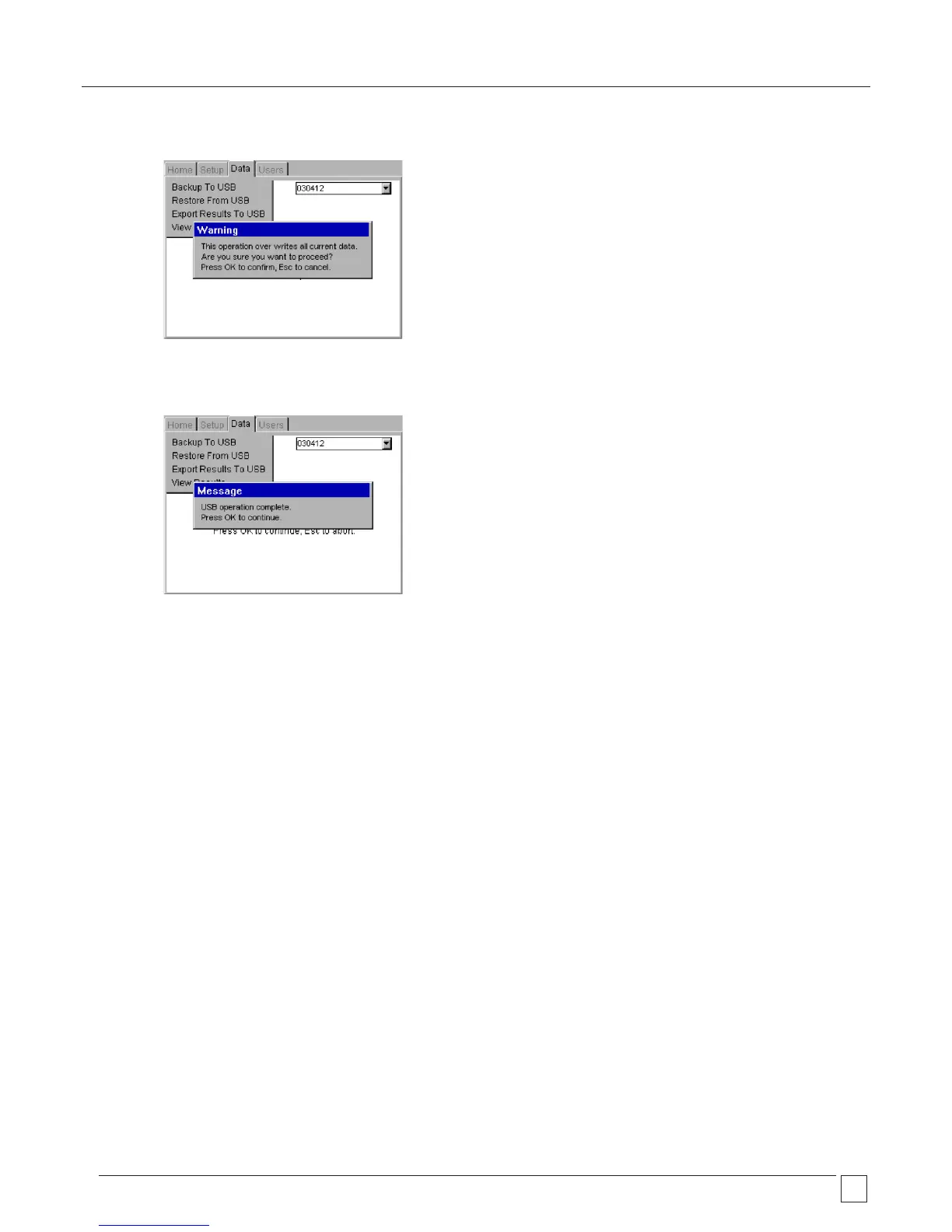
5) Press OK to accept the file for import or restore. The PAT400 will display a message:
6) Press OK to accept the file for import/restore.
7) The file will be imported. On completion a message will be displayed and the buzzer will sound.
DO NOT SWITCH OFF THE PAT400 DURING THE USB OPERATION!
WARNING: Importing or restoring a file will overwrite the existing assets, results, test groups,
clients and locations in the database.
Always ensure existing data has been backed up prior to importing new data.
Note: Databases restored from previous firmware versions will be automatically upgraded. Once upgraded,
the database will no longer be compatible with older firmware versions. To maintain compatibility between
multiple PAT400s upgrade all PATs to the same firmware version.
Databases restored from different PAT models may have tests that are incompatible with the model being
imported into. For example a PAT450 can have Bond testing setup, where PAT410 models do not have this test.
In this case the test will be skipped during testing.










 To Next Page