50
10.1.2 Editing and Deleting Clients
This function should be used to change the details of a Client. If you wish to change to a different client, go to Section 10.1.3 below.
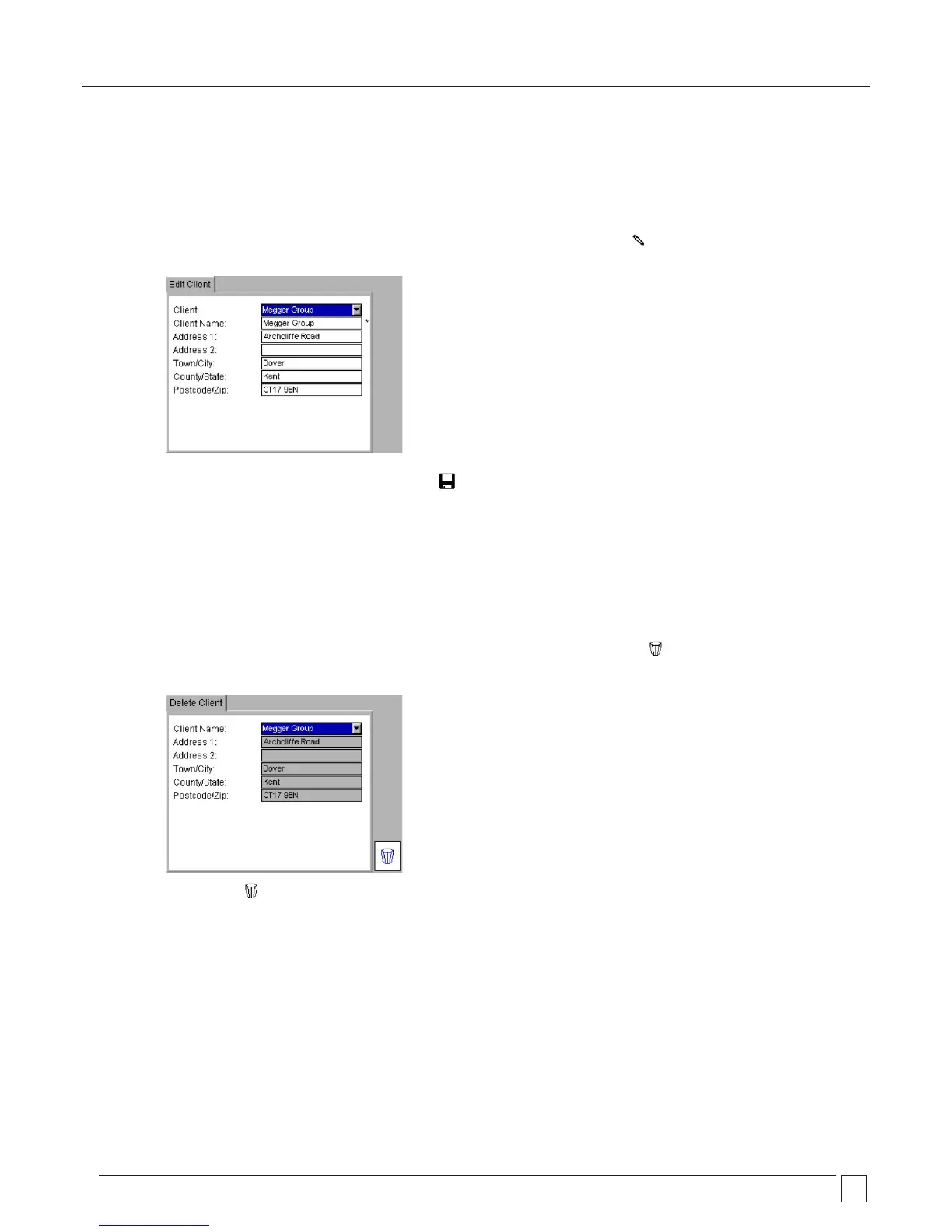
Edit Client:
1) Select CLIENT from the SETUP menu and press OK. In the Client screen select the EDIT Hotkey.
2) Select the desired Client then change the details as required.
3) After the details have been changed press the SAVE hotkey.
Delete Client:
WARNING: Deleting a Client will also delete all assets, locations and test results associated with that Client
1) Select CLIENT from the SETUP menu and press OK. In the Client screen select the DELETE hotkey.
2) Select the desired Client.
3) Press the DELETE hotkey.
4) A popup message will ask you to confirm.










 To Next Page