53
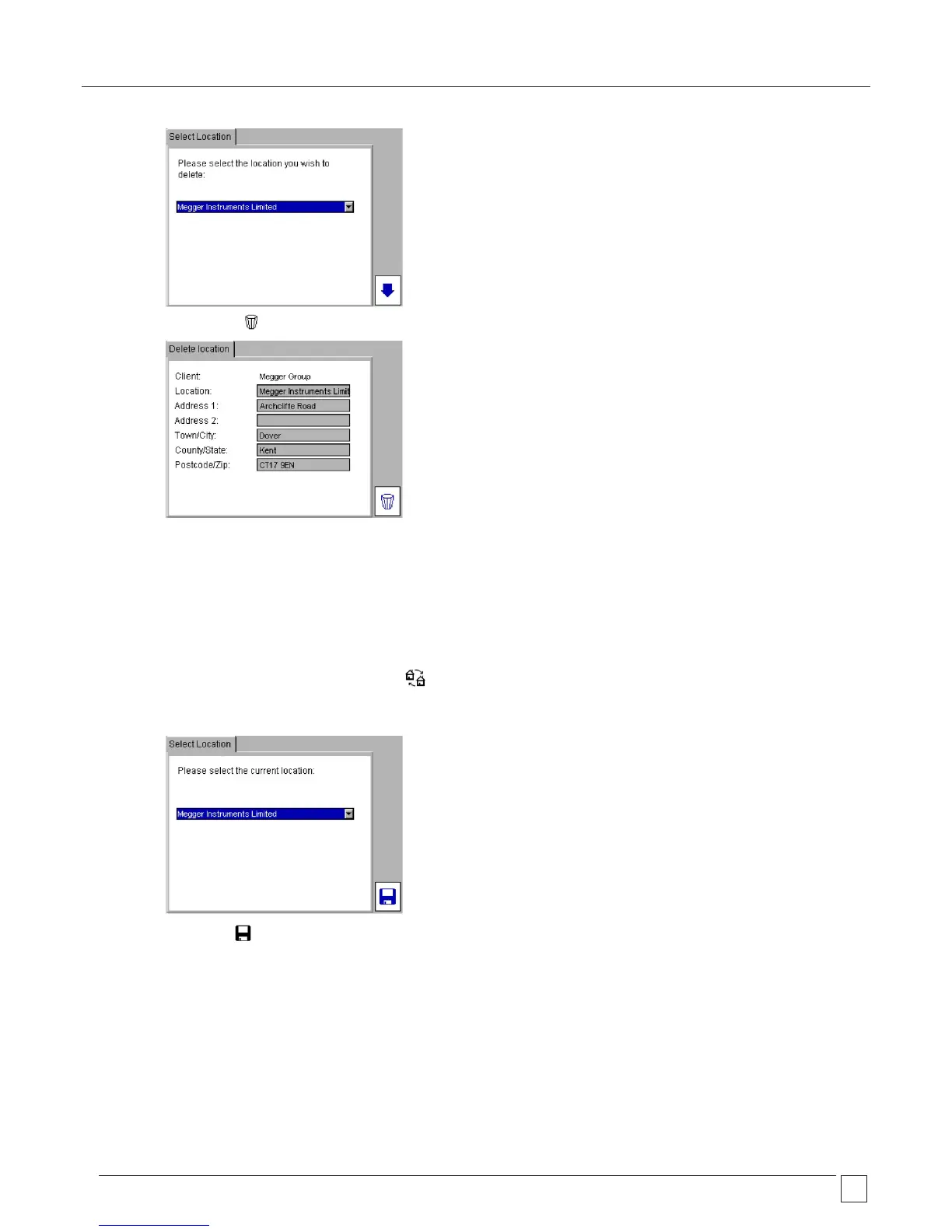
3) Press the DELETE Hotkey.
4) A popup message will ask you to confirm.
10.2.3 Changing Locations
You may only change to a Location in the current client.
1) In the SETUP tab press the SELECT LOCATION Hotkey.
2) Select the desired Location and press OK.
3) Press the SAVE Hotkey to store the changes.










 To Next Page