60
Power-up and login with multiple accounts
To add a PIN to the “default” account, see section 11.3.3 Using PIN numbers.
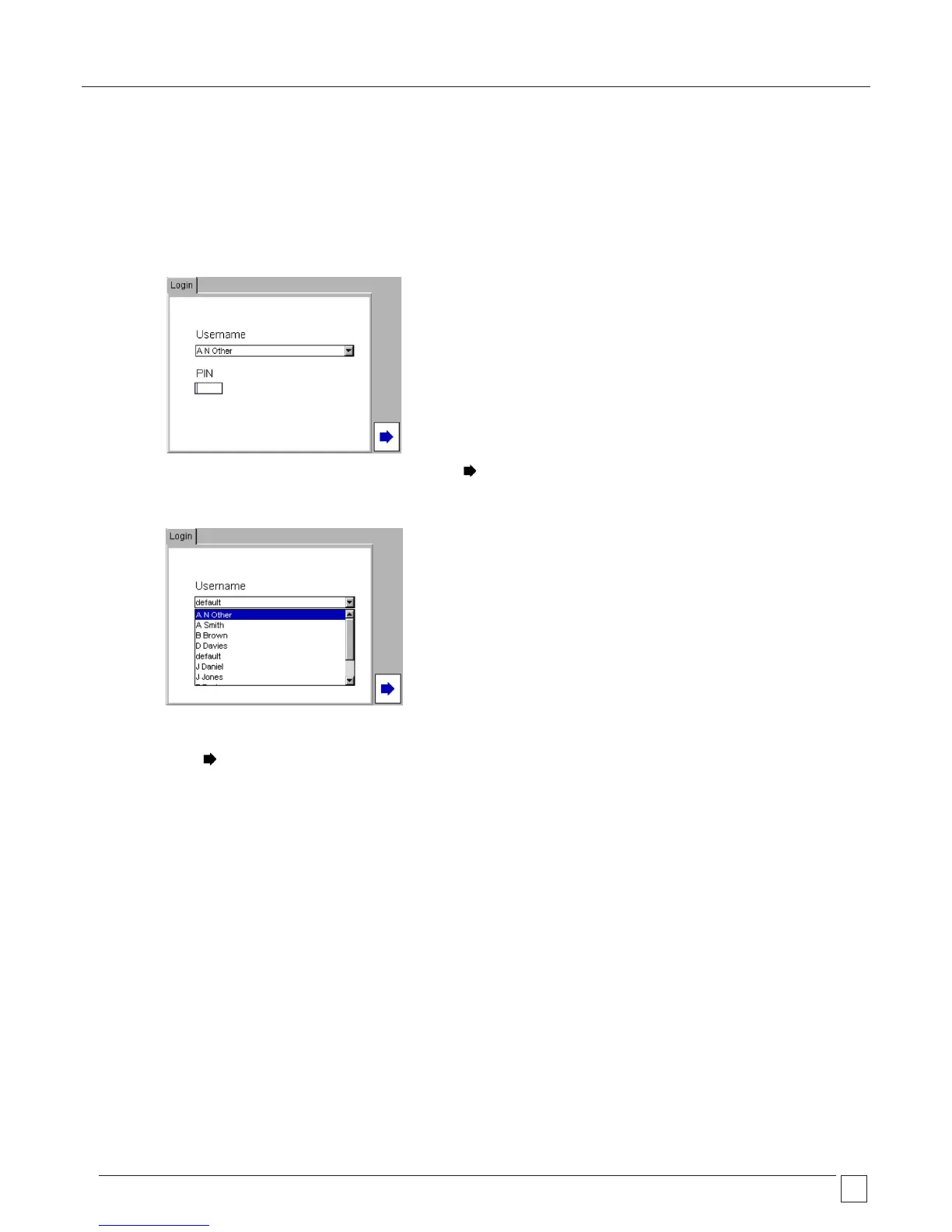
If additional accounts have been created, on power up the login screen will display the login screen
1) The screen will show the last “Username” that was logged into the PAT400
2) Enter the PIN for the “Username” shown, and press the Hotkey and go to (5) below,
Or
Press the UP arrow to highlight the Username field and press OK to show the drop down box of Usernames.
3) Use the UP/DOWN arrows to select the required User name and press OK.
4) Enter the PIN for the new “Username” and
5) Press the Hotkey.










 To Next Page