68
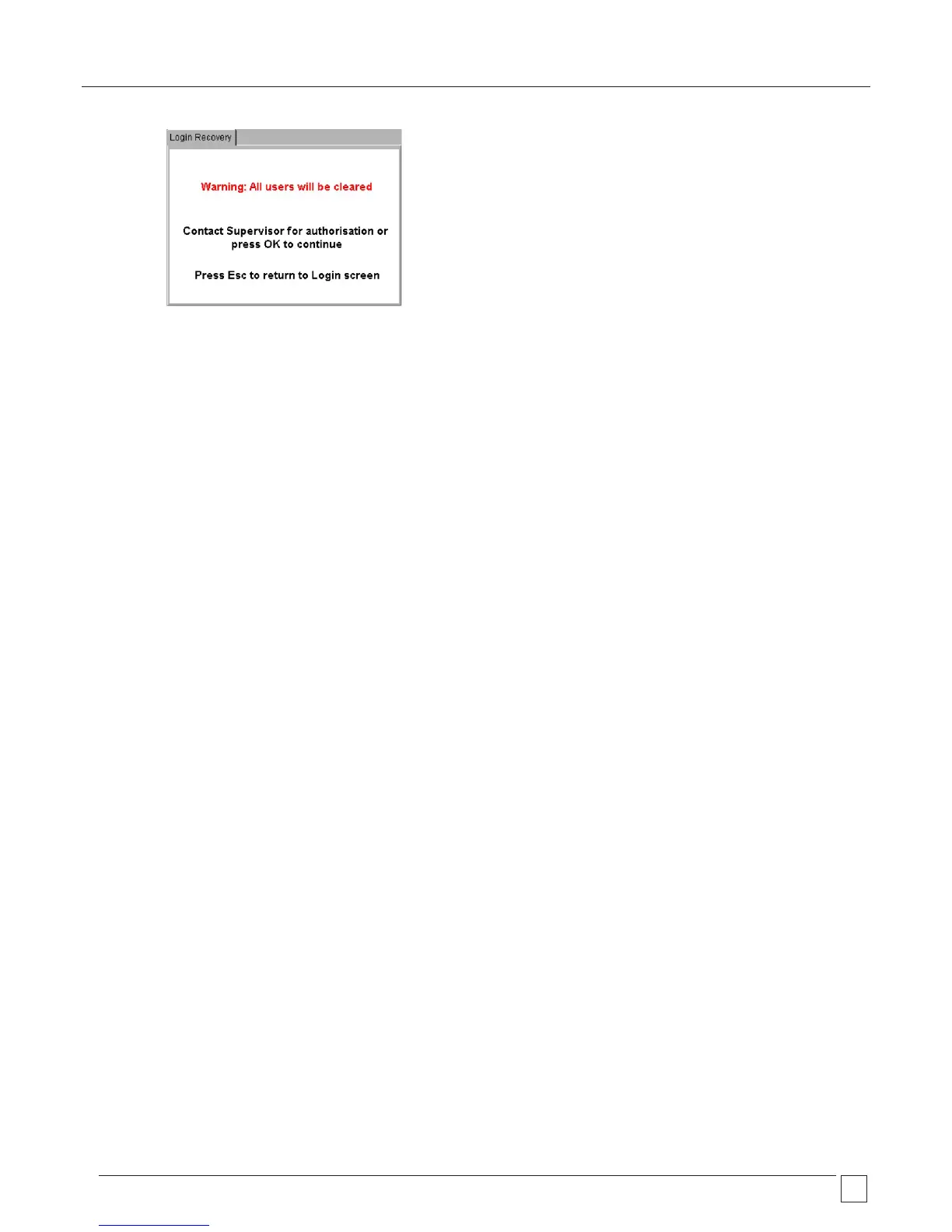
Pressing OK will remove all users from the PAT400 and create a single Supervisor account.
If necessary, contact your supervisor before continuing, or press ESC to abort.
4) Press OK to continue.
5) The display will show a standard warning screen.
6) Press OK after reading and understanding the warnings given.
The PAT400 is now logged into a standard Default user account as a “Supervisor”.










 To Next Page