124 of 289
Color Change Linear Actuator Replacement
The color change linear actuator will show obvious signs such as overheating or electrical burn when it
needs to be replaced in the majority of situations. However, signs such as uneven or “jumpy” movement
noticed when turning the actuator shaft by hand or other troubleshooting tests that indicate that the
actuator has failed are other situations in which replacement is appropriate.
•
This repair requires timing and other adjustments and can only be done by an authorized ser-
vice technician.
Replacement Part Needed:
• Actuator, Linear, Color Change
Replacement Procedures:
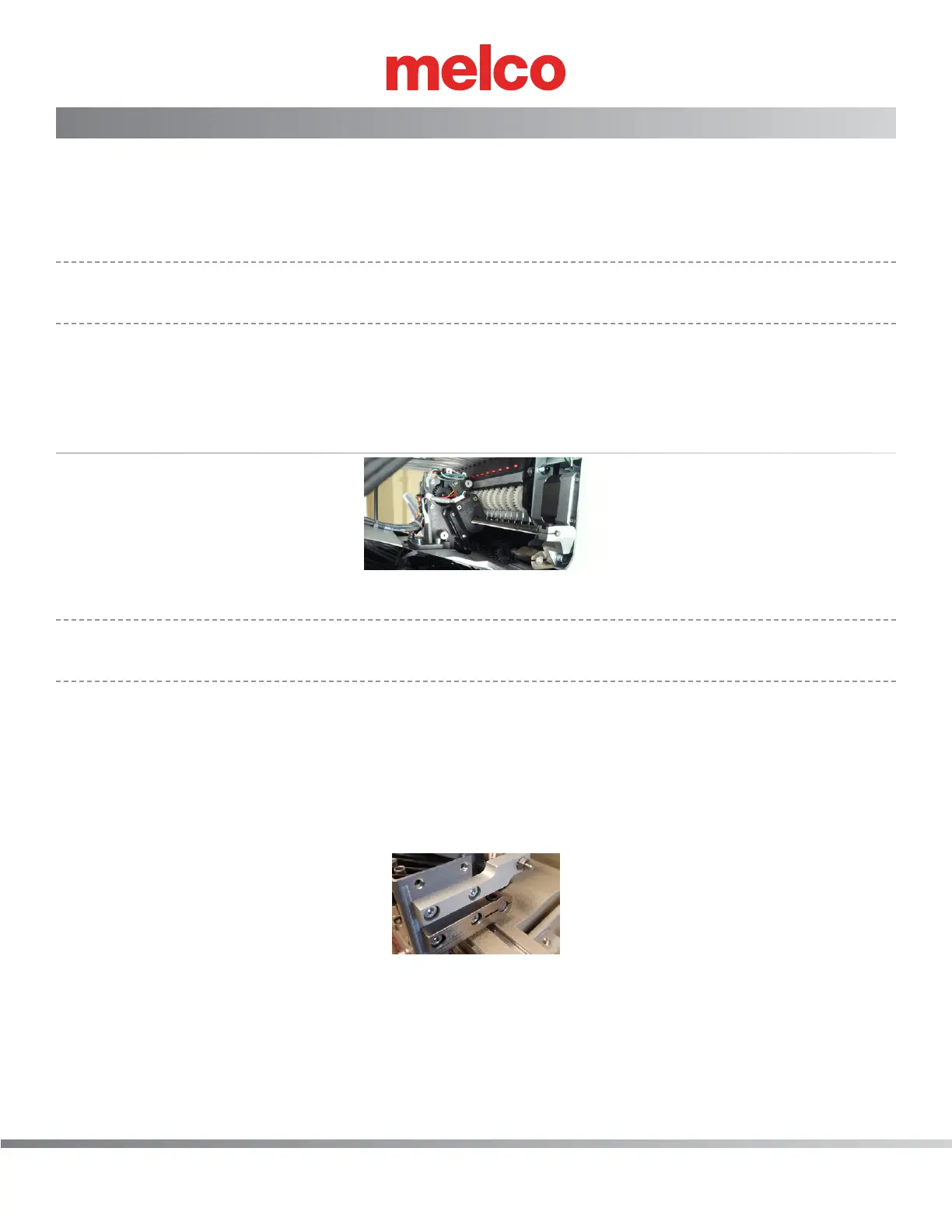
Figure 1 - Color Change Linear Actuator
•
Note: If you do not have the ability to color change because the motor has failed electrically or
because of a mechanical failure go to Step 2.
1. Color change to needle #8.
2. Turn the machine OFF.
3. Remove the needle bar access cover, the needlecase cover, and the color change covers..
4. Disconnect the color change stepper motor harness.
5. Loosen the screw on both the right and left spindle bracket that clamps the spindle.
Figure 2 - Right Color Change Spindle Mounting Bracket
6. Remove the two screws mounting the right color change spindle mounting bracket to the needle
case. Then remove the M4 Kept hex nut from the end of the color change spindle, remove the
right color change spindle mounting bracket from the color change spindle.



 To Next Page