246 of 289
5. If no failure is found, or you have restarted the test after nding an earlier failure, then click on
the “Start Test” button under the grabber column.
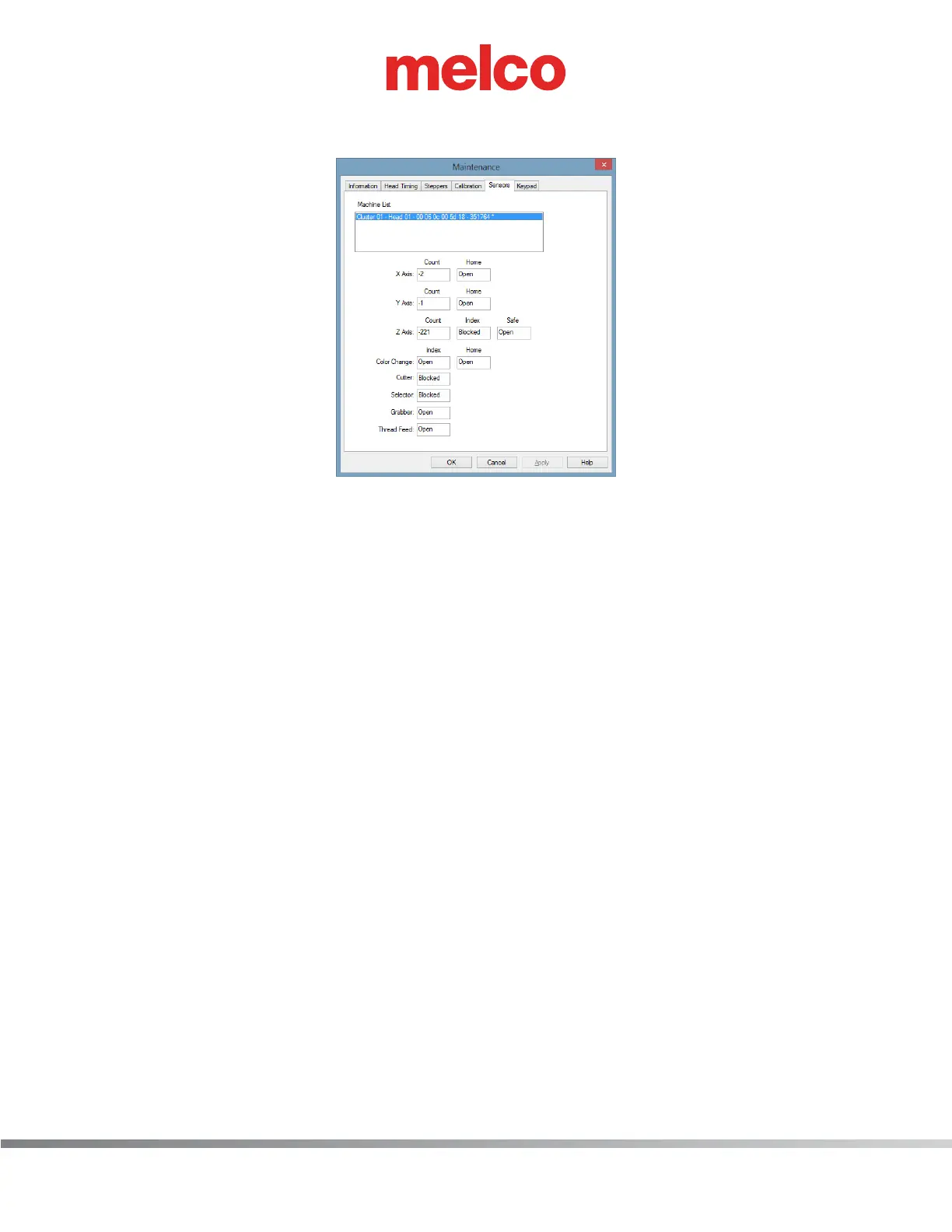
Figure 2 - Sensors Menu
6. Click on the “Sensors” tab and observe the grabber status. It should be alternating between
“Open” and “Blocked”. In addition, the grabber blade should be extending and retracting be-
tween the upper and lower traps without any obstruction or resistance. If all this is happening,
everything in the grabber circuitry is good.
7. Return to the “Steppers” menu and click on “End Test” button to stop the test.
8. If you still get grabber related errors at this point, contact Technical Support.



 To Next Page