300Mbps High Power Wireless N Router
Chapter 3. Quick Installation Guide
This chapter will show you how to configure the basic functions of your router using Quick
Setup Wizard within minutes.
1. To access the web management page, open a web browser and enter the default domain
name
http://mwlogin.net in the address field.
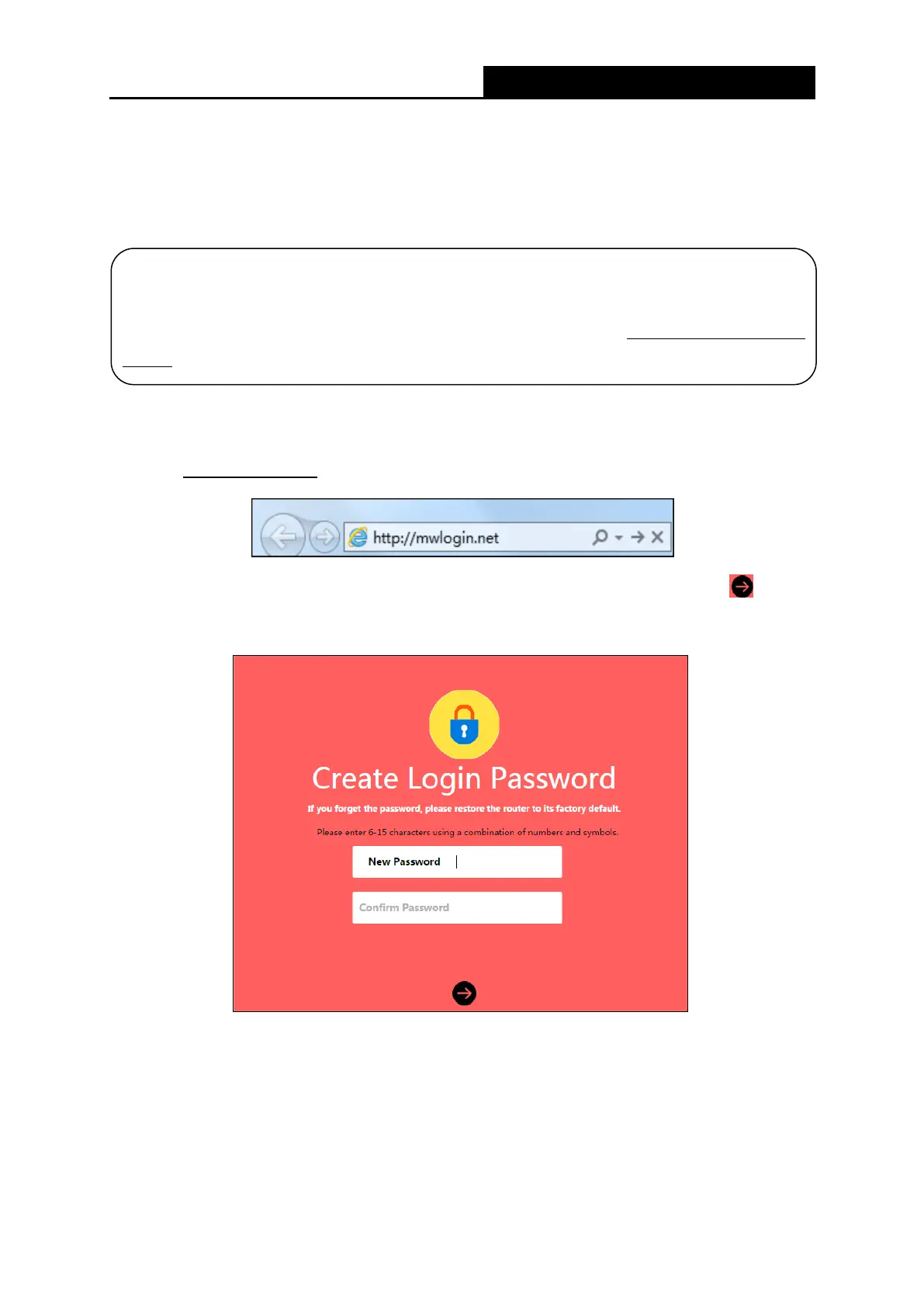
2. A login window will appear. Create a login password when prompted. Then click .
For subsequent login, use the password you have set.
Before configuring the router, you need to set up the TCP/IP Protocol to
automatically on your PC. For detailed instructions, please refer to Appendix B:
the PC.
- 5 -


 To Next Page
 Loading...










