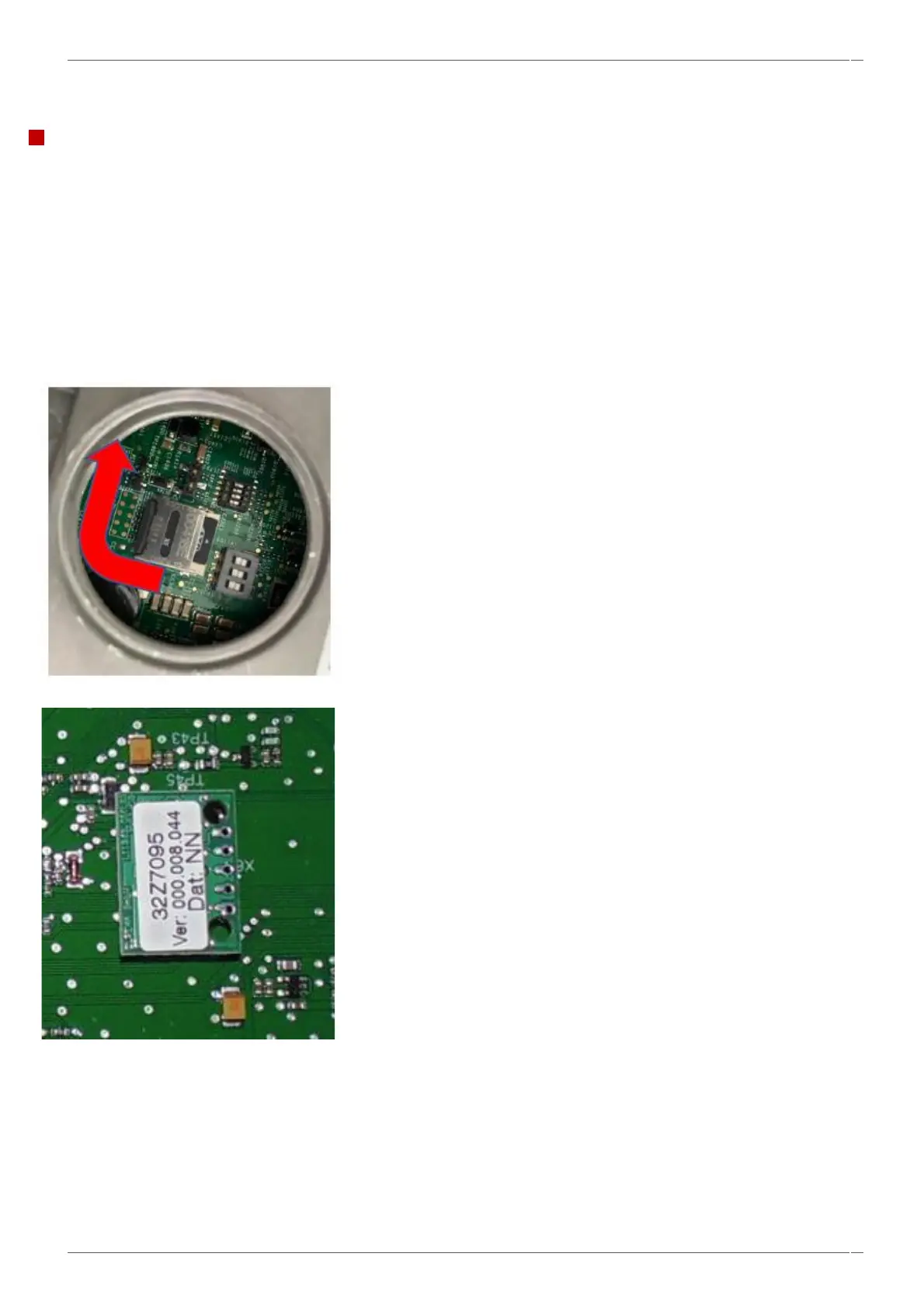
UI Micro-SD card & IO PM replacement.
The UI contains the main operating firmware, serial number, temperature calibration, event log, communication profiles,
cooking profiles, application icons and the recipe images.
NOTE – You must transfer the original PM module or SD card when replacing either the IO or UI assembly.
NOTE – See the website for the latest firmware instructions by following the link -
See section 6.11 for replacing components.
SD card location on the UI screen.
PM module location on the IO board.



 To Next Page