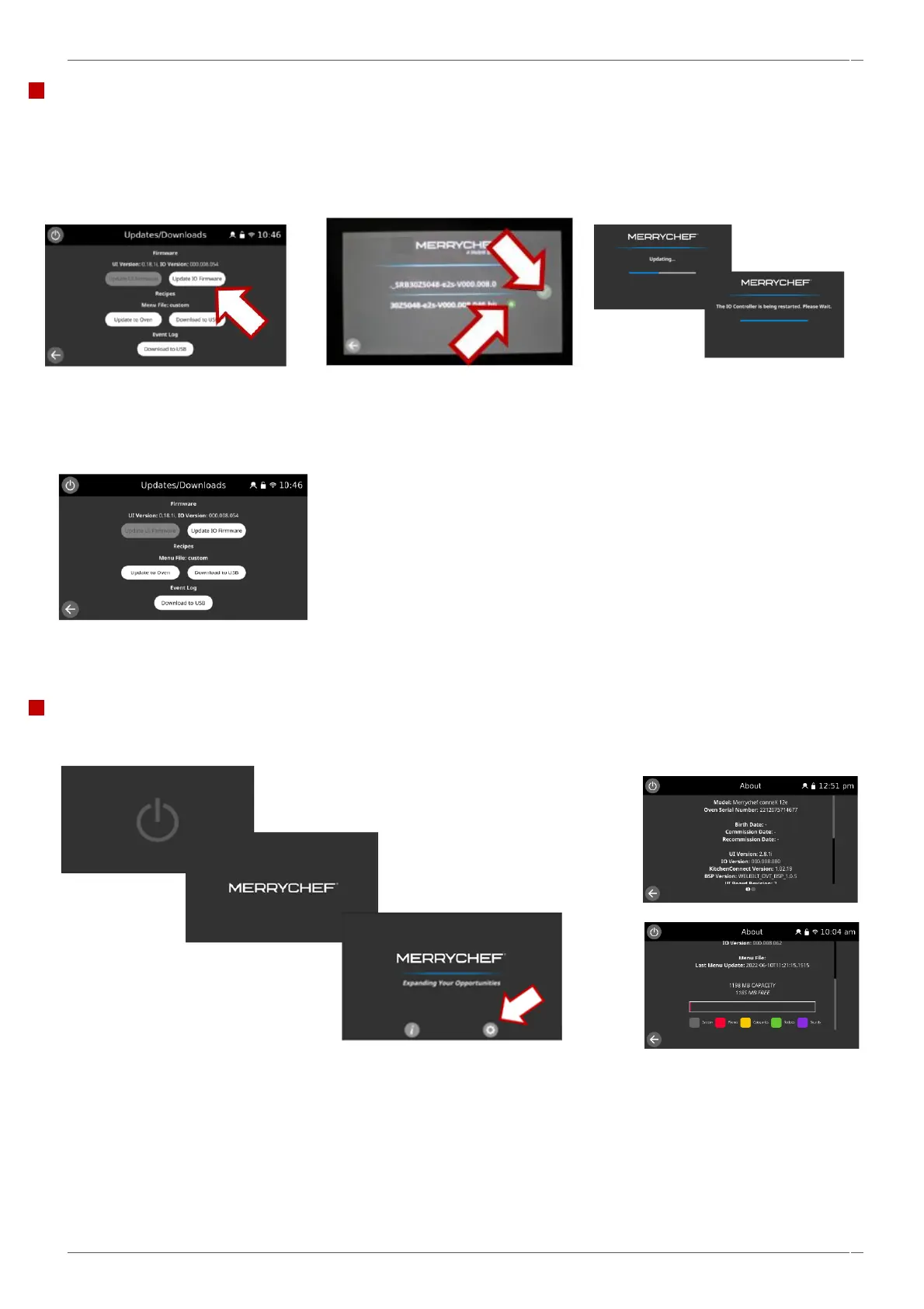
IO firmware update.
NOTE - IO firmware updates will only be recommended by a service technician under their
direct supervision.
1. To update the IO Firmware, select
the ‘Update IO Firmware’ tab.
,
Confirming the firmware
updates.
2.Select the appropriate IO file
and then the green tick. The IO
firmware will then start
updating.
After an update of the appliance firmware check to ensure the latest firmware has been successfully loaded on to the oven.
Once the oven is switched back on select the power symbol and then select the information ‘i’ button.
Review the data displayed. Select the back arrow to return to the previous screen, the information can also be selected from
the main screen/ settings.



 To Next Page