EasyManua.ls Logo

Merrychef conneX 12e - Page 42

Merrychef conneX 12e
110 pages
Print Icon
To Next Page IconTo Next Page
To Previous Page IconTo Previous Page
Loading...
5 Service information
Back to contents >
Merrychef conneX
®
service and repair manual
42
ing
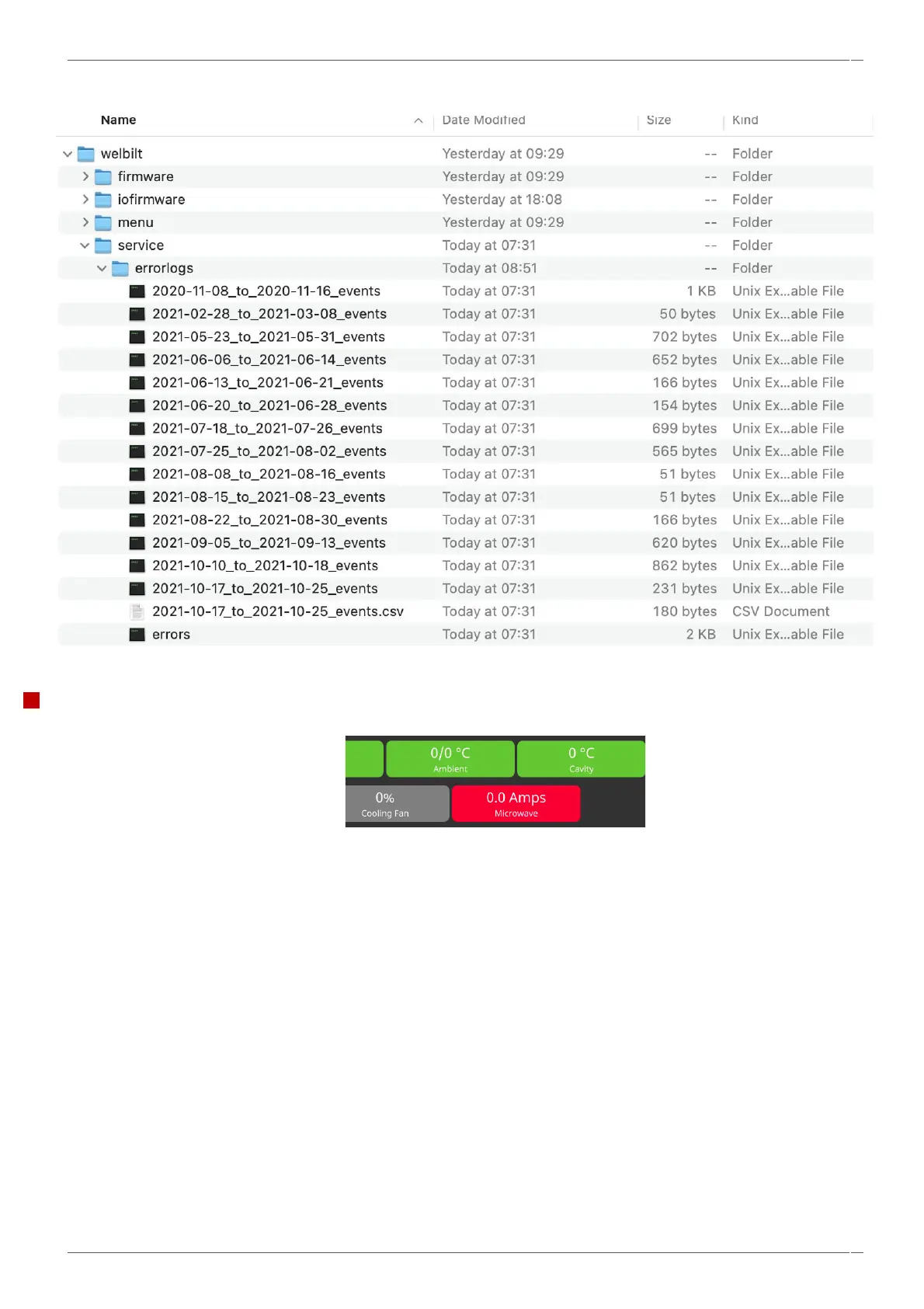
Further details can be read by copying the event log to a USB and opening the files on a computer.
Display colour codes.
Grey = Normal operation / standby
Green = On / OK
Blue = Off / OK / Selected
Yellow = Warning, out of normal range
Red = Warning, switched off


Table of Contents

Related product manuals