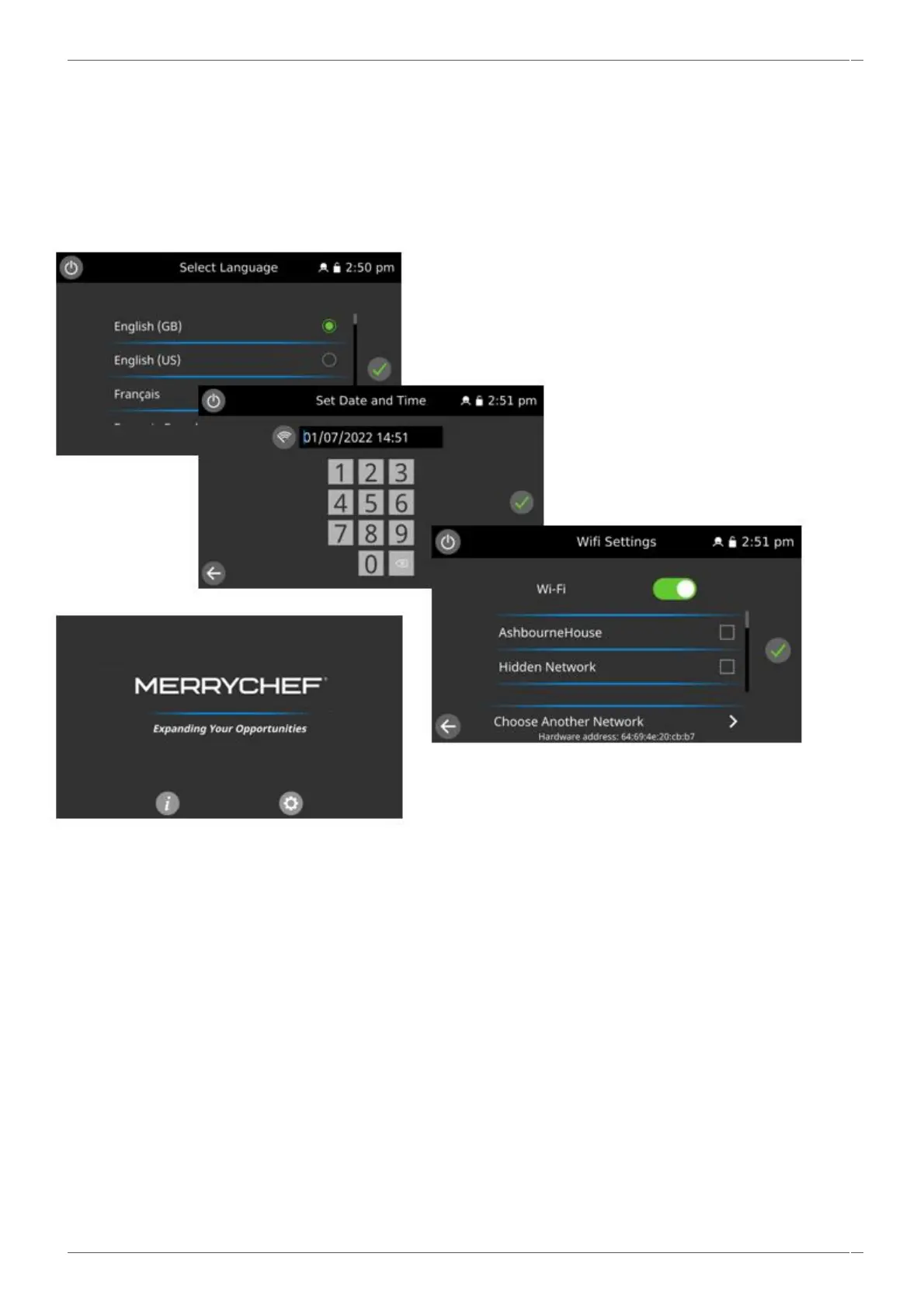
3. Run through the appliance setup to set / confirm.
a. Language.
b. date & time.
c. Connectivity (WIFI / Ethernet / KitchenConnect).
3. Check the IO and UI versions are the latest release. If not, execute a firmware update using the latest versions.
See section 4.5 for details.
4. Run a recommission test in the Service Settings.



 To Next Page