49
AQUALAB
7. Place the sample cup in the AQUALAB sample chamber.
8. Carefully close the lid and move the lever to the READ position.
9. Select OK to begin testing.
After AQUALAB has nished measuring the verication standard, a new screen appears
requesting that a 0.50 a
w
standard be placed in the chamber.
10. Repeat steps 5 through 9 using 0.50, 0.76, and 0.92 a
w
standards.
NOTE: To end the multipoint calibration program, select CANCEL to return to the previous screen.
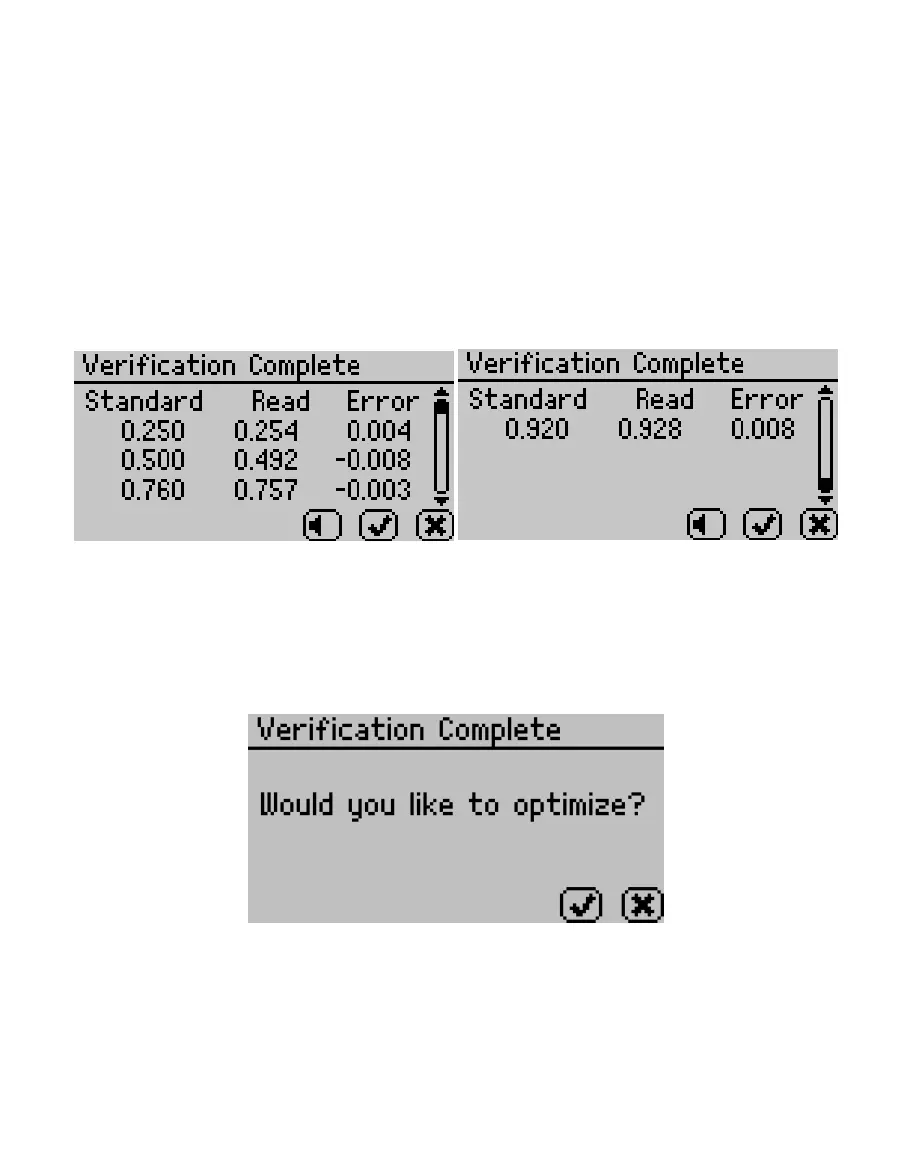
When measurements are complete on all four standards, the Verication Complete
screen appears showing the testing results for each standard (Figure65).
Figure65 Verication Complete screen with results
11. Select OK to continue or CANCEL to cancel the entire process.
NOTE: Select the audio icon to turn beeping on and off.
12. To make adjustments to the calibration, select OK.
Select CANCEL to cancel without adjusting the calibration (Figure66).
Figure66 Prompt to adjust calibration
13. To save the new calibration changes, select SAVE.
To cancel the multipoint calibration without saving the new changes, select CANCEL
(Figure67).



 To Next Page