50
SERVICE
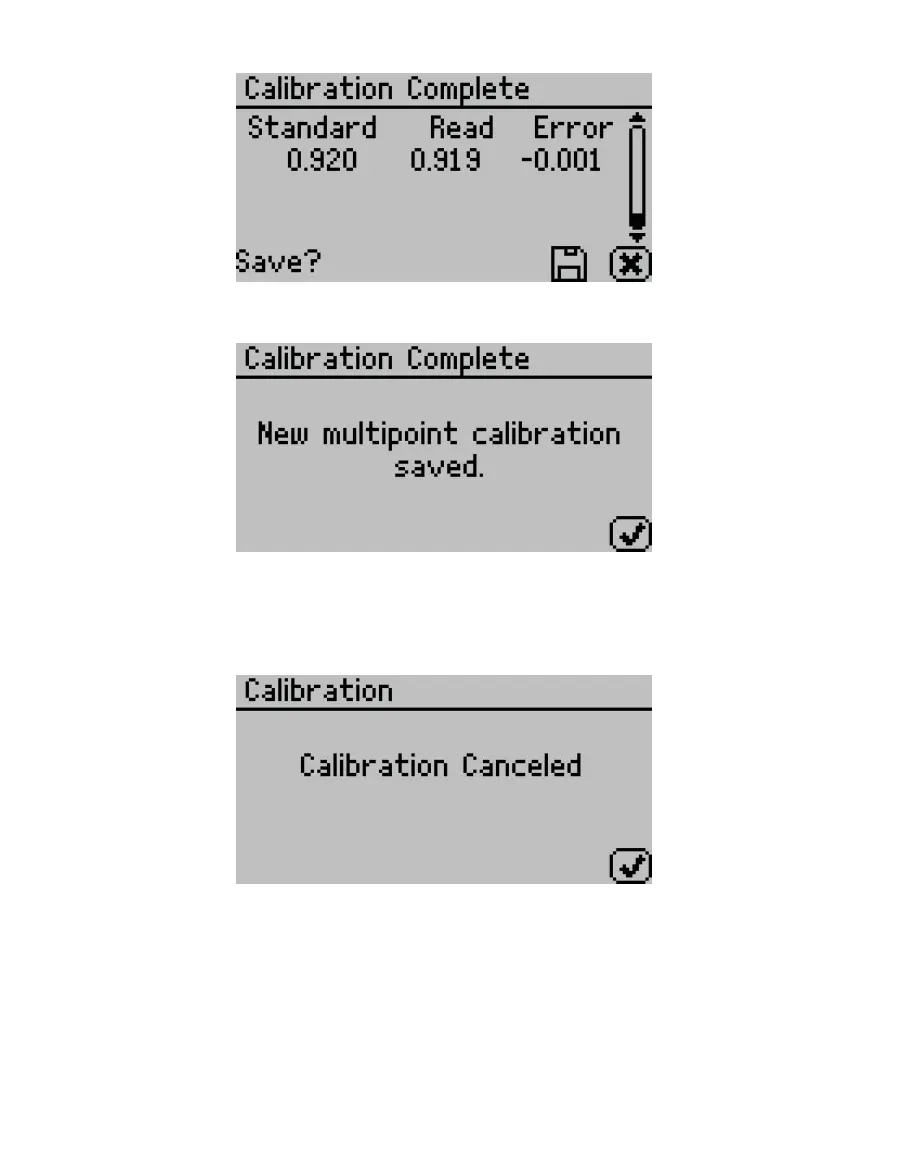
Figure67 Calibration Complete screen
Once the multipoint calibration is saved, a conrmation screen will appear (Figure68).
Figure68 Calibration saved conrmation
14. Select OK to continue.
15. If the calibration is canceled at any point, a Calibration Canceled conrmation will
appear. Select OK to continue (Figure69).
Figure69 Calibration canceled conrmation
16. Let the sample chamber air out for at least 1 h.
17. Measure a 0.25 or 0.50 a
w
verication standard in the Measurement tab (with
capacitance sensor type).
18. Verify the AQUALAB reads within ±0.015 a
w
at a given temperature.



 To Next Page