8
OPERATION
8. Adjust the Measurement Interval to the desired time for storing sensor measurements.
The ZL6 Basic has a fixed measurement interval of 60 min. Section3.2.2 provides more
information on how the ZL6 makes measurements.
9. Confirm all sensors are plugged into the ZL6.
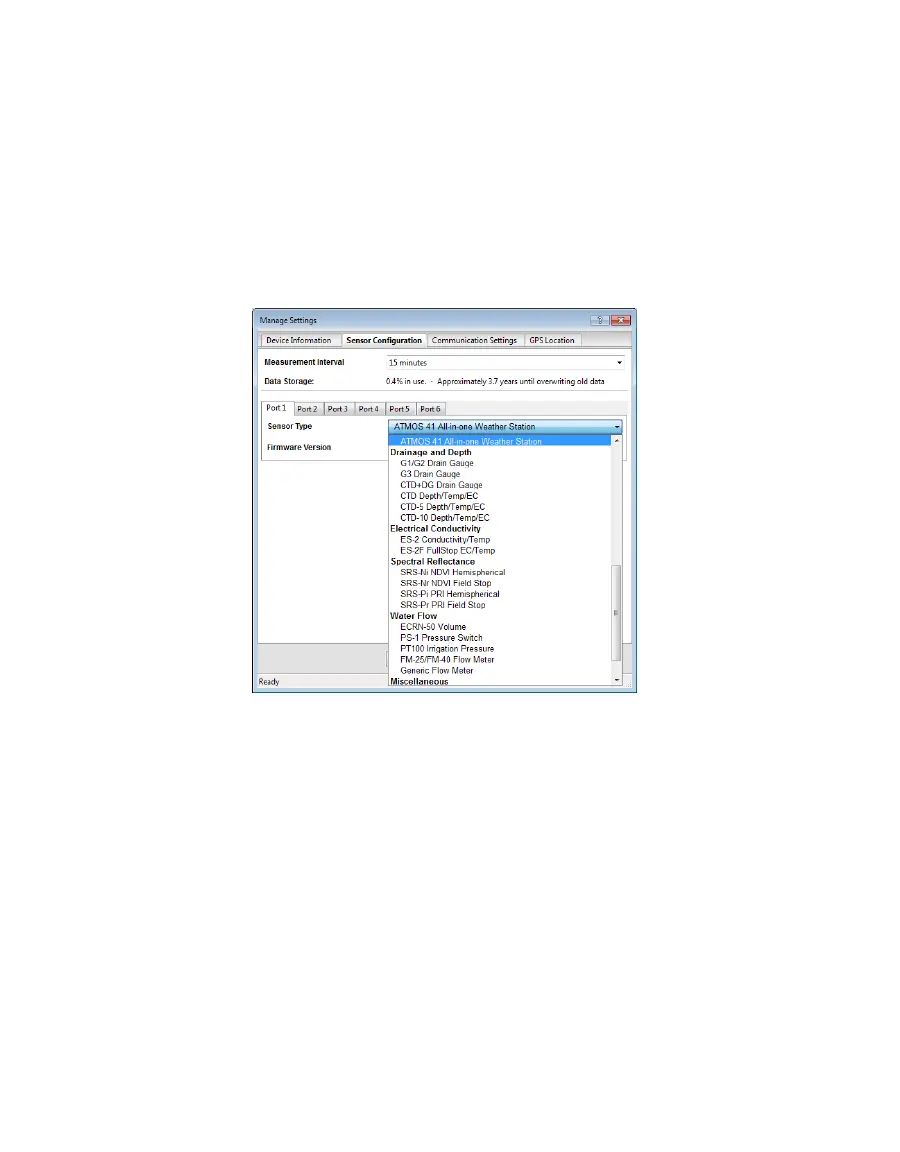
10. Ensure the correct sensor type is listed in each port tab (Figure5).
If the sensor is not automatically recognized, pick the correct sensor setting from the
Sensor Type dropdown menu.
NOTE: Check the cellular signal (Section2.2.2) for ZL6 and ZL6 Pro loggers at the expected installation location
before installing sensors.
Figure5 Select Sensor Type dropdown
ZL6 Basic logger configuration is complete at this point. ZL6 and ZL6 Pro logger
configuration will need to continue to step11 through step13 to set up the desired data
upload times.
11. Navigate to the Communication Settings tab (Figure6).



 To Next Page