45
ZL6
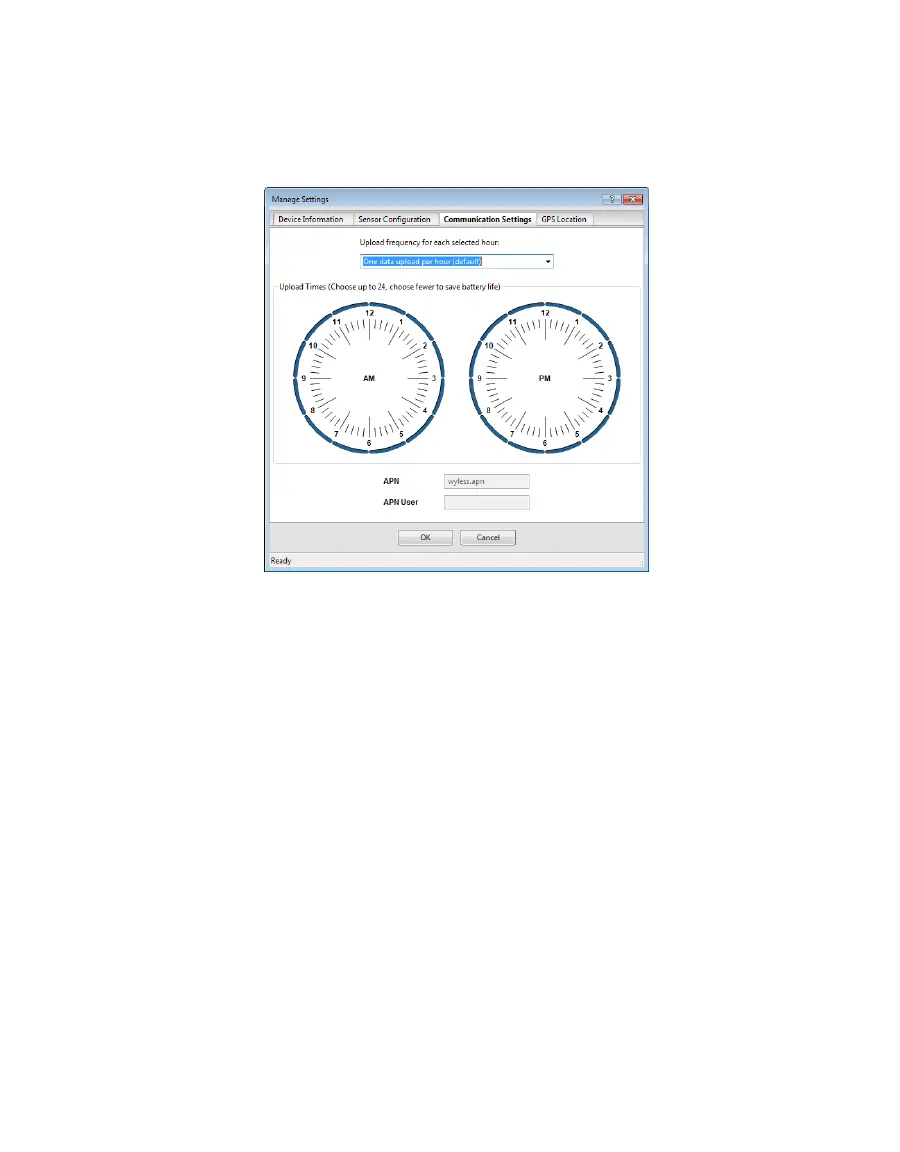
• Upload Times: Choose the approximate times of day that data are uploaded from the logger
to ZENTRA Cloud. The data will be uploaded at a random time during each selected hour to
upload data. To account for this variation, choose times prior to when the data are needed.
By default, the ZL6 is configured to upload data at optimal hours to conserve battery. To
conserve battery power further, choose fewer upload times.
Figure33 Manage Settings Communication Settings tab
GPS LOCATION TAB
The GPS location information in this tab is automatically provided by the GPS receiver built into
the ZL6 and ZL6 Pro (Figure27). The time zone is set by the computer or cellular network.
• Latitude and Longitude: Provides GPS location of the ZL6.
• Altitude: Contains altitude from sea level of the ZL6.
• Time Zone: Offset from UTC time zone of the ZL6.



 To Next Page