MI 3125 InstaltestCOMBO Display organization
17
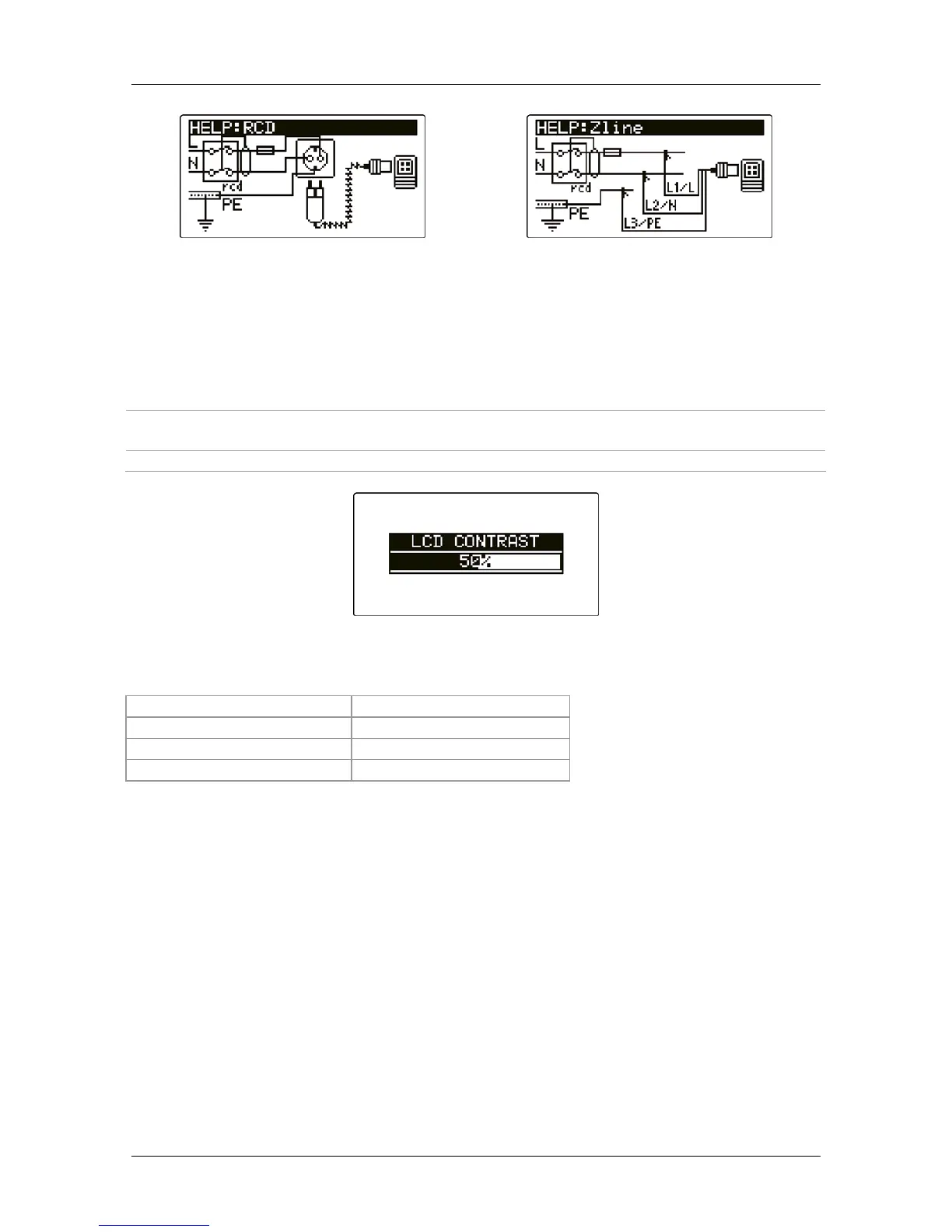
Figure 3.6: Examples of help screens
3.4.7 Backlight and contrast adjustments
With the BACKLIGHT key backlight and contrast can be adjusted.
Click
Toggles backlight intensity level.
Keep pressed for 1 s
Locks high intensity backlight level until power is turned off or the
key is pressed again.
Keep pressed for 2 s Bargraph for LCD contrast adjustment is displayed.
Figure 3.7: Contrast adjustment menu
Keys for contrast adjustment:
DOWN
Reduces contrast.
UP
Increases contrast.
TEST
Accepts new contrast.
Function selectors
Exits without changes.



 To Next Page
 Loading...