■■■■■■■■■■■■■■■■■■■■■■
3 Carrying out simple titrations
900 Touch Control
■■■■■■■■
15
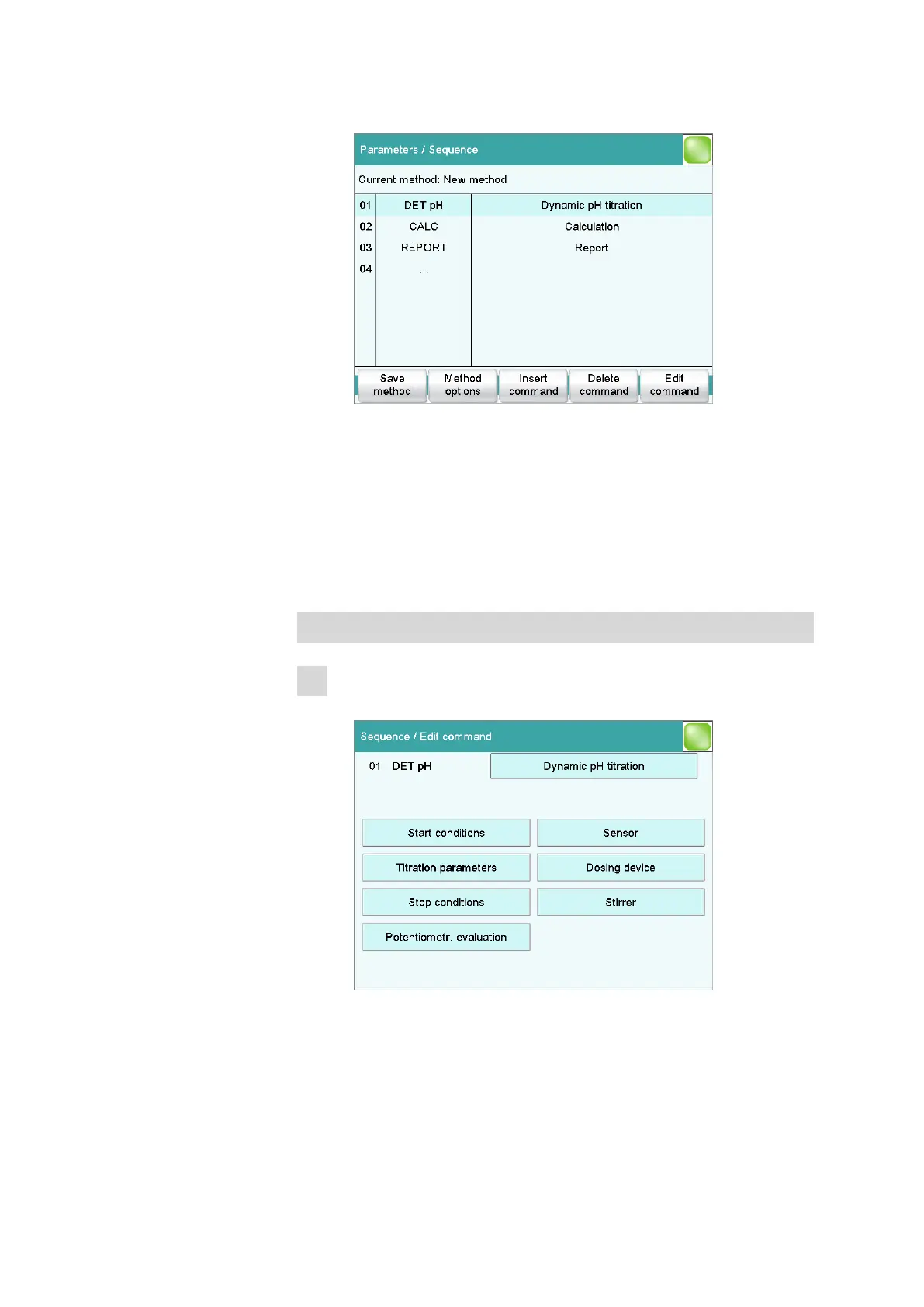
■ In the main dialog, tap on [Edit parameters].
The new method contains three commands:
– DET pH
Contains the parameters for the titration.
– CALC
Here the calculation of the result is defined.
– REPORT
Contains the list of the individual reports which are printed
out.
Defining the titrant
1
Opening the dosing device settings
■ Select the DET pH command and tap on [Edit command].















 To Next Page