3.1 Creating a titration method
■■■■■■■■■■■■■■■■■■■■■■
16
■■■■■■■■
900 Touch Control
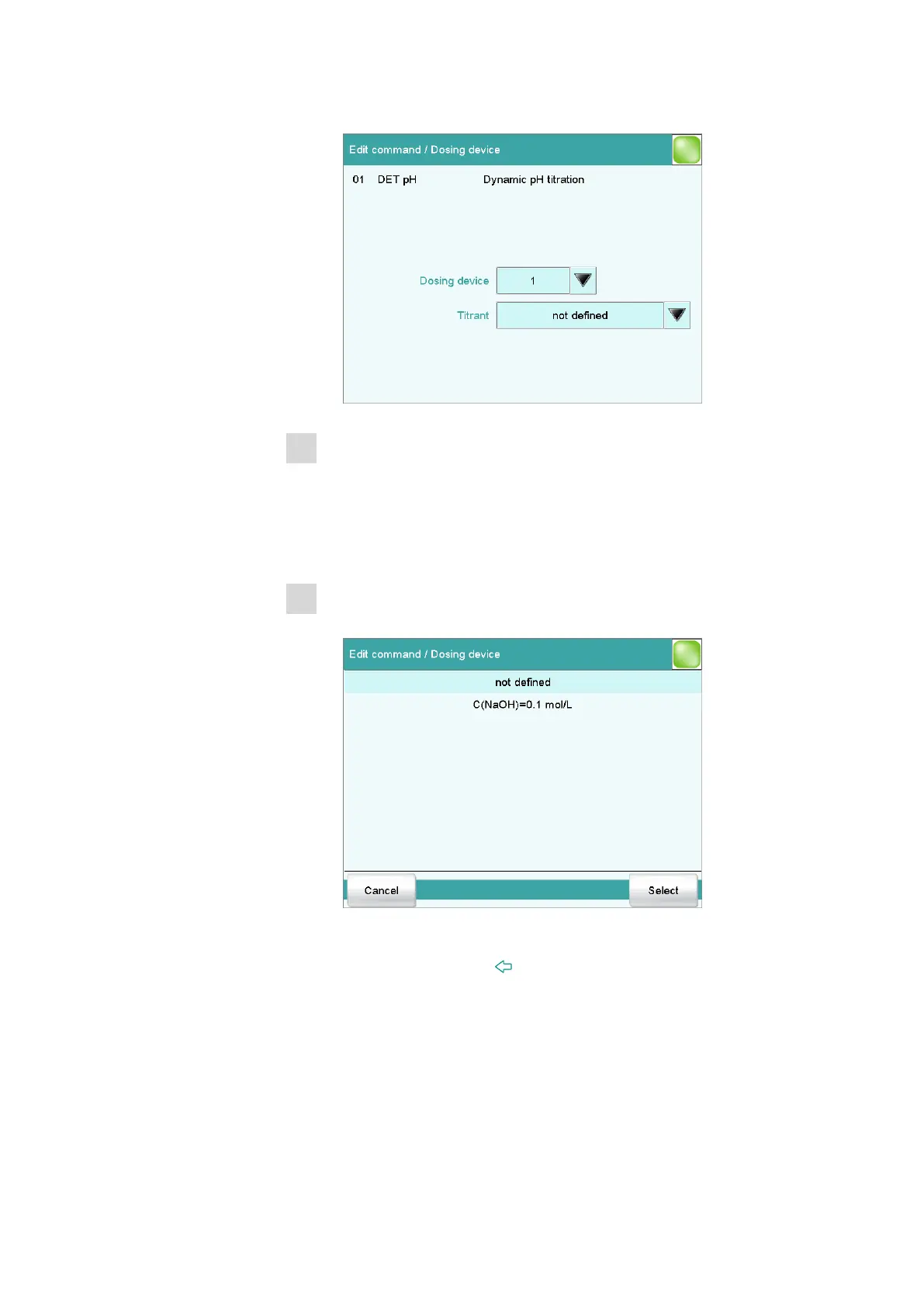
■ Tap on [Dosing device].
2
Selecting the dosing device connector
■ Tap on the selection symbol under Dosing device and select an
MSB connector.
Make sure that the dosing device is also connected to the MSB con-
nector that you have selected.
3
Selecting the titrant
■ Under Titrant, tap on the selection symbol.
The list shows the previously configured titrants.
■ Select a titrant and tap on [Select].
■ Tap on the fixed key [ ].















 To Next Page