4.5 Creating a sample table
■■■■■■■■■■■■■■■■■■■■■■
38
■■■■■■■■
900 Touch Control
Filling the sample table with sample data
1
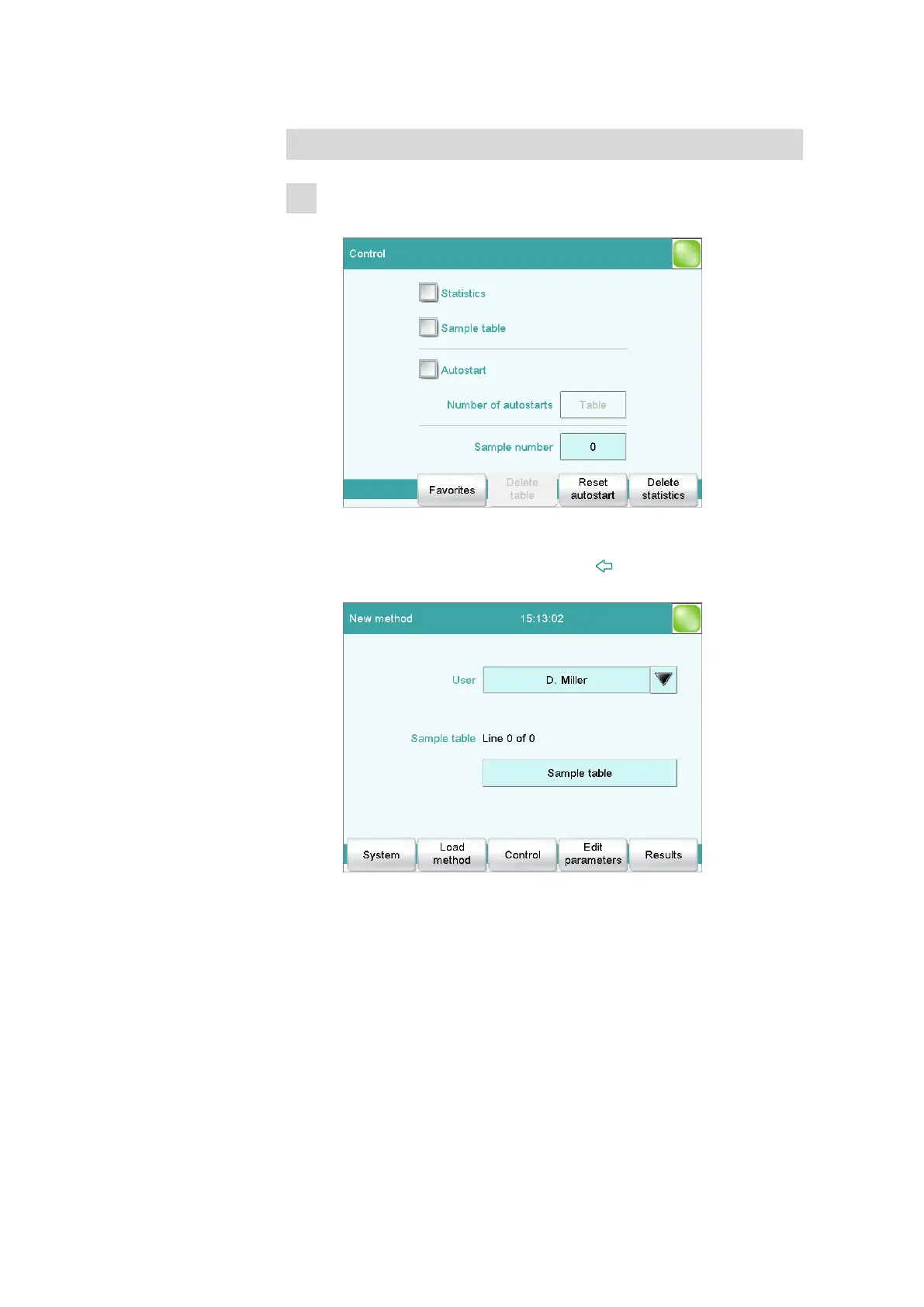
Activating the sample table
■ In the main dialog, tap on [Control].
■ Tap on Sample table. A checkmark shows that the sample table
has now been activated.
■ Return to the main dialog with the [ ] fixed key.
A new button is now visible in the main dialog.















 To Next Page