■■■■■■■■■■■■■■■■■■■■■■
4 Carrying out an extended titration
900 Touch Control
■■■■■■■■
39
2
Entering the sample data
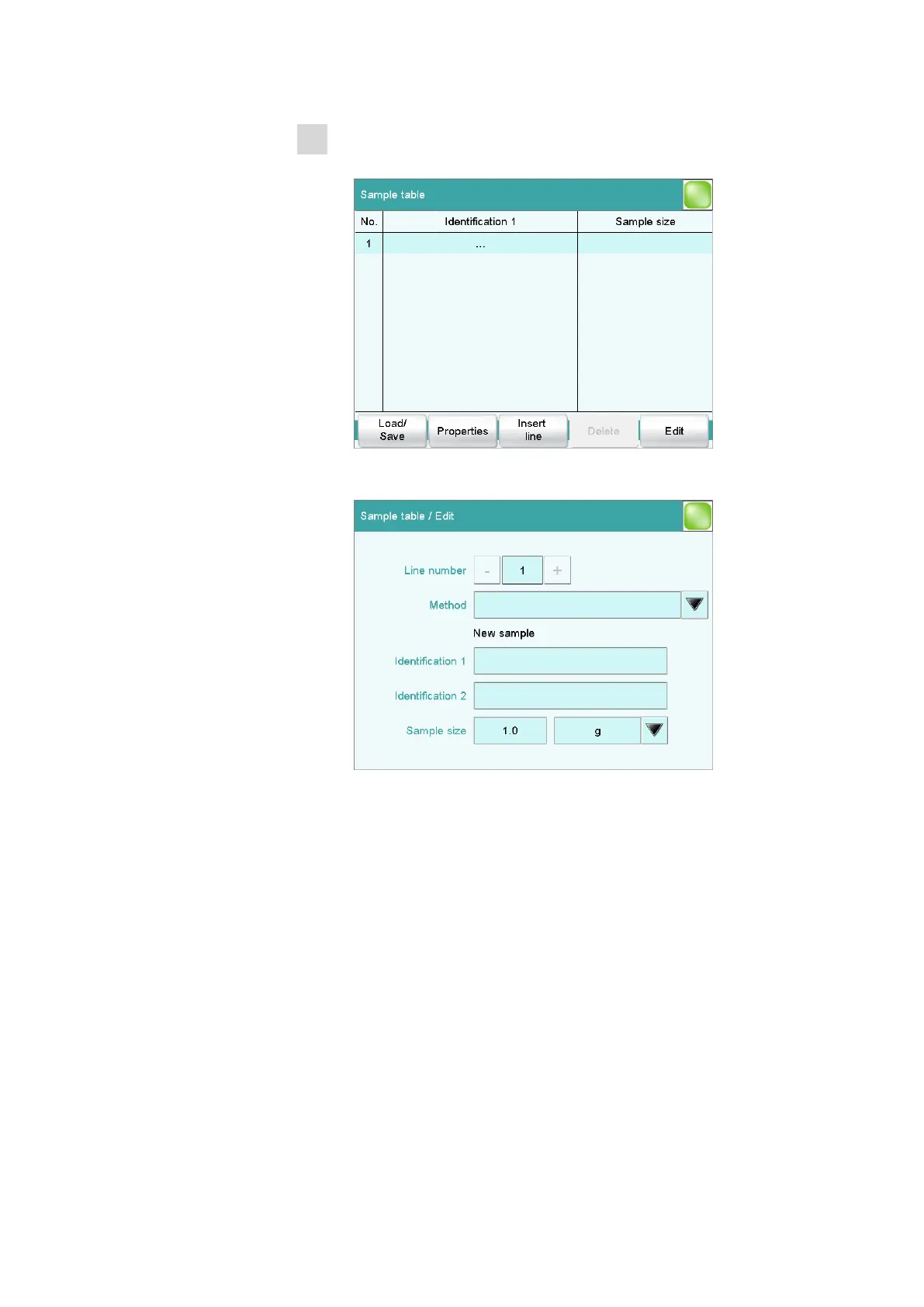
■ Tap on [Sample table].
The sample table is still empty. The first line is highlighted.
■ Tap on [Edit].
■ Tap on the selection symbol next to the input field Method.
■ Select a saved method and tap on [Select].
A particular method can be selected for each sample which is to
be processed. If no method is specified, then the currently loaded
method is executed.















 To Next Page