InstrumentsandControls
Settings
Inthetripcomputerinterface,presstheleft/rightbutton
ontherighthandsteeringwheelswitchorshortpressthe
tripcomputerswitchontheindicator/mainbeamswitch
toaccessthetripcomputersettingsinterface.
T oentertheSettingsinterfacepresstheOKbuttonof
therighthandsteeringwheelswitchorlongpressthetrip
computerswitchontheindicator/mainbeamswitch.
Thefollowingsettingoptionsareprovided:
•BacklightBrightnessAdjustment
•DigitalClockAdjustment
*
•SpeedLimitAlarmAdjustment
•T yrePressureMonitoring
*
•Stability/T ractionControlSystemOffSwitch
*
•Exit
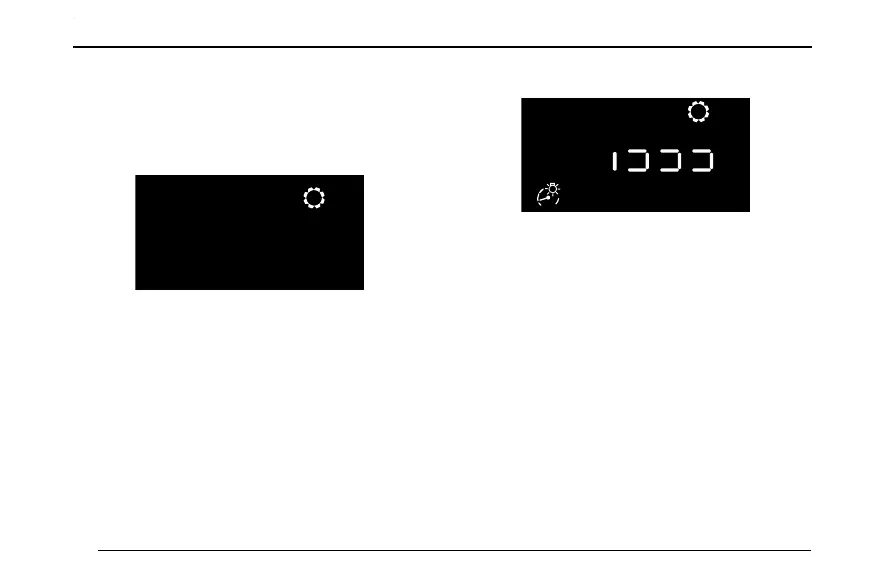
BacklightBrightnessAdjustment
Inthisinterface,pressOKkeyontherighthandsteering
wheelswitchorlongpressthetripcomputerbuttonon
theindicator/mainbeamswitchtoadjustthebacklight
brightness.Thebacklightbrightnesslevelcanbeadjusted
bypressingtheup/downbuttonontherighthandsteering
wheelswitchorshortpressingthetripcomputerbutton
ontheindicator/mainbeamswitch.Thereare3brightness
levelsintotal.
Note:Thisoptionwillonlybeaccessiblewhenthe
side/taillampsareon.
26



 To Next Page