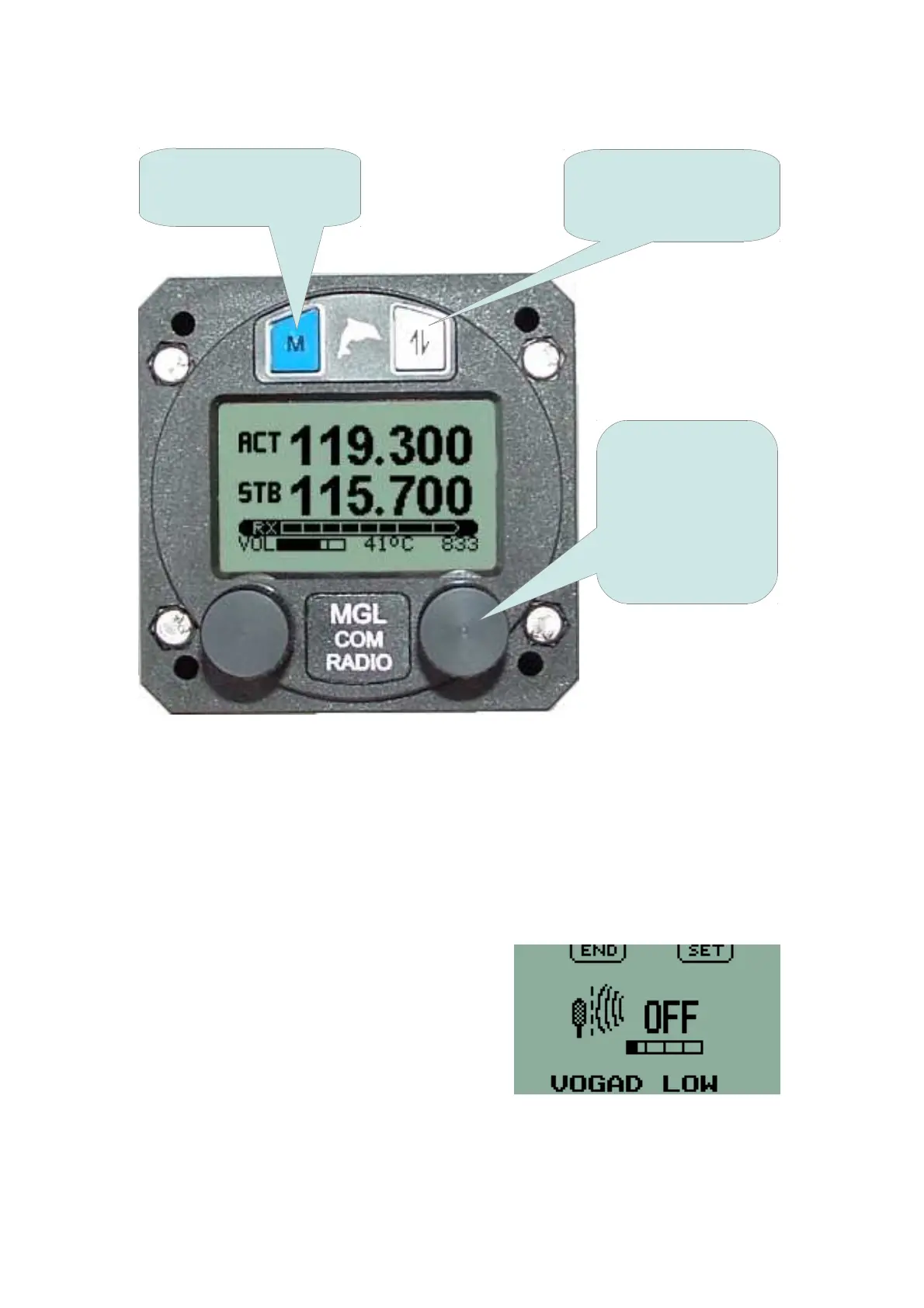
Once a menu function has been selected, the display will change according
to available functionality. Pressing of the ACTIVE button and the
FREQUENCY knob are interchangeable except where indicated. Pressing
the MENU key as required will return the unit to the normal operating screen
– either Frequency display or Channel display. Also, any menu function will
default to the normal operating screen after 60 seconds.
As an example, this is the display for the
ambient noise suppression system function
allowing selection of the type of system to
be used and adjustment of the
level/'strength' of the selected system.
12
To return to normal
operating mode press
the MENU button
Rotate the knob to
select the desired
menu function.
Press the knob to
change/edit/select
the current menu
item
Press this button to
change/edit/select the
current menu item



 To Next Page