The V6 controls
The 'VOL/TEST' knob
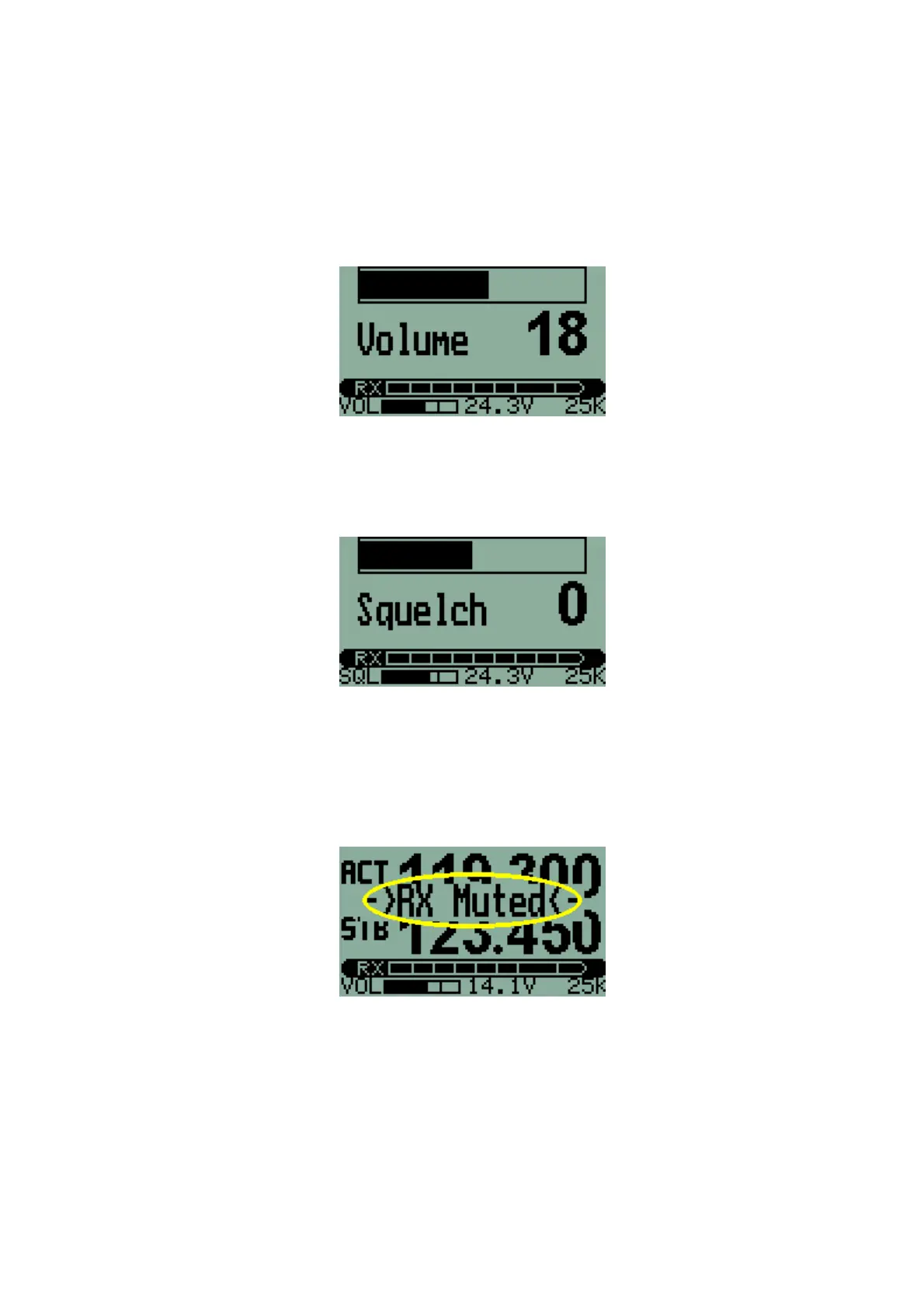
Rotating this control knob will adjust headphone volume. The Transceiver
defaults to volume adjustment. While adjusting the volume, the display will
change to a large bargraph and number indicating volume level setting.
Pressing the knob inwards will disable the squelch on the Receiver and allow
a quick receiver TEST. Squelch setting may be changed in the First Level
Menu.
Holding the VOL/TEST knob down and rotating counter-clockwise reduces
the volume level of the Radio only. This allows easy conversation over the
Intercom in the presence of heavy radio traffic. The reduced volume level is
adjustable downwards, but may not be switched off. While the Radio is
'MUTED' the screen flashes every five seconds.
Radio volume is restored by holding the VOL/TEST knob down and rotating
clockwise. Also, volume is automatically returned to normal by using the
transmitter (pressing a PTT).
6



 To Next Page