This can help reduce the effects of unwanted noise, in particular at low and
high frequencies. This filter has a sharp cutoff for frequencies below 500 Hz
and above 2.4KHz.
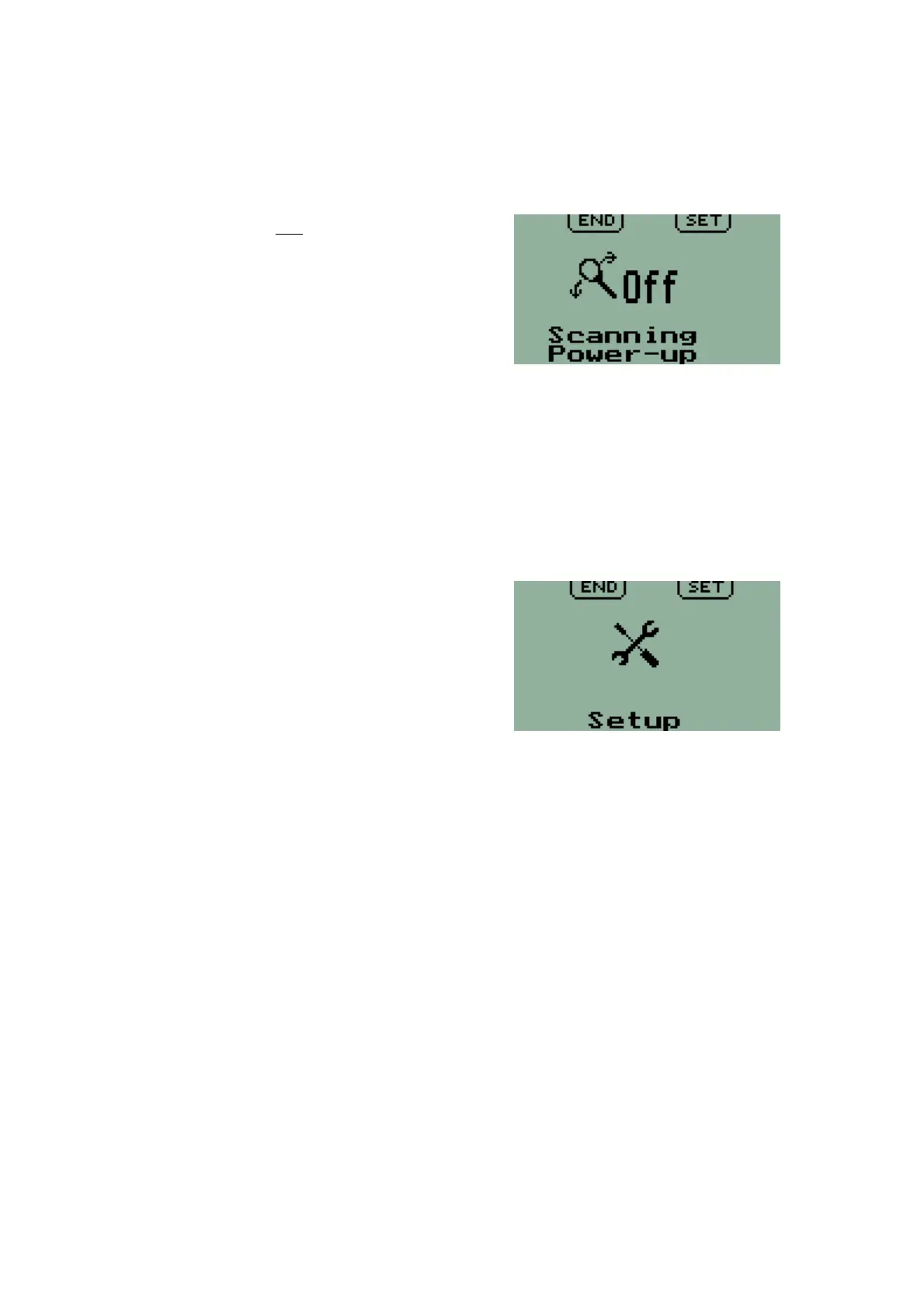
Scanning state at power up
Factory Default: Off
This function sets scanning 'ON' or 'OFF'
when the V6 Transceiver is switched on.
Scanning only applies for active/standby
(Flip-Flop) frequency setting and is always
disabled for direct frequency entry.
Scanning continuously checks for reception
on both active and standby frequencies.
Frequency lists
Setup
This is the entry point to the Second Level
Menu for options and settings relating to
installation of a V6 Transceiver.
17



 To Next Page