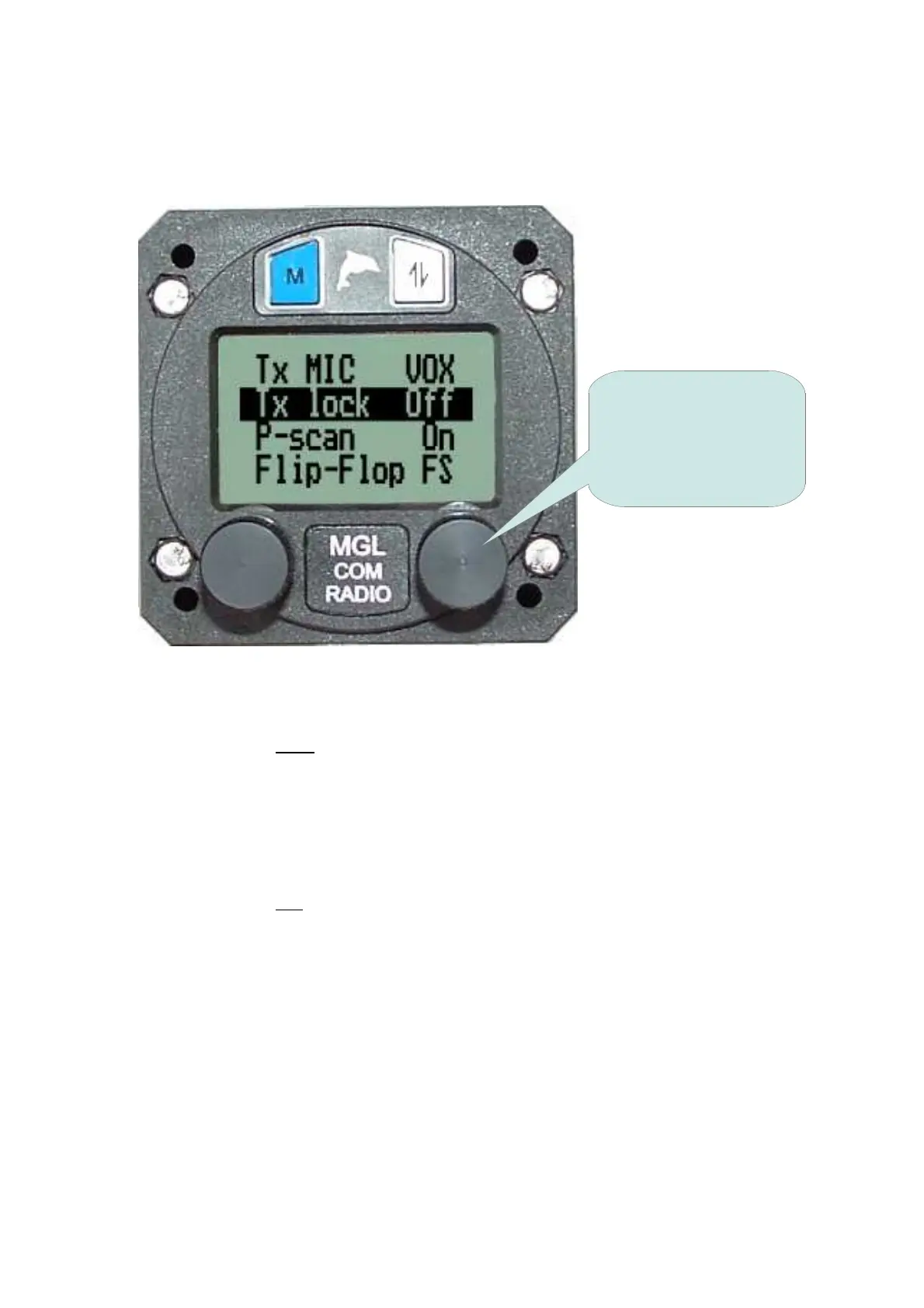
Second Level Menu
The Second Level Menu is accessed by selecting the 'Setup' function from
the First Level Menu.
TX MIC VOX / HOT
Factory Default: VOX
While transmitting the ambient noise suppression system may remain active -
'VOX' - or the microphone may be continuously live during the time of
transmission - 'HOT'.
TX LOCK ON / OFF
Factory Default: Off
Transmission may be prevented while a signal is being received on the active
frequency.
With TX LOCK 'ON' the PTT is disabled while there is a signal being received
(the squelch is 'open') on the active frequency.
18
Rotate the knob to
select the desired
function and then press
the knob inwards to
adjust that function.



 To Next Page