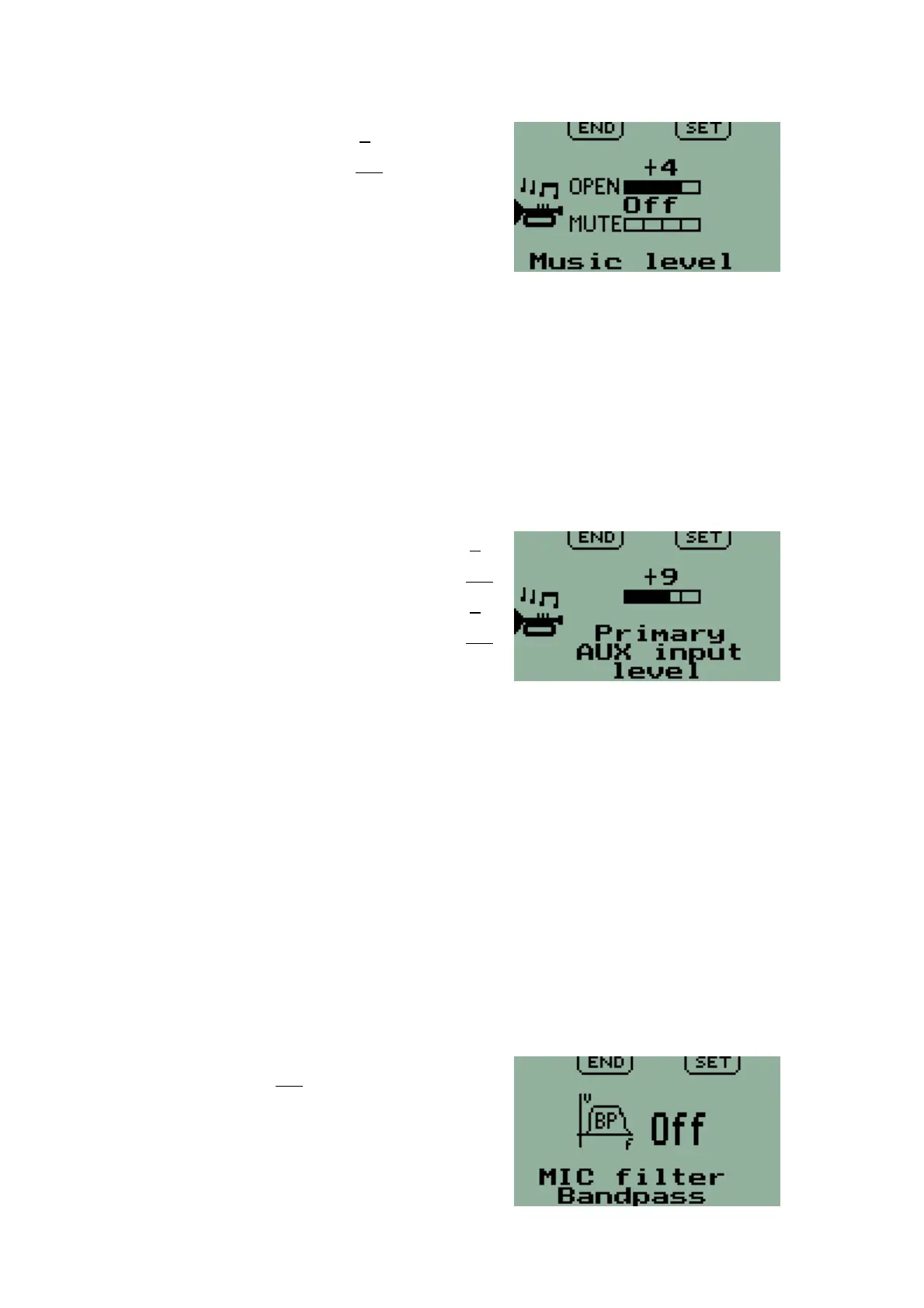
Music level
Factory Default: Open: 0
Mute: Off
A stereo music source such as an MP3
player may be connected to the stereo
music input.
Two adjustable levels are provided for this
input.
Open: This level applies if there is no audio from the intercom, the radio or
the auxiliary inputs.
Mute: This level applies if there is audio from any other source.
In particular, with the Mute level set lower than the Open level the music input
is reduced to the lower level when there is audio from any of the intercom,
radio or auxiliary inputs and returns to the higher level when that input
ceases.
Auxiliary input levels
Factory Default: Primary Open: 0
Mute: Off
Secondary Open: 0
Mute: Off
Two Auxiliary inputs are available – Primary
and Secondary. These may be configured in
the Second Level Menu either 'ON' or 'OFF' according to requirements. When
'ON', the level for each input is independently adjustable with each having its
own screen. The Primary input has priority over the Secondary input.
EFIS voice alerts or other audio sources may be connected to the auxiliary
inputs. Two adjustable levels are provided for each input.
'Open': This level applies if no audio is received from the microphones or
radio.
'Mute': This level applies if audio is received on any of the microphone circuits
or the radio.
In particular, with the 'Mute' level set lower than the 'Open' level an auxiliary
input is reduced to a lower level when the intercom or radio is in use and
returns when that input ceases. With a 'Mute' level set to 'OFF', that auxiliary
input is muted by radio reception or during use of the intercom.
Microphone bandpass filter
Factory Default: Off
For operation in high ambient noise levels
an additional voice bandpass filter can be
added for the microphone circuits.
16



 To Next Page