Using the VP-116 Mini Voice Privacy Unit
97
Programming the VP-116 Unit from the MICOM-3
The PROG menu of the MICOM-3 provides access to the following functions:
• Programming the VP-116 unit key.
• Adjusting the volume provided by the VP-116 unit to match the normal radio volume.
• Testing the operation of the VP-116.
➤ To access the VP-116 unit programming menu:
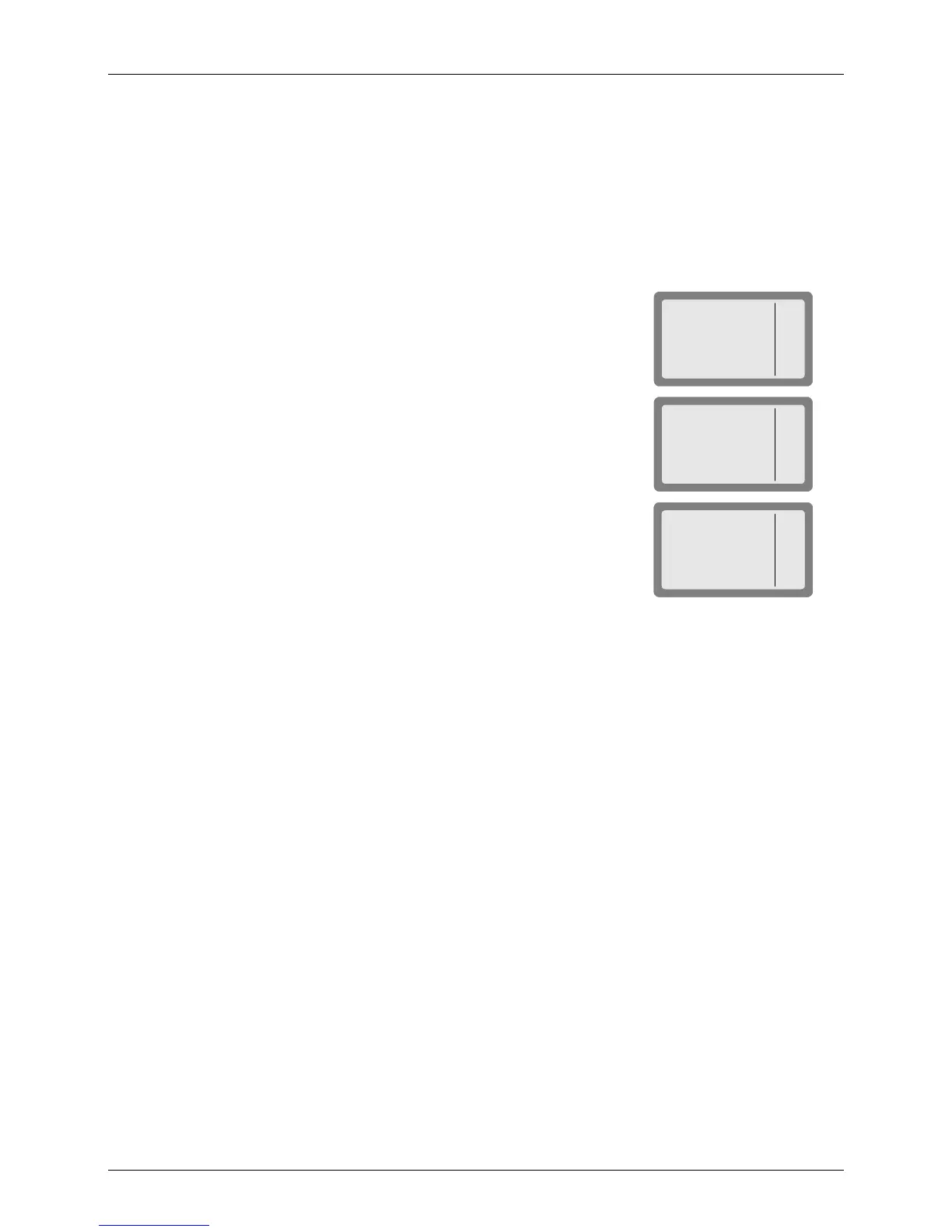
1. Press MENU
to display the Menu screen.
MICOM-3
CHAN
FREQ
ALE
BIT
MENU
I
2. Press MORE
to scroll to the second Menu screen.
MICOM-3
LOCK
PROG
PSW
DIM
MENU
I
3. Press PROG
(F2) to enter the Programming screen.
MICOM-3
RAD
ALE
LANG
VP
PROG
4. Press VP
(F4) to enter the VP-116 menu.
5. Press the relevant key to access the VP-116 modes:
• PVT
(F1)
Select the key used in the private mode.
• PK
(F2)
Select the public key mode.
• LLB
(F3)
Activate the local loopback, used to check proper operation of the
VP-116 in conjunction with the MICOM-3.
• BIT
(F4)
Perform the Built-In-Test, used to confirm that the VP-116 is working
OK.
After pressing MORE, you see the VOL (F1) option, used to adjust the relative receive
volume of the VP-116.
Figure 8 shows the VP programming options. The available selections are described in the
following sections.



 To Next Page