MICOM-3F/3T/3R HF-SSB Owner’s Guide
56
Note
While the radio is initializing the link, you can press STOP (F1) or ESC to abort the
entire process.
6. After the link is established, you will see a LINK message. Now you may press the PTT and
start talking.
7. To disconnect the link, press the ESC key (see page 48).
➤ To transmit on a specific channel:
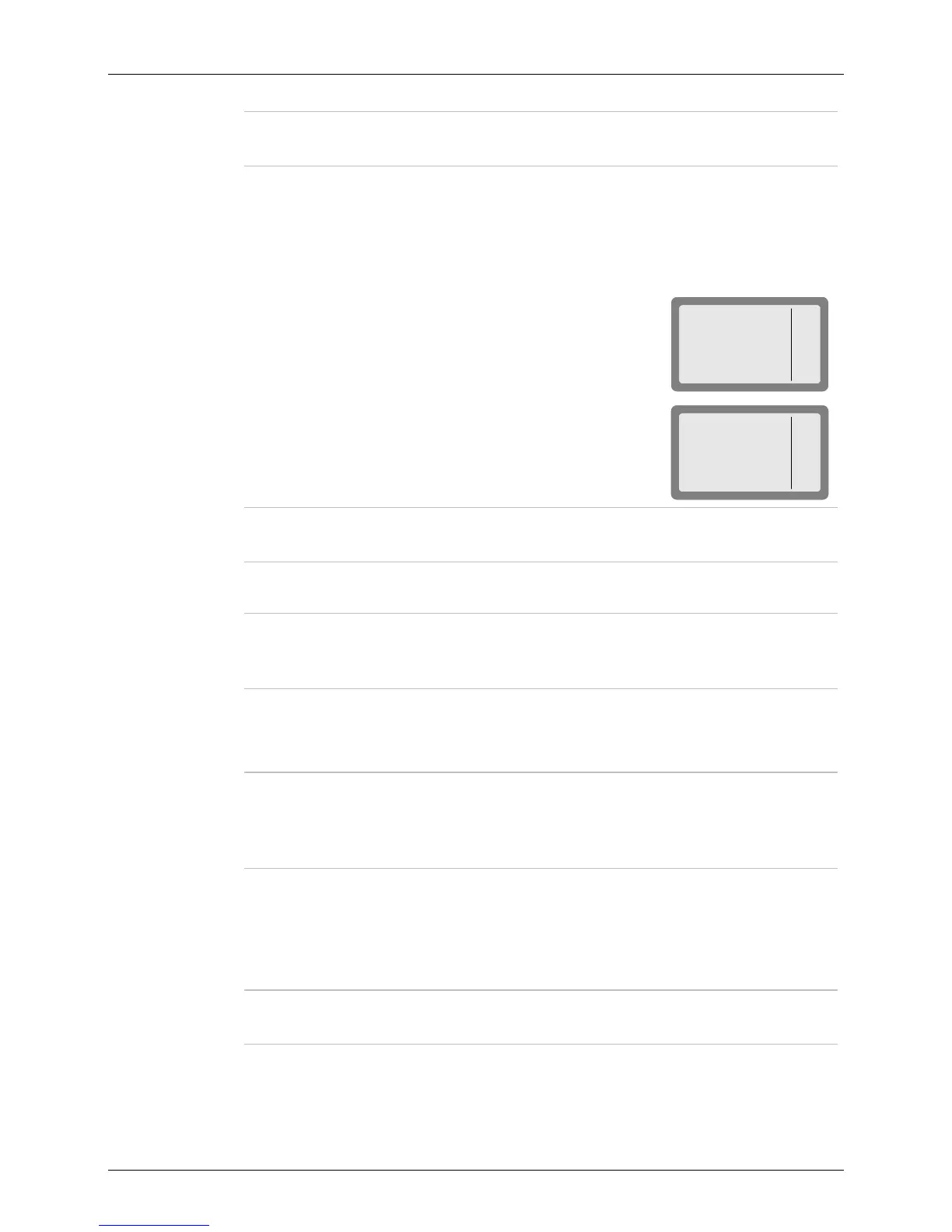
1. Initiate a call as explained above (page 54 or 55) and select the
desired station.
MICOM-3
SEND
PAGE
CHAN
CALL
1009
I
2. Press CHAN (F3) to select a specific channel.
The channel with the best LQA score is displayed. The speaker
is unmuted to enable you to check the channel quality by
listening to it.
MICOM-3
SEND
PAGE
BEST
CALL
CH 3 30%
Note
If the name of the called station has been edited and the new station name is not
in the directory, no LQA score is displayed.
3. Press BEST (F3) to select the channel with the best LQA score ...
Note
If the name of the called station has been edited and the new station name is not
in the directory, the channel displayed after pressing BEST (F3) is the first scanned
channel of the net.
… or
Press the UP/DOWN keys to scroll to the channel of your choice.
Note
You can use this option to transmit a call to a station operating in the Channel
mode. If the other station is in the Channel mode, your radio switches to the
Channel mode for the duration of the call, and then returns to the ALE mode after
the link to that station is disconnected.
4. Press SEND (F1) or ENTER to initiate the call.
5. The radio now starts the link set up process. During this process, you will see TO
alternating with the number of the channel on which the set up request is being sent (the
channel may change, if the called station does not answer on the first channel(s)).
Note
While the radio is initializing the link, you can press STOP (F1) or ESC to abort the
entire process.
6. After the link is established, you will see a LINK message. Now you may press the PTT and
start talking.
7. To disconnect the link, press the ESC key (see page 48).



 To Next Page