MICOM-3F/3T/3R HF-SSB Owner’s Guide
76
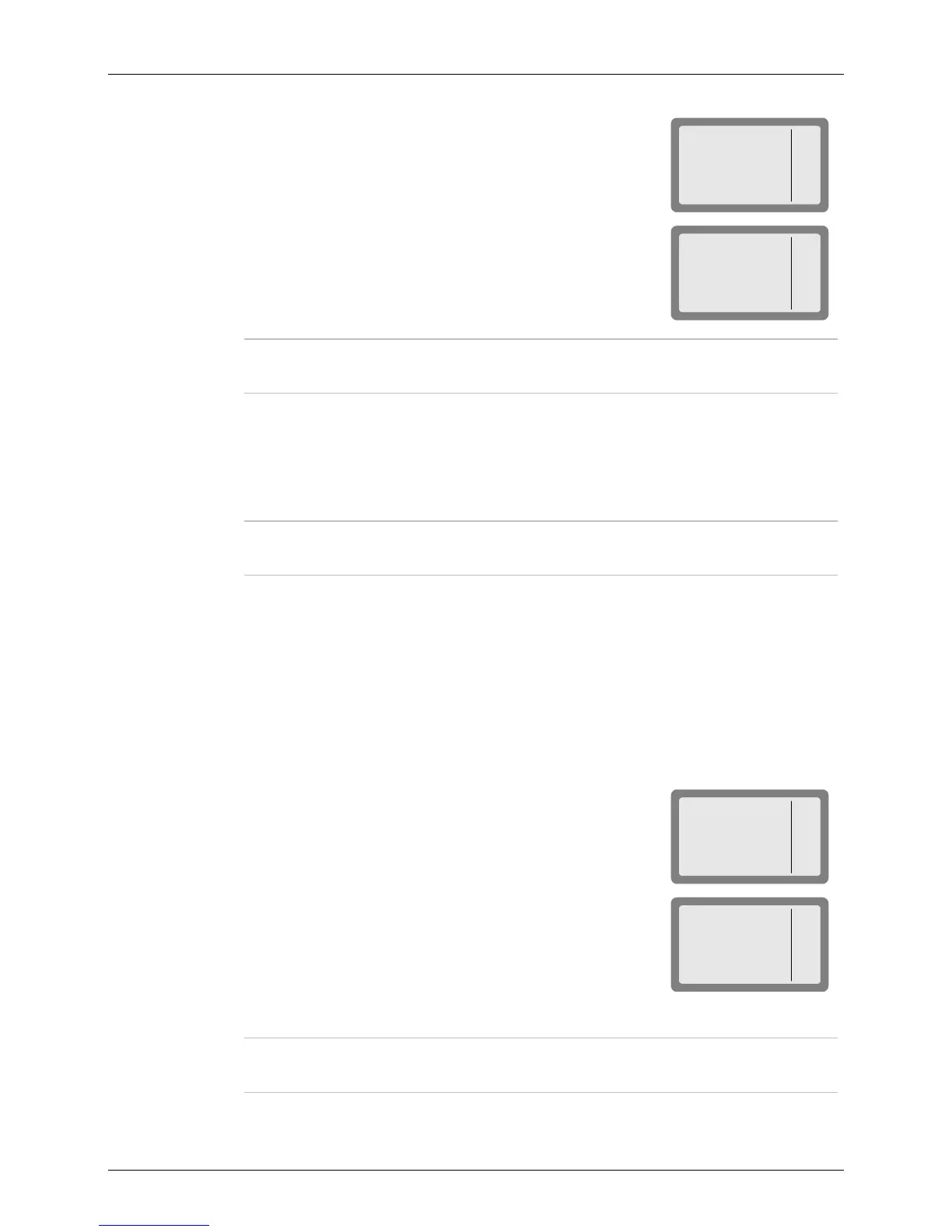
4. Press MULT (F1).
MICOM-3
SEND
PAGE
CHAN
BIDR
NET 1
I
5. Press NET (F1).
MICOM-3
NET
BIDR
Note
You cannot change the net number at this stage – the bidirectional handshake is
always performed on the currently selected net. To change the net, see page 53.
6. Press PAGE (F2) if you want to attach a message to the handshake.
7. Press CHAN (F3) if you want to initiate the handshake on a specific channel.
8. Press SEND (F1) or ENTER to initiate the handshake. During this process, you will see TO
alternating with the number of the channel on which the handshake is being sent.
Note
While the radio is initializing the handshake, you can press STOP (F1) or ESC to
abort the entire process.
Sounding
Sounding is used to test the quality of the channels and propagation paths of all channels in the net.
The sounding signal is normally repeated automatically, at regular intervals. A complete round of
sounding messages, or "sounding cycle" can be programmed to 30, 60, 90, or 120 minutes, or can be
set to OFF.
Sounding can also be initiated manually whenever necessary, even if automatic sounding is enabled.
➤ To manually initiate sounding:
1. Press LQA (F2) to enter the LQA menu.
MICOM-3
BIDR
SOND
LQA
2. Press SOND (F2).
MICOM-3
ON
OFF
SOND
SOUND OFF
3. Press ON (F1) to start manual sounding, or OFF (F2) to stop an ongoing sounding process.
Notes
• The radio automatically returns to ALE mode when sounding is stopped.
• When the radio transmits a sounding signal, the Tx bar is visible.



 To Next Page