MICOM-3F/3T/3R HF-SSB Owner’s Guide
32
Locking the Radio
You can use the Lock mode to prevent unauthorized persons from accessing the programming and
frequency modes.
To enter the Lock mode, you need to provide a password. The password consists of six digits.
The default factory-defined password is 123456. See Changing the Password on page 33 for details
on selecting a new password.
➤ To lock the radio:
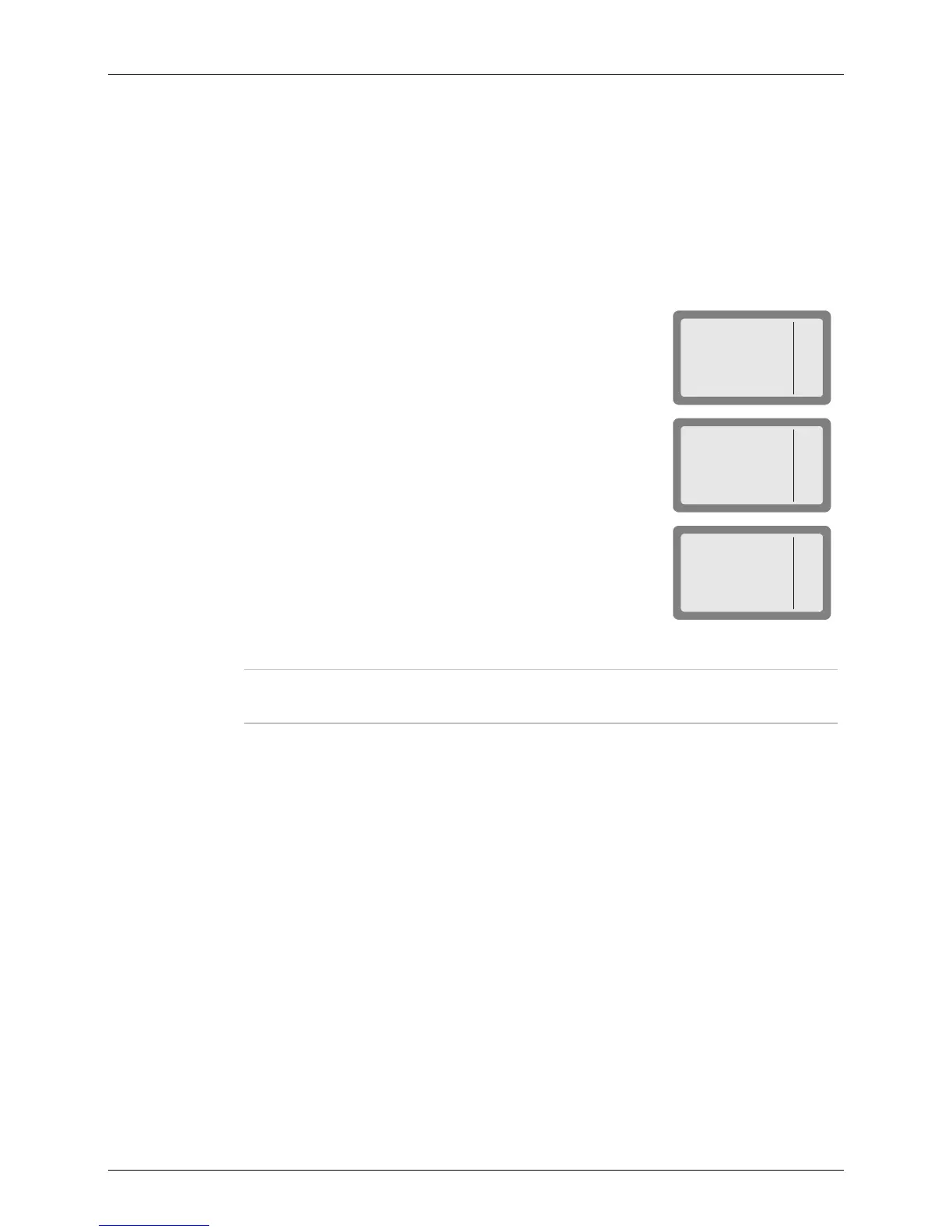
1. Press MENU to display the Menu screen.
MICOM-3
CHAN
FREQ
ALE
BIT
MENU
I
2. Press MORE to scroll to the second Menu screen.
MICOM-3
LOCK
PROG
PSW
DIM
MENU
I
3. Press LOCK (F1).
MICOM-3
LOCK
PSW:_
4. Enter the password to lock the radio.
Note
If you enter the wrong password, you will see WRONG PSW!. Enter the password
again.
5. Press O.K. (F1) or ENTER to confirm.
➤ To unlock the radio:
Use the same procedure as when entering the Lock mode.



 To Next Page