Basic Operating Instructions
21
MICOM-3
BAND
SQ
DSP
CH 6
F
16,000.00
I
USB
VP
PVT#
CLR
VP-116 only
VCD
PVT#
DGTL
CLR
Vocoder only
TXM
For duplex
and TX only
channels
BAND
DSP PWR
LOW
MED
HIGH
MAX
CLAR
ON
OFF
SQ
ON
OFF
MODE AGC
SLOW
FAST
OFF
More
BW
2.1
2.7
3.0
3.3
LSM
CW
RCLV
More
CALL
SEND
PAGE
More
ALL
NET
GRP
ANY
WILD
SELF
LSB
USB
SSB
AME
PLT
ON
OFF
ON
OFF
-200
OFF
+200
.
.
.
.
.
.
.
.
.
.
.
.
.
.
.
.
CLIP
NB
ATTN
.
.
.
.
NF
Only for ALE Enabled
Note 1
MON
ON
OFF
SEND
CHAN
SEND
PAGE
CHAN
SEL
SEND
PAGE
CHAN
SEL
SEND
PAGE
CHAN
SEL
SEND
PAGE
CHAN
SEND
PAGE
GLOB
SEL
More
MULT
GPS
Note 2
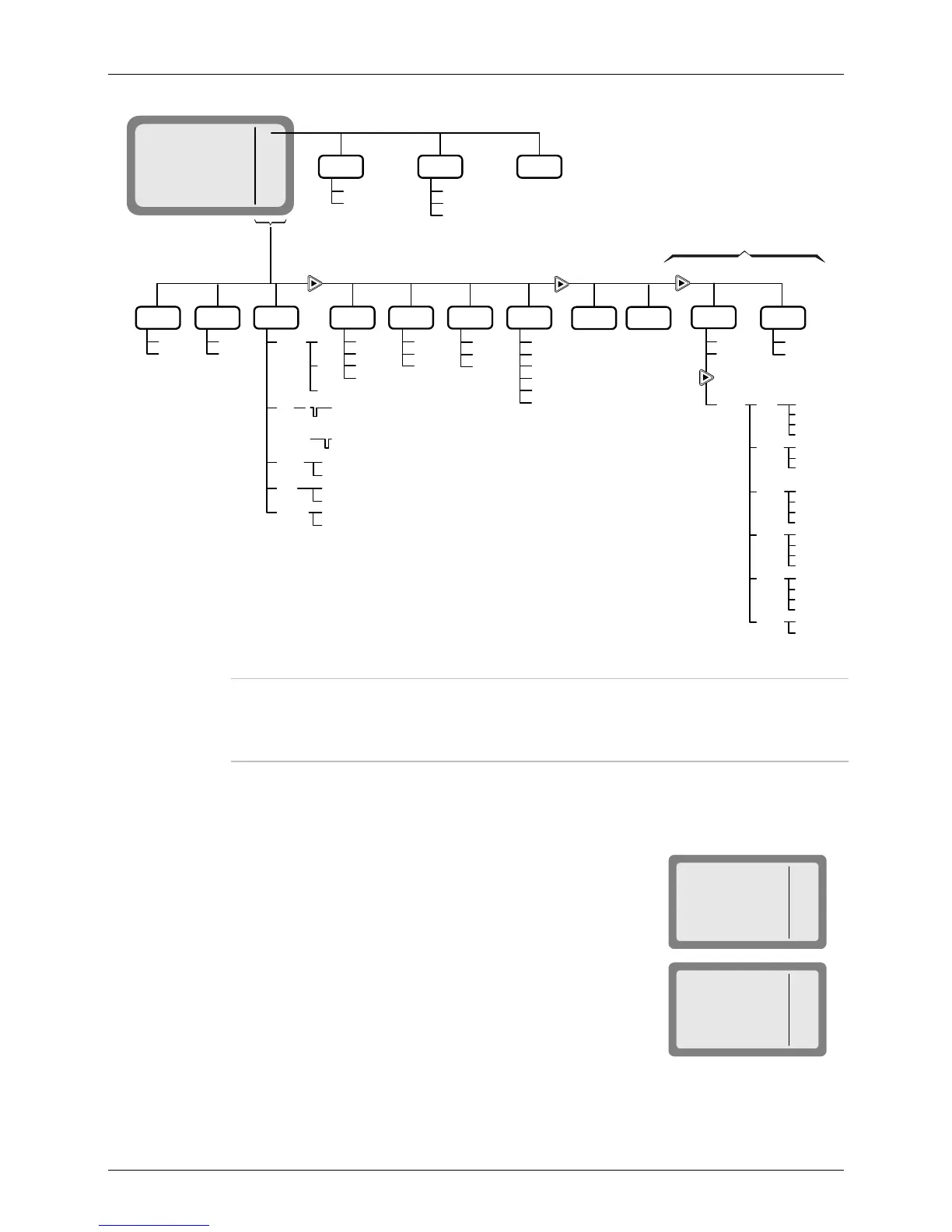
Figure 2. Channel (CH) Menu
Notes
The RCLV item appears only if the received signal level display is not
permanently enabled using MENU>PROG>RAD>PRMT>RCLV.
The GPS item appears only if your radio includes the GPS option.
Choosing a New Channel
➤ To choose a channel:
1. If you are not in the Channel mode, press MENU to display
the menu screen, and press CHAN (F1).
MICOM-3
CHAN
FREQ
ALE
BIT
MENU
I
The last used channel number is displayed, blinking.
MICOM-3
CH 1



 To Next Page