Appendix A micomTrooper 3 5-50 Watt HF-SSB Backpack Transceiver
141
Preparing micomTrooper 3 for Static Operation
For static operation, the micomTrooper 3 is normally used with a dipole or long-wire antenna. This
antenna must be directly connected to the transceiver RF connector. Therefore, first it is necessary to
disconnect the connection between the transceiver and ATU, using the instructions presented below.
Coaxial Feed
to Dipole or
Long Wire Antenna
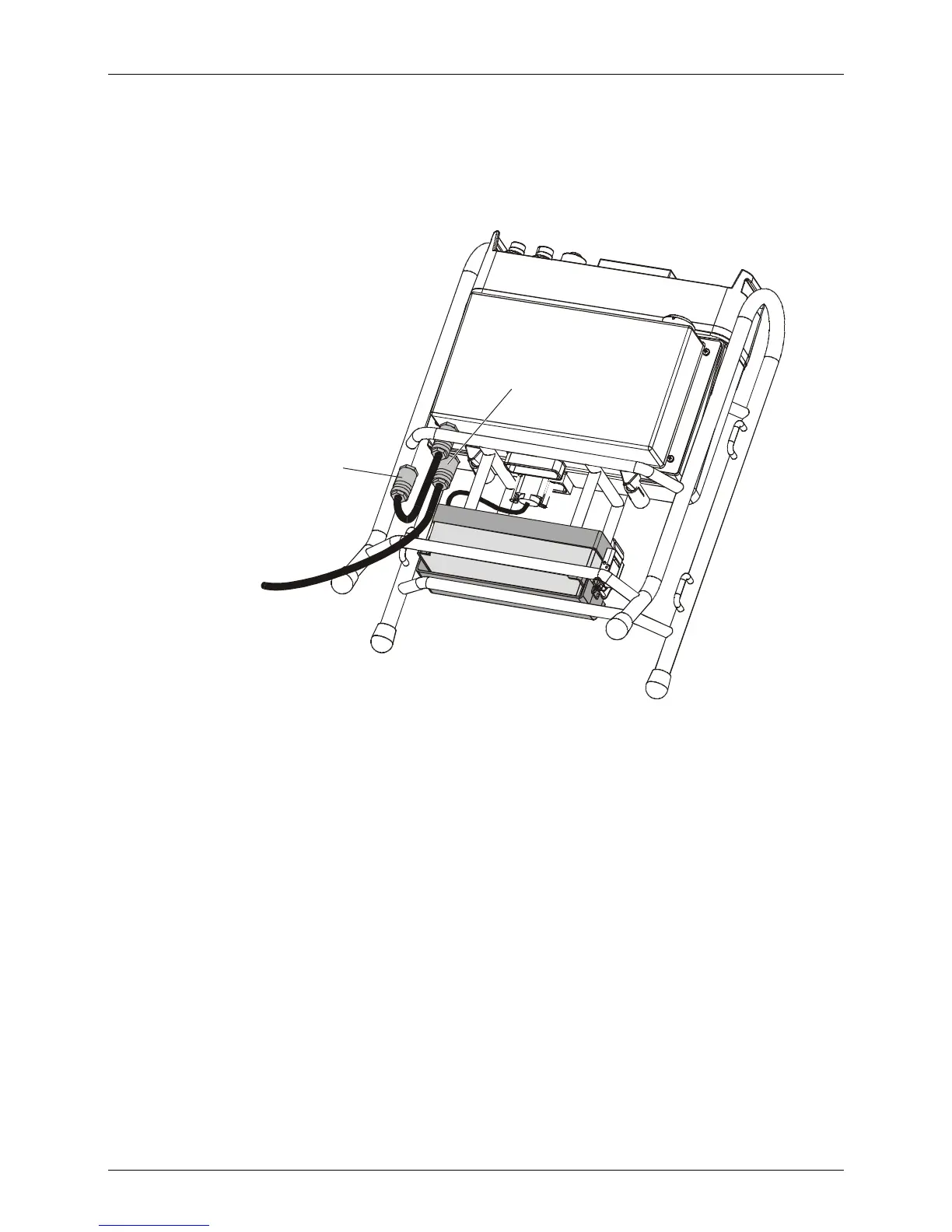
2. Connect Coaxial
Feed Connector
1. Disconnect Cable
from ATU
Figure 27. Connecting the Dipole or Long-Wire Antenna
➤ To connect a dipole or long-wire antenna:
1. Turn the transceiver off.
2. Open the harness envelope, to reach the coaxial cable interconnecting the RF connectors
of the transceiver and the ATU.
3. Disconnect the cable from the transceiver RF connector.
4. Connect the coaxial feed of the antenna directly to the transceiver RF connector.
5. You may now remove the whip antenna (see page 140).
6. Close the harness envelope. You may now operate the transceiver with the dipole or long-
wire antenna.
7. Select TUNER=NO on MENU>MORE>PROG>RADIO>OPTS>ACC screen.
➤ To return the transceiver to regular operation (with whip antenna):
1. Reconnect the ATU to the transceiver and reinstall the whip antenna by reversing the
procedure given above.
2. Select TUNER=YES on MENU>MORE>PROG>RADIO>OPTS>ACC screen.



 To Next Page