25
This procedure is used to verify and fine-tune the
flowmeter calibration. Every flowmeter is calibrated with
water at the factory and stamped with a calibration val ue.
Enter that value as a starting point and use this pro ce-
dure to fine-tune that value for your specific in stal la tion
and spray ing application (please refer to En ter ing Flow me-
ter Calibration Value, page 21). This procedure should be
re peat ed each time a new solution is being applied (dif fer ing
solutions will have a different spe cif ic gravities and dif fer ent
flow char ac ter is tics) or when the flowmeter in stal la tion has
been altered.
NOTE: Make sure the sprayer’s flow return adjusting valves
are set properly. See your sprayer’s operating manual for
details, or see Appendix C for basic instructions.
PROCEDURE
1. Put enough water in the sprayer tank to perform this test.
(Preferably 100 gallons or more. The larger the volume of
water used, the more accurate will be the calibration.)
2. Start sprayer pump and turn on booms. Run enough
water to purge all air from lines. Turn off booms but
leave pump running.
3. Turn console rotary selector to the TOTAL FLOW po si-
tion. Press and hold the RESET button until the dis play
reads 0 (about 3 seconds).
4. Turn on all booms, place the Run/Hold switch in RUN,
and run a known amount* of water (preferably 100
gallons or more).
5. Place the Run/Hold switch in HOLD to turn off booms.
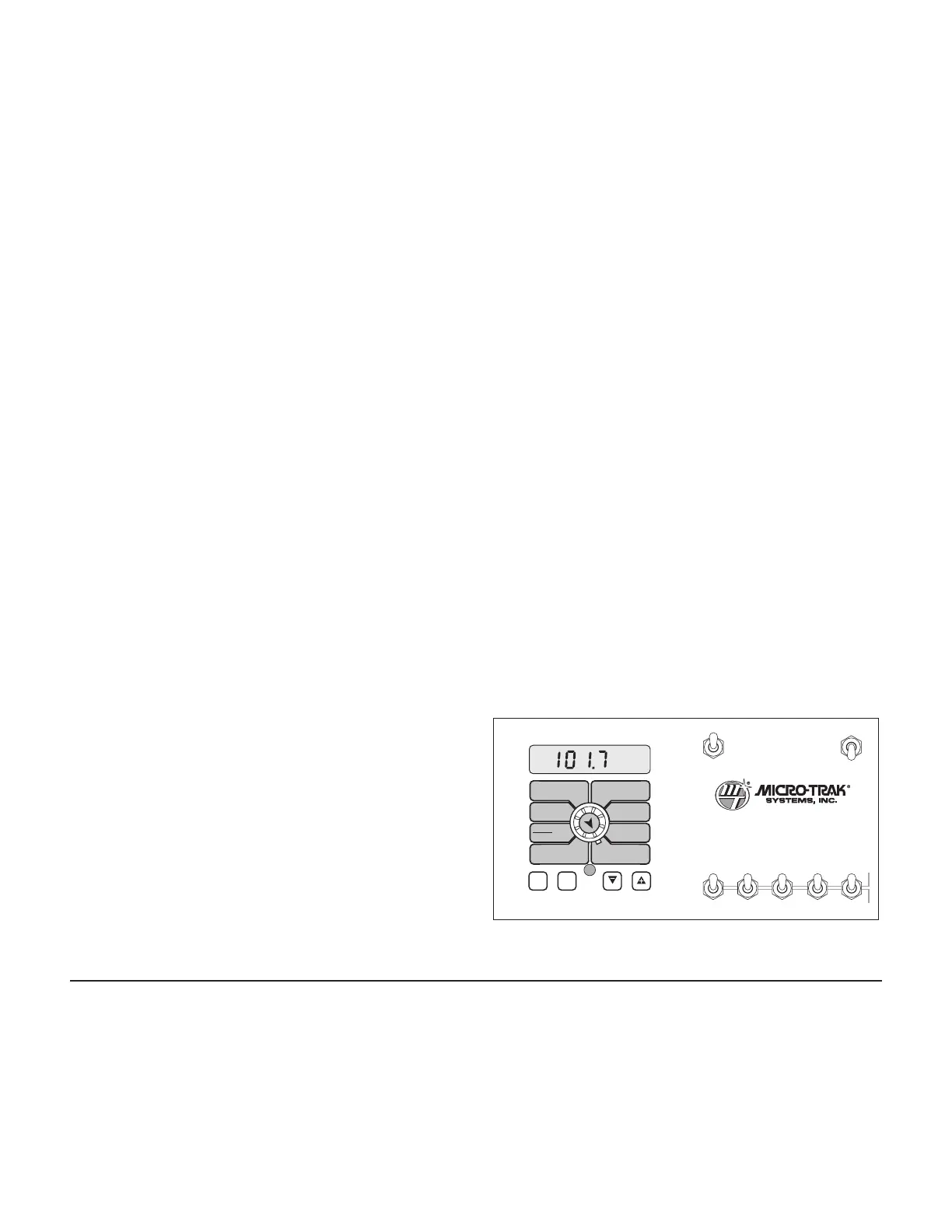
Compare the console’s TOTAL FLOW reading with the
known amount of water run. See Illustration 22. If the
two amounts are within one or two per cent, no fine
tuning is required and you may exit cal i bra tion. If the
two amounts are more than two or three percent dif fer-
ent, con tin ue with the next step.
6. With the console still in the TOTAL FLOW position, enter
calibration (console in HOLD, hold CAL until red light
comes on; about three seconds). The dis play will al ter-
nate (at about three second intervals) between the flow-
me ter calibration value and the TOTAL FLOW value. (To
tell which is which, watch for the word “CAL” on display.
It will be present with the flowmeter cal i bra tion value
but not with the TOTAL FLOW value.)
7. When the TOTAL FLOW value is displayed, use the “+”
or “-” button to adjust the value to match the amount
of water run.
NOTE: Once a value has been selected for ad just-
ment, the display will stop alternating between
the two values. This allows you to “fine tune” the
value se lect ed. After 64 seconds of neither “+”
nor “-” being pressed, alternations will resume.
Turning the rotary selector away from, then back
to the desired position will also cause alternations
to resume.
8. Once the display again begins alternating, you will
notice that the flowmeter calibration value has changed.
If the TOTAL FLOW value is correct, write down the new
flowmeter calibration value. This is your “fine tuned”
calibration value, keep it for future reference.
9. Exit calibration by holding “CAL” until the console’s red
light goes out (about three seconds).
* The most accurate method to measure the volume of water
run is to place a container under EVERY nozzle and add
together the amount from each nozzle. This assures that
100 percent of the water is collected and that all nozzles are
spraying equally. It is important to perform this pro ce dure
at a flow rate similar to that which will be used in the field. It
is also possible to disconnect the main boom line and run it
to a large measuring container but a valve must be installed
and properly adjusted to simulate actual field conditions.
Calibration (cont)
Fine-Tuning Flowmeter Calibration
Illustration 22
WIDTHBOOM
SELECT
TEST
SPEED
ADJUST
RATE
TARGET
RATE
CIRC
MIN
FLOW
FLOW
CAL
SPEED
DISTANCE
FLOW
RATE
TOTAL AREA
APP. RATE TOTAL FLOW
SUB AREA
ON
OFF
ON
OFF
12345
B O O M S
RUN
HOLD
AREA
HOUR
CAL
AUTO
MAN
RESET
MT-3405
™
F
AUTOMATIC RATE CONTROLLER
MANAUTO
CALHOLD
V 1 2 3 4 5
Test Speed
Test speed is a built-in ground speed simulator that is used
in performing pre-field checks. When a typical operating
speed is entered, the MT-3405 FTW will respond as if you
were actually driving that speed. It allows you to simulate
your spraying application with plain water, while remaining
stationary, to make certain that all of the equipment is
operating properly and that your sprayer can actually perform
the intended application.
Test speed is cancelled by exiting CAL. Test speed will not
accumulate Distance or Area measurements. Please refer to
Pre-Field System Checkout starting on page 26.



 To Next Page