© Microhard Systems Inc. CONFIDENTIAL 153
IP9xx Series
6.0 Configuration
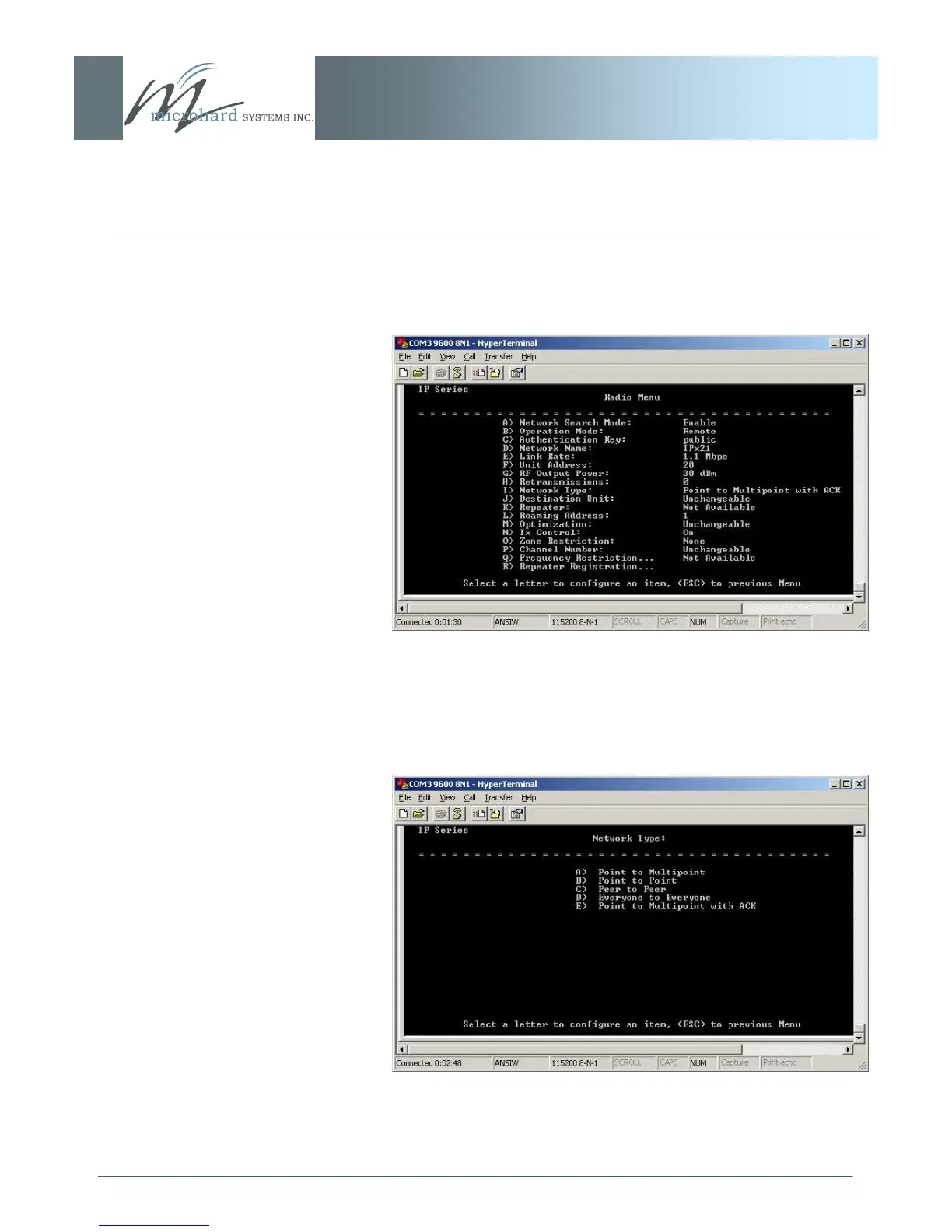
Select ‗C‘ on the Main Menu to be directed to the Radio Menu
(see below):
Image 6AY: Text User Interface, Radio (Configuration) Menu
Select ‗I‘ to change the Network Type. The following will
appear:
Image 6AZ: Text User Interface, Radio Menu, Network Type



 To Next Page