© Microhard Systems Inc. CONFIDENTIAL 154
IP9xx Series
6.0 Configuration
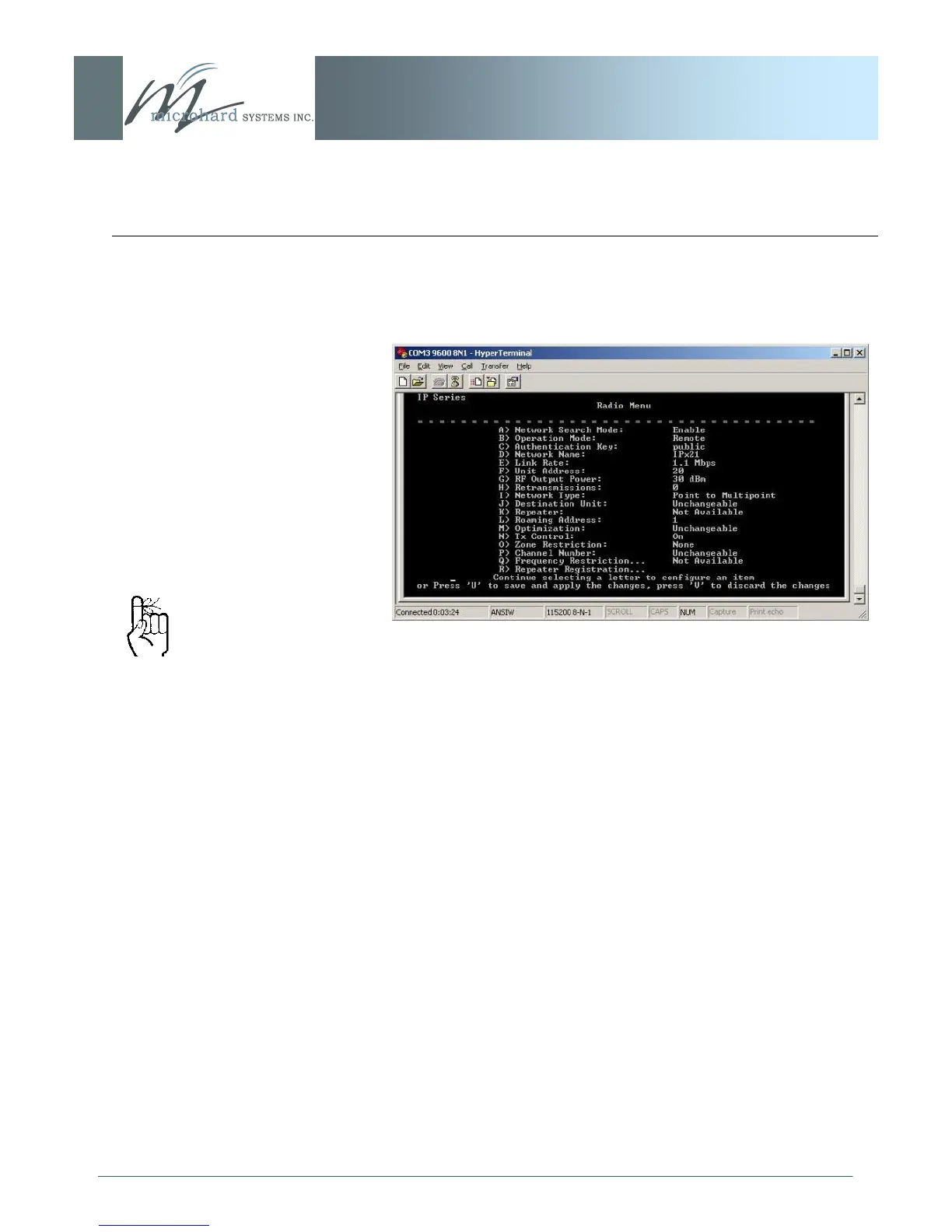
Having selected ‗A‘ - Point-to-Multipoint - the Radio Menu
appears showing the newly-selected Network Type:
Image 6BA: Text User Interface, Radio Menu, Save Option
Press ‗U‘ to save and apply the changes, or press ‗V‘ to discard
them.
As can be seen in the preceding screen captures, the [Esc] key is
used to ‗back up‘ to the previous menu.
When at the Main Menu, the ‗Q‘ may be used to Quit the Text UI:
the IP Series will display the login prompt.
Be certain to SAVE any
de s ir e d conf ig u r ati o n
changes.
This action is the same as
activating the SUBMIT soft
button when using the Web
UI.



 To Next Page