USER INSTRUCTION MANUAL
Page 26 of 49 ENGLISH
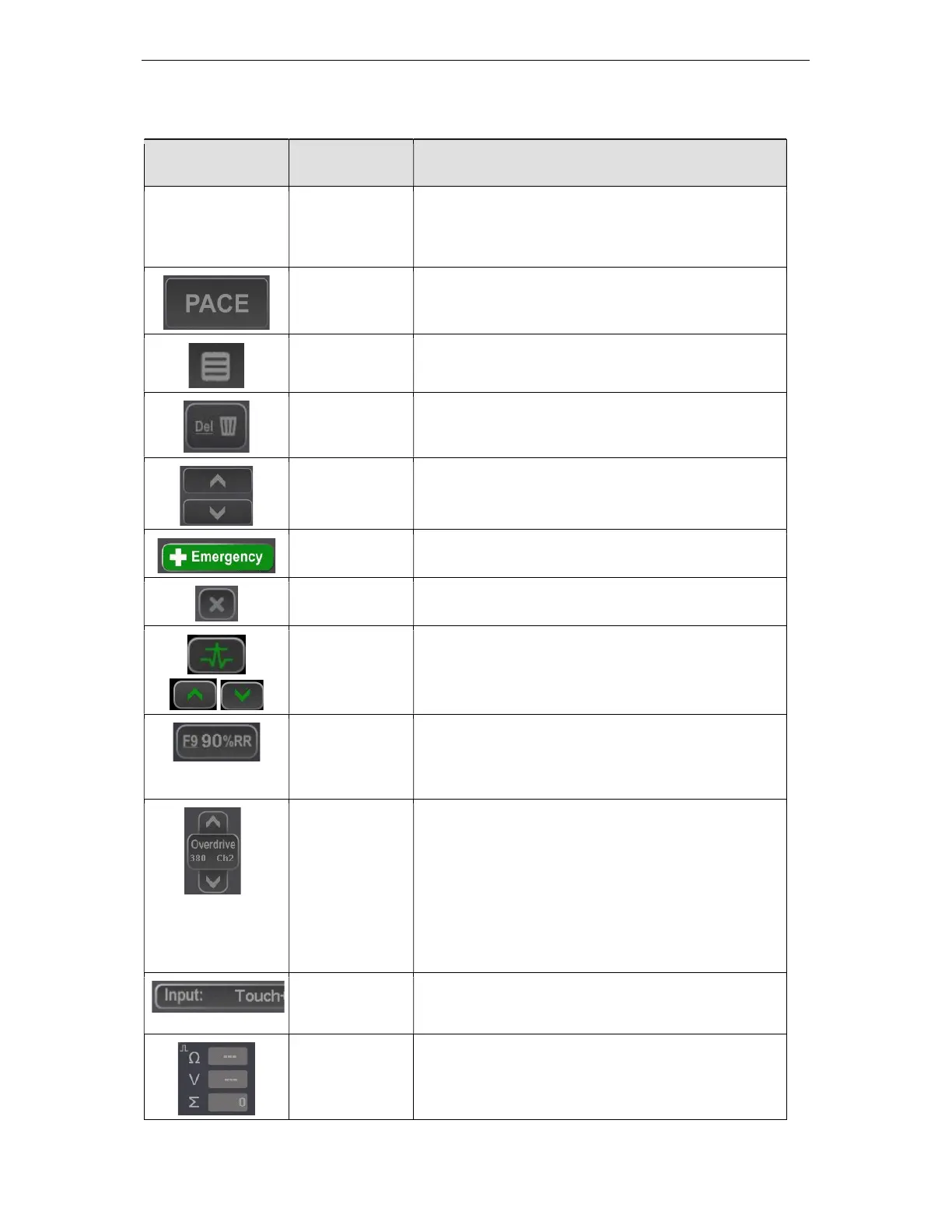
Touch buttons; their keyboard equivalents and their functions are described in the table below.
Touch Button /
Zone
Keyboard hot
key
Function
Any menu item Highlighted
underlined,
usually first
letter of name
Selects and makes active the menu item.
Spacebar Toggles Pacing On/Off, sustained touch – push to
pace.
INS / EDIT Enables Sx, edits focused parameters
DEL Disables Sx, modifies focused parameters
+ / - Small Increment / decrement, e.g. S1 by 10ms
F12- Emergency Starts emergency pacing into both channels.
Prolonged press of 0.35 sec required to activate.
Q / Esc Exits menu / application
Alt-Q Press the button showing the QRS signal and the QRS
Detect Window will appear.
The up & down arrows above and below the QRS
button will adjust the Min Threshold value +/-
90% (F9) Make S1 90% of average RR, or whatever value
programmed.
The Percent value now adjustable by Config Var 9 ‘F9
%RR Percentage’’
F11 One touch Overdrive Burst Pace. Prolonged press of
0.35 sec required to start pacing 1
st
time and again
whenever button left idle for 20 sec; button remains
green color when armed for immediate pacing.
“Ch2” indicates which channel will be paced and 380
indicates the set S1 interval.
Slide finger while pacing to the right towards ‘-‘ symbol
to reduce S1 interval while pacing, or to the left to
increase S1.
None Toggles control between Keyboard only, Touch only
and Both
None Measured Pacing Results
: Pacing Impedance in Ohms
V : Pacing Voltage in Volts
: Number of pacing stimuli generated



 To Next Page