CARDIAC STIMULATOR
ENGLISH Page 27 of 49
Touch Button /
Zone
Keyboard hot
key
Function
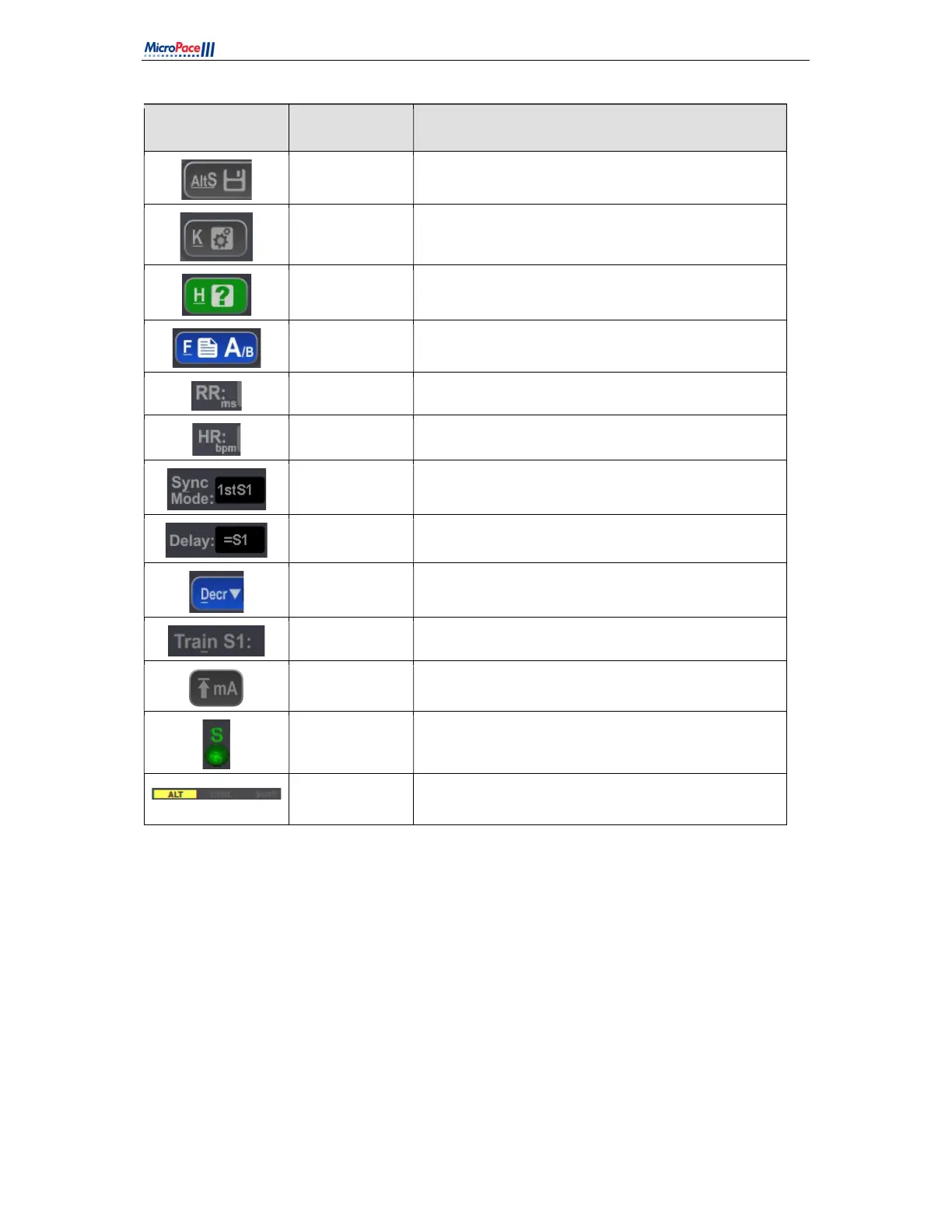
Alt-S/Alt-R Save / Restore settings
K Configure Stimulator
H Help
F Flip / change between Stimulator Page A and Page B
None R-R Interval in ms
None Heart Rate in beats per minute
Y Synchronize pacing to ECG
None Delay from Sync to S1
D Decrements S values
I Set number of pacing stimuli in one Train
Ctrl-Ins/
Ctrl-Del
Maximum Current
None
Stimulation delivered
Alt / Ctrl / Shift
Key pressed
Table 6 Touch buttons, touch zones and their functions
11.1.1 Numeric Keypad
The custom designed Micropace Compact Numeric Keypad Kit (MP3393) with a specially modified
key layout and can be connected to the system to replace the Standard Keyboard and reduce desktop
clutter. It should only be used with systems having a touch screen and Software version 3.21 or
higher. Follow all Instructions for Use provided with the Compact Numeric Keypad when installing and
using it.
Caution: standard numeric keypads must not be used with the EPS320 Family of Stimulators
as they will not function as expected.



 To Next Page