CARDIAC STIMULATOR
ENGLISH Page 29 of 49
1
1
2
2
USING THE STIMULATOR SOFTWARE
12.1 Help Function
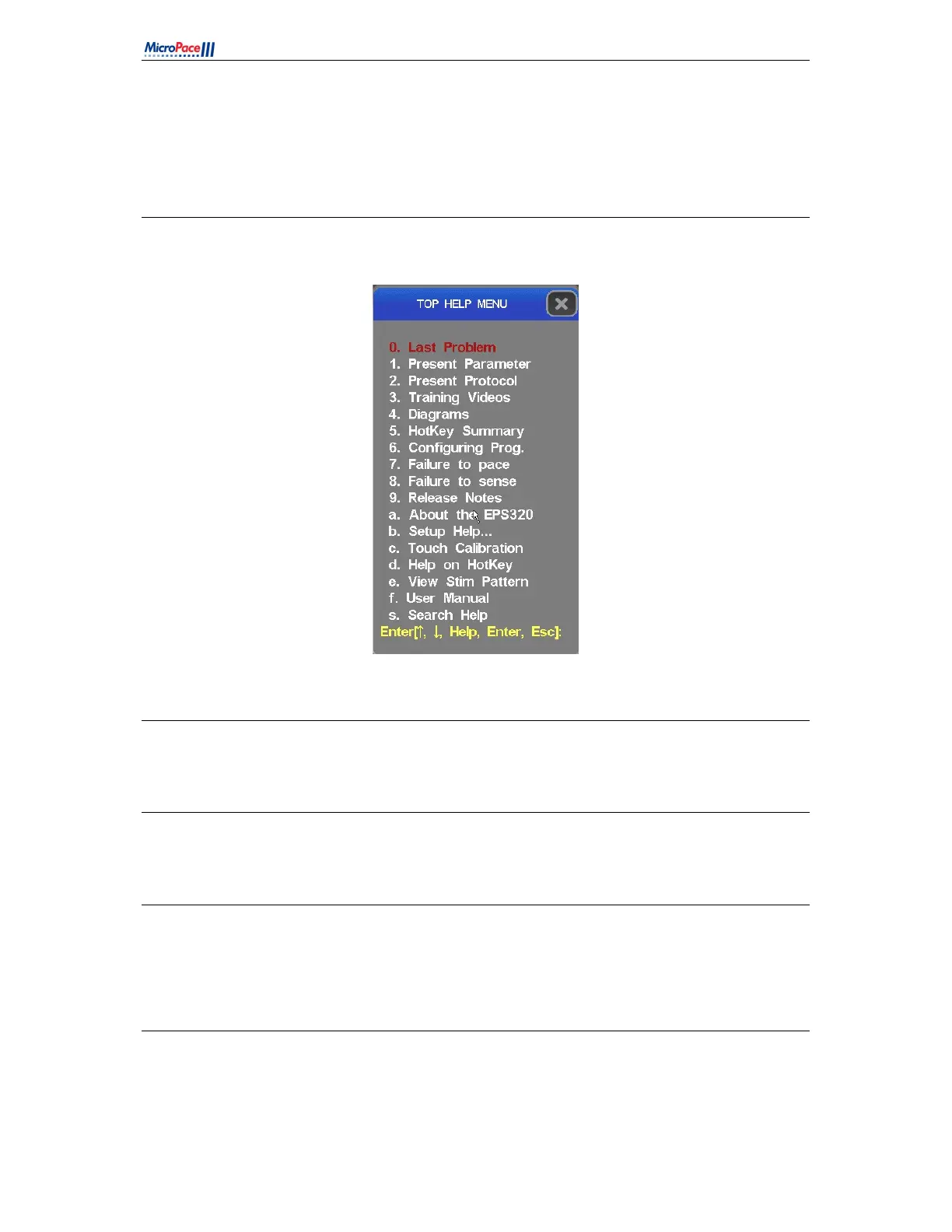
Help is available for every parameter and every protocol when focused by pressing the 'H' hotkey
Figure 11 Help menu
12.2 Training Videos
Training videos are available from help menu item “3. Training Videos”. Use touch to select topics.
12.3 Help Search
The help system has a search facility accessed from menu item “s. Search Help”.
12.4 The Main Stimulator Screen
The main screen will appear with the PACE protocol selected as shown in Figure 12. The red focus
highlight will be on the S1 parameter allowing the Operator to adjust the basic pacing interval with the
numeric keys or +/- keys. The focus is moved around the screen with arrow keys.
12.5 Pacing Parameters
To set the parameters in Figure 12, first press the hotkey indicated by the underlined letter in the
parameter's name to focus on it and then use the numeric keypad '+'/'-' keys to adjust the parameter or
enter a new value using the numerical keys.



 To Next Page